
Blog
No uses Elementor #wordpress
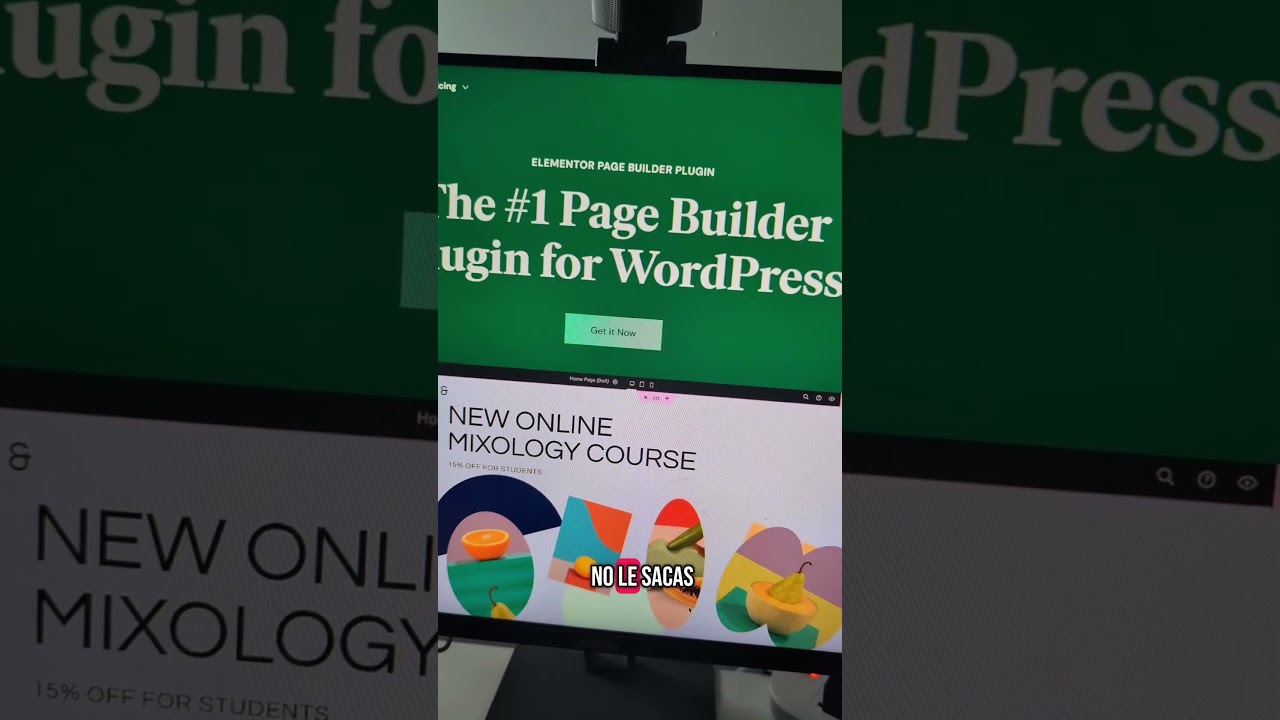
While Elementor has become a ubiquitous name in the WordPress ecosystem, powering millions of websites with its intuitive drag-and-drop interface, a growing contingent of developers and performance-focused site owners are actively choosing to avoid it. This isn’t a mere trend; it’s a strategic decision rooted in a desire for cleaner code, faster load times, and long-term website viability. Moving away from a visual builder represents a significant shift in how we approach WordPress design, prioritizing the health of the website over the convenience of the editor.
The decision to forgo such a popular tool is nuanced. It involves understanding the inherent trade-offs between immediate visual gratification and sustainable technical excellence. Let’s explore the compelling reasons why many are saying "no" to Elementor and what the superior alternatives are for building a robust, high-performing website.
The Performance Paradox: When Ease Comes at a Cost
The most frequently cited reason for avoiding page builders like Elementor is their impact on website performance. In an era where Google Core Web Vitals directly influence search rankings and user bounce rates, every millisecond counts.
Bloat and Overhead: Visual page builders operate by adding a significant layer of code between your vision and the browser. To achieve their drag-and-drop magic, they generate a complex structure of shortcodes, nested <div> elements, and often-inline CSS. This results in HTML output that is far more verbose and convoluted than what a developer would write by hand. This code bloat translates directly into larger file sizes and more work for the browser to parse and render the page.
Frontend and Backend Strain: The impact isn’t only felt by your visitors. The Elementor plugin itself is substantial, adding weight to your WordPress admin dashboard. This can lead to slower post-editing times, especially on shared hosting environments or older hardware. The constant loading of builder scripts and styles in the admin area can make the entire WordPress experience feel sluggish.
The Dependency Problem: Once you commit to Elementor, your site becomes deeply dependent on it. Every page and post built with the builder is stored in the database in its proprietary format. This creates a "vendor lock-in" scenario where deactivating the plugin doesn’t just disable the builder—it can break your site’s frontend, leaving visitors seeing a jumble of shortcodes instead of your beautiful design.
Clean Code, Superior Functionality: The Case for Native Solutions
The alternative to a visual builder is embracing WordPress’s inherent strengths. Modern WordPress development, particularly with the advent of the block editor (Gutenberg), offers a path to creating beautiful, functional sites without the baggage of third-party builders.
The Power of the WordPress Block Editor (Gutenberg): While early versions were limited, the native Block Editor has matured into a powerful and flexible tool. It provides a component-based building experience that is fundamentally cleaner than traditional page builders.
- Leaner Output: Blocks generate clean, semantic HTML. There’s no unnecessary wrapper divs or inline styles cluttering the code. This results in smaller, faster-loading pages.
- Core Integration: Being a native part of WordPress, the block editor is designed for performance and stability. It doesn’t add the same level of overhead because its functionality is baked into the core experience.
- The Future of WordPress: The entire ecosystem is shifting towards blocks. Themes, plugins, and core itself are being built with block-based functionality in mind. Investing in learning and using the block editor is an investment in the future-proofing of your website.
The Professional’s Choice: Custom Themes and Lightweight Frameworks
For developers and those seeking ultimate control and performance, building a custom theme—or using a minimalist starter theme—is the gold standard.
- Unmatched Performance: A well-coded custom theme loads only what is absolutely necessary. There is zero bloat, resulting in exceptional loading speeds and perfect scores on performance audits.
- Total Design Control: Every aspect of the site’s appearance and functionality is hand-crafted. This allows for truly unique designs that aren’t constrained by a builder’s pre-defined elements or settings panels.
- Security and Maintainability: With fewer third-party plugins and scripts, the attack surface of your website is reduced. Code is also easier to maintain and debug when it’s your own, rather than sifting through the complex output of a builder.
Breaking Free: How to Transition Away from Elementor
If you’re convinced that moving on from Elementor is the right choice, the transition requires careful planning. You have two primary paths, depending on your technical comfort level.
Path 1: Embracing the Block Editor (Recommended for Most)
This path involves converting your existing Elementor-built pages into native WordPress blocks.
- Audit Your Content: Identify which pages and posts are built with Elementor. Determine which are critical and need to be migrated first.
- Use a Conversion Tool: Plugins exist that can help automate the process of converting Elementor sections into blocks. While not always perfect, they can significantly reduce the manual workload.
- Manual Reconstruction: For complex designs, the most reliable method is to rebuild the page manually using the block editor. Open the Elementor version on one screen and rebuild it with blocks on another. This is a great opportunity to simplify and optimize the design as you go.
- Test Thoroughly: After migration, check every page on frontend and across different devices to ensure everything displays correctly.
Path 2: Hiring a Developer for a Custom Solution
For large, complex, or highly customized sites, hiring a professional WordPress developer is the most efficient and safe option. A developer can:
- Build a custom theme that replicates your design exactly.
- Programmatically extract content from the Elementor data format and place it into standard WordPress fields.
- Ensure the new site is optimized, secure, and maintainable for the long term.
What to Use Instead: A Toolkit for a Faster WordPress Site
Ditching Elementor doesn’t mean you’re left with no tools. The modern WordPress toolbox is rich with high-performance alternatives.
- For Site Building: Fully embrace the WordPress Block Editor. Enhance it with a curated selection of block collections like GenerateBlocks or Kadence Blocks, which add powerful functionality without the bloat of a full-page builder.
- For Themes: Choose a lightweight, block-enabled theme. Themes like Kadence, GeneratePress, or Blocksy are built from the ground up for performance and seamless integration with the block editor. They offer ample customization options through the native WordPress Customizer, not a bulky proprietary panel.
- For Specific Functionality: Use dedicated, best-in-class plugins for specific features. Need a form? Use Gravity Forms or WPForms. Need an SEO tool? Use Rank Math or Yoast SEO. This "best tool for the job" approach is far more efficient than relying on one monolithic builder that tries to do everything averagely.
Conclusion: Building for the Future, Not Just the Present
The choice to avoid Elementor is a conscious decision to prioritize the long-term health and performance of a website over short-term building convenience. While visual builders lowered the barrier to entry for many, they introduced significant compromises in speed, code quality, and flexibility.
The evolution of WordPress itself, particularly with the modern block editor, provides a viable and superior path forward. By leveraging native tools, lightweight themes, and a strategic approach to plugins, you can create websites that are not only visually impressive but also blisteringly fast, secure, and built to last. It’s a shift from building pages to building a system—one that will serve your content and your audience far better in the competitive landscape of the web.
