
Blog
Mastering Animated Landing Page (Step-by-Step Elementor 2025)
Understanding Animated Landing Pages
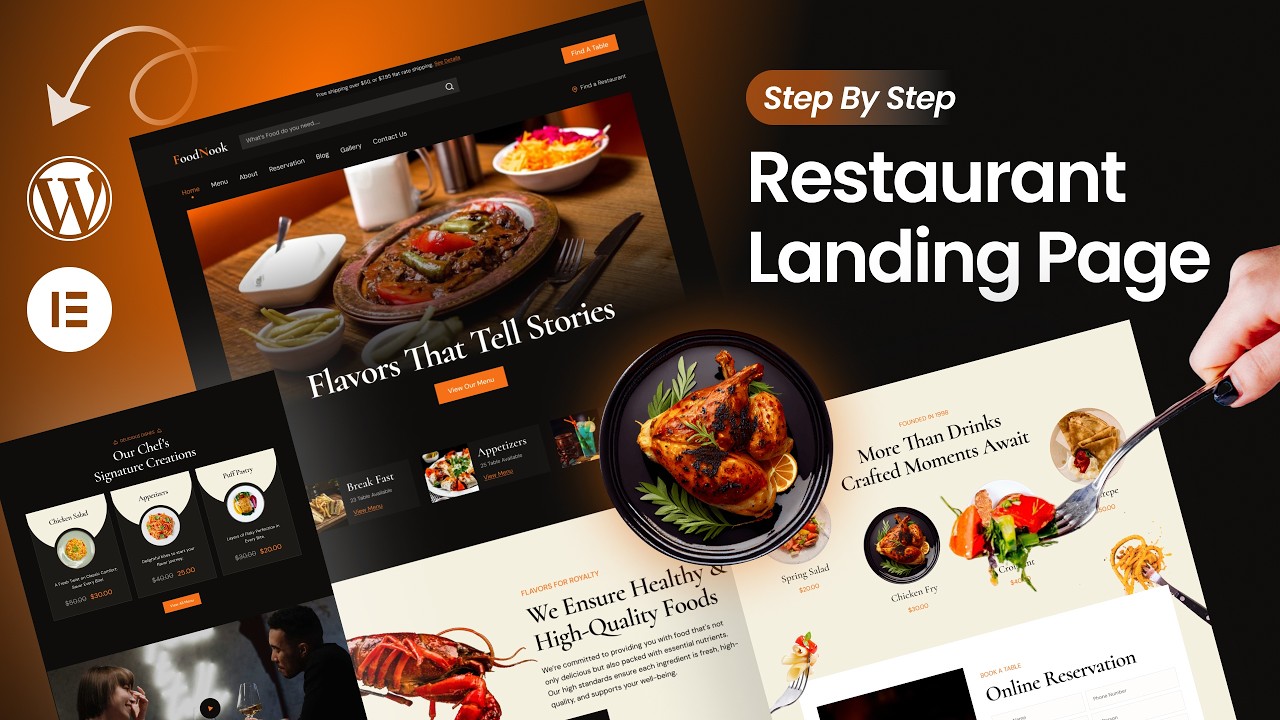
Animated landing pages are dynamic web elements designed to capture visitor attention and enhance user interaction. With the rise of visual content, these pages have become essential for storytelling and improving engagement. Elementor, a popular WordPress page builder, empowers users to create stunning animated landing pages with ease. This guide will take you through the step-by-step process of mastering animated landing pages using Elementor in 2025.
Why Use Animated Landing Pages?
Animated landing pages are not just about aesthetics; they serve a strategic purpose in modern web design. Here are some key benefits:
-
Increased Engagement: Animation draws attention, encouraging visitors to stay longer and interact more with the content.
-
Enhanced User Experience: Smooth transitions and animated visuals make navigation easier and more intuitive.
-
Improved Conversion Rates: Engaging elements can lead to higher conversion rates by guiding users toward desired actions, such as signing up for a newsletter or making a purchase.
- Storytelling: Animated elements allow you to convey messages more effectively, helping to create a narrative that resonates with your audience.
Getting Started with Elementor
Before diving into animation techniques, ensure you have Elementor installed and set up on your WordPress site. Follow these simple steps:
-
Install Elementor: Go to your WordPress dashboard, click on "Plugins," then "Add New.” Search for "Elementor," install, and activate it.
-
Choose Your Plan: While the free version provides robust features, consider upgrading to Elementor Pro for advanced functionalities, including enhanced animations.
- Create a New Page: Navigate to "Pages" and click "Add New.” Give your page a suitable title and click "Edit with Elementor."
Designing Your Landing Page Layout
Before adding animations, outline the layout of your landing page. Consistency in design is crucial. Follow these steps:
Step 1: Structure Your Content
-
Header Section: Create an eye-catching header that includes an engaging headline and a brief subheading.
-
Visual Elements: Add images or videos that represent your brand and message.
- Call-to-Action (CTA): Position a clear CTA button that encourages users to take action.
Step 2: Utilize Sections and Columns
Use Elementor’s section and column features to arrange your content effectively. Each section should have a distinct purpose, serving to guide the user through the page.
Incorporating Animation Effects
Now that you have your layout ready, it’s time to add animations to enhance user experience. Elementor offers various animation options that can make your landing page come to life.
Step 1: Animate Entrance Effects
-
Select a Widget: Click on the element you want to animate. This could be a heading, image, or button.
-
Advanced Tab: Navigate to the "Advanced" tab in the Elementor panel.
-
Motion Effects: Under the "Motion Effects" section, enable "Entrance Animation." Here you can choose various animations, such as Fade In, Zoom In, or Slide In, depending on the effect you want to achieve.
- Duration and Delay: Adjust the animation duration and delay to create a smoother entrance effect that matches the overall feel of your landing page.
Step 2: Implement Scroll-Triggered Animations
Scroll-triggered animations can further improve engagement. These animations activate as users scroll, keeping them interested.
-
Choose an Element: Click on the element that will have the scroll animation.
-
Apply Motion Effects: Again, go to the "Advanced" tab, find the "Motion Effects" section, and enable "Scrolling Effects."
- Select Effects: You can choose from various scrolling effects like Vertical Scroll, Horizontal Scroll, or Transparency, specifying how the element reacts as the user scrolls down the page.
Optimizing for Speed and Performance
While animations enhance the user experience, too many can slow down your landing page. Here are some optimization tips:
-
Limit Animation Use: Avoid overwhelming visitors with excessive animations. Focus on the most impactful elements.
-
Optimize Images: Compress images before uploading to reduce load times. Use appropriate formats like JPEG for photographs and PNG for graphics with transparency.
-
Leverage Caching Plugins: Implement caching plugins to improve performance and loading speed.
- Use a CDN: A Content Delivery Network (CDN) can facilitate faster loading times by delivering content from servers closer to the user.
A/B Testing Your Animated Landing Page
Once your landing page is live, it’s time to evaluate its effectiveness. A/B testing will provide insights into how different animations impact user behavior.
-
Create Variants: Build two versions of your landing page, each featuring different animations or design elements.
-
Monitor Metrics: Track key performance indicators such as bounce rates, click-through rates, and conversion rates.
- Analyze Results: Determine which version performs better and implement the winning elements in your primary design.
Final Touches
After fine-tuning your animated landing page, consider these additional aspects to ensure it’s comprehensive:
-
Mobile Responsiveness: Ensure your animations look great and function well on mobile devices. Use Elementor’s responsive editing tools to adjust settings for different screen sizes.
-
Accessibility: Keep accessibility in mind. Make sure that all users, including those with disabilities, can navigate your page easily. Use alt text for images and ensure animations do not distract or cause discomfort.
- SEO Optimization: Incorporate relevant keywords, meta descriptions, and alt tags for images to boost your landing page’s visibility on search engines.
Conclusion
Creating an animated landing page using Elementor in 2025 can significantly enhance your website’s engagement and conversion potential. By following the steps outlined in this guide, you can craft a visually appealing and user-friendly landing page that captivates your audience. Remember to employ thoughtful animations, optimize for speed, and test different variations to find the best approach. With careful planning and execution, your animated landing page can become a powerful tool for your online strategy.
