
Blog
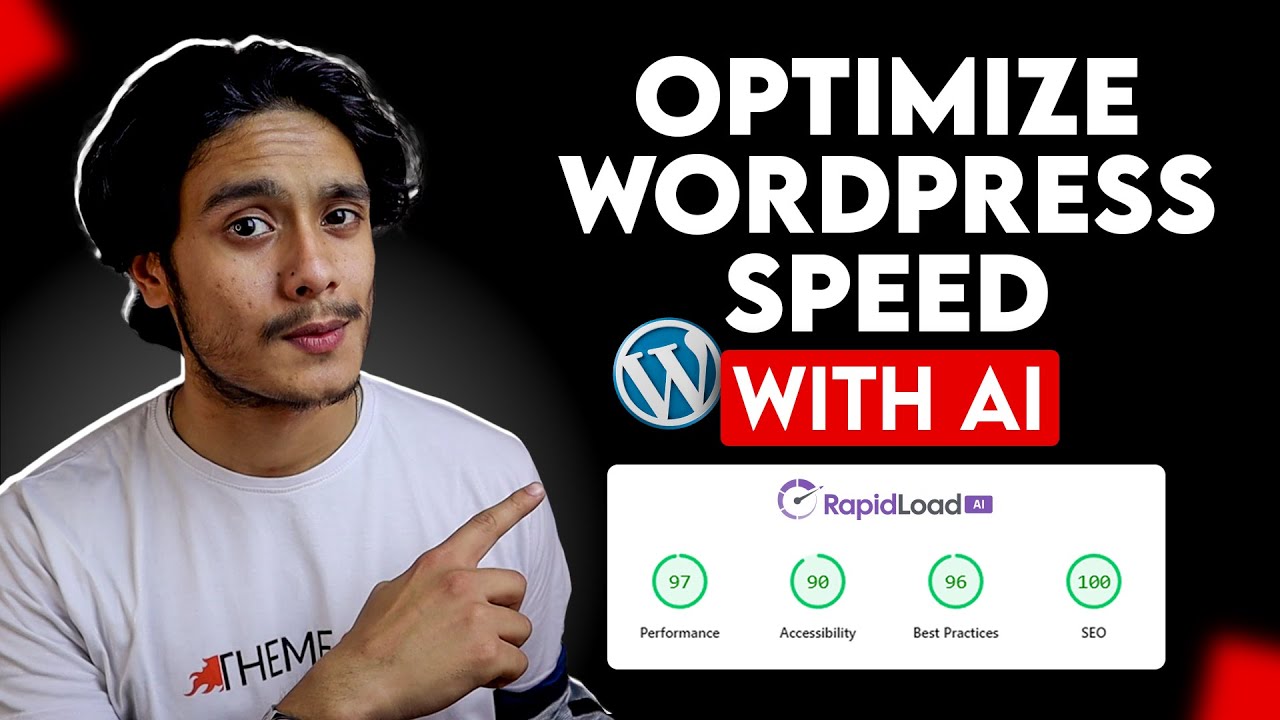
How to Speed up WordPress with AI! (Using RapidLoad Plugin)
Understanding the Need for Speed in WordPress
In today’s fast-paced digital world, having a fast-loading website is more crucial than ever. A slow site can drive away visitors, negatively impact your search engine rankings, and reduce overall user satisfaction. When it comes to WordPress, optimizing your site’s speed is essential. Fortunately, advancements in technology, particularly the use of Artificial Intelligence (AI), have introduced innovative solutions to this pressing issue.
Why Speed Matters
Site speed influences user experience, SEO rankings, and conversion rates. Studies show that even a one-second delay can lead to a significant drop in page views and customer satisfaction. When users encounter slow-loading sites, their propensity to bounce increases, making speed optimization a necessity for site owners.
The Role of AI in Website Optimization
AI is revolutionizing various sectors, and website optimization is no exception. By analyzing user behavior, AI algorithms can determine the fastest and most efficient ways to deliver content. This technology can automatically make adjustments and apply optimizations, leading to enhanced performance without the constant manual oversight previously required.
Introducing RapidLoad: A Game-Changer for WordPress Speed
One such tool that harnesses the power of AI for speed optimization in WordPress is the RapidLoad plugin. Designed to improve loading times vastly, RapidLoad intelligently analyzes your website’s performance and implements enhancements with little need for technical jargon or coding knowledge.
Key Features of RapidLoad
Intelligent Caching
One of the standout features of RapidLoad is its intelligent caching system. This mechanism allows frequently accessed data to be stored temporarily, enabling quicker retrieval for users. Instead of fetching data from the database with each request, RapidLoad can deliver cached data, significantly reducing load times.
Image Optimization
Images often take up a significant portion of a web page’s loading time. RapidLoad uses AI algorithms to optimize image size without sacrificing quality. By automatically compressing images on your site, the plugin ensures that users experience faster load times, leading to improved overall performance.
Lazy Loading
Lazy loading is a technique that delays the loading of non-essential resources until they are needed. RapidLoad employs this method to enhance user experience while ensuring that only the necessary content loads immediately. This reduces the initial load time, allowing users quicker access to critical parts of your website.
Minification of CSS, HTML, and JavaScript
RapidLoad simplifies the website’s code by minifying CSS, HTML, and JavaScript files. By removing unnecessary characters, spaces, and comments, it reduces file sizes, allowing for quicker downloads. This optimization encompasses the majority of the site’s files, contributing significantly to overall speed improvement.
Installing RapidLoad on Your WordPress Site
Now that you understand the benefits of the RapidLoad plugin, let’s walk through the process of installation.
Step 1: Access Your Dashboard
Begin by logging into your WordPress dashboard. Make sure you have admin privileges to install new plugins.
Step 2: Navigate to Plugins
In the left-hand menu, click on "Plugins," then choose "Add New." This will take you to the plugin marketplace.
Step 3: Search for RapidLoad
In the search bar, type "RapidLoad" and press enter. Locate the plugin in the search results.
Step 4: Install and Activate
Click on the "Install Now" button. Once the installation completes, the button will change to "Activate." Click that to enable RapidLoad on your site.
Configuring RapidLoad for Optimal Results
After activating the plugin, it’s essential to configure it according to your needs. Here’s how to ensure you maximize the benefits of RapidLoad:
Initial Setup
Upon activation, you will be directed to the RapidLoad settings page. Here, you can customize various options related to caching, image optimization, and other features. It’s recommended to explore these settings to suit your specific requirements.
Regular Monitoring
Monitoring your website’s performance after implementing RapidLoad is crucial. Utilize performance testing tools (many of which are available for free online) to track changes in load times. Keeping an eye on this data will help you understand how effective the optimization adjustments are.
Best Practices for Further Speed Improvements
While RapidLoad offers excellent tools for optimizing speed, additional measures can further enhance your site performance. Consider the following strategies:
Choose a Reliable Hosting Provider
Your web hosting environment significantly impacts site speed. Investing in a reputable hosting provider that offers excellent performance capabilities will create a solid foundation for your website speed optimization efforts.
Limit the Use of Plugins
While plugins are fantastic for adding functionality, too many can slow your site. Regularly review your installed plugins and deactivate or delete those that are unnecessary or unused.
Regularly Update Your Theme and Plugins
Keeping your themes and plugins updated ensures you benefit from the latest speed optimizations and security enhancements. Newer versions often come with performance improvements that can help your site run smoother.
Content Delivery Network (CDN)
Integrating a CDN into your site setup can dramatically improve load times for users located in various geographic locations. A CDN stores copies of your site across multiple servers worldwide, allowing users to access the nearest copy quickly.
The Future of Website Optimization with AI
As the demand for faster, more efficient web experiences grows, the role of AI in website optimization will only expand. Tools like RapidLoad are pioneering the charge toward a more automated and intelligent approach to web performance, allowing site owners to focus on content rather than technical hassles.
Conclusion
Speeding up your WordPress site is no longer just a luxury; it’s a necessity. The integration of AI technologies, such as the RapidLoad plugin, presents an invaluable opportunity to enhance your website’s performance effortlessly. By understanding the importance of speed and utilizing modern tools, you can ensure your website stands out in the increasingly competitive online marketplace. Start today by installing RapidLoad, and take a significant step toward achieving a faster, more efficient WordPress site.
