
Blog
How to Build a Complete End-to-End NLP Pipeline with Gensim: Topic Modeling, Word Embeddings, Semantic Search, and Advanced Text Analysis
Introduction to NLP with Gensim
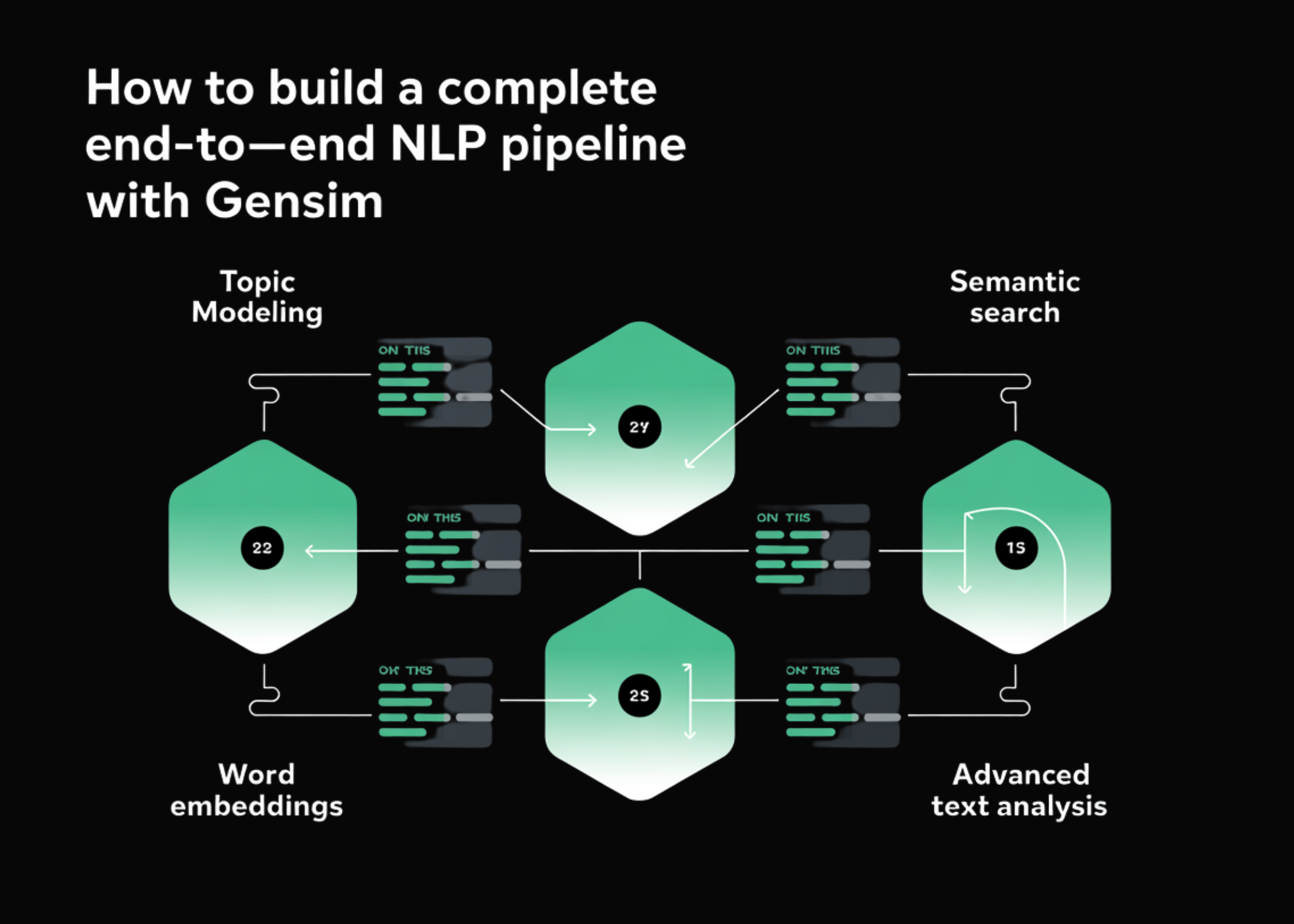
Natural Language Processing (NLP) is a powerful subset of artificial intelligence that enables machines to understand, interpret, and respond to human language. With the increasing need for text analysis and data understanding, building an end-to-end NLP pipeline is essential for data scientists and developers. In this guide, we will explore how to construct a comprehensive NLP pipeline using Gensim, focusing on topic modeling, word embeddings, semantic search, and advanced text analytics.
What is Gensim?
Gensim is an open-source Python library designed specifically for topic modeling and document similarity analysis. It simplifies the implementation of various NLP tasks, making it a go-to tool for developers and researchers in this field. Gensim allows users to work efficiently with large text corpora, thanks to its streaming nature and memory efficiency.
Setting Up Your Environment
Before diving into the implementation, ensure you have the necessary tools and libraries installed. You can set up your environment using the following steps:
- Install Python: Make sure you have Python installed on your machine. It’s recommended to use Python 3.6 or higher.
-
Install Gensim: You can easily install Gensim using pip:
bash
pip install gensim - Install Additional Libraries: Depending on your project, you might also need additional libraries such as NLTK, spaCy, or Scikit-learn for advanced processing and analysis.
Data Preparation
The foundation of a strong NLP pipeline is quality data. Follow these steps for effective data preparation:
Collecting Data
Gather a diverse set of documents relevant to your analysis. This could include articles, blogs, reviews, or any text that contributes to your project.
Text Preprocessing
Before feeding your data into the NLP pipeline, you need to preprocess it. This includes:
- Tokenization: Breaking down the text into individual tokens (words).
- Lowercasing: Converting all characters to lowercase for uniformity.
- Removing Stop Words: Eliminating common words that do not contribute to the meaning (e.g., "the," "and," "is").
- Stemming/Lemmatization: Reducing words to their base or root form.
Here’s a code snippet to illustrate this step:
python
import nltk
from nltk.corpus import stopwords
from nltk.tokenize import word_tokenize
nltk.download(‘punkt’)
nltk.download(‘stopwords’)
text = "Your sample text here."
tokens = word_tokenize(text.lower())
filtered_tokens = [word for word in tokens if word not in stopwords.words(‘english’)]
Topic Modeling with Gensim
Topic modeling helps in identifying the underlying themes present within a corpus. With Gensim, you can easily implement algorithms like Latent Dirichlet Allocation (LDA).
Creating a Dictionary and Corpus
Transform the filtered tokens into Gensim-compatible formats:
python
from gensim import corpora
dictionary = corpora.Dictionary([filtered_tokens])
corpus = [dictionary.doc2bow(text) for text in [filtered_tokens]]
Building the LDA Model
Now, you can create the LDA model:
python
from gensim.models import LdaModel
lda_model = LdaModel(corpus, num_topics=5, id2word=dictionary, passes=15)
for idx, topic in lda_model.print_topics(-1):
print(f"Topic {idx}: {topic}")
This will give you insights into the various topics within your documents.
Word Embeddings
Word embeddings are crucial for capturing the semantic meaning of words based on their context. Gensim supports Word2Vec and FastText for creating word embeddings efficiently.
Training Word2Vec Model
To create word embeddings, you can train a Word2Vec model:
python
from gensim.models import Word2Vec
word2vec_model = Word2Vec(sentences=[filtered_tokens], vector_size=100, window=5, min_count=1, workers=4)
word_vector = word2vec_model.wv[‘example’] # Example word
Using Pre-trained Word Embeddings
If you prefer to use pre-trained models, Gensim allows you to load various popular embeddings. Here’s how to load GloVe embeddings:
python
from gensim.models import KeyedVectors
glove_model = KeyedVectors.load_word2vec_format("glove.6B.100d.txt", binary=False)
embedding_vector = glove_model[‘word’]
Implementing Semantic Search
Semantic search leverages word embeddings to improve search results by understanding context and relationships between words.
Constructing the Search Function
To implement semantic search, create a function that computes the similarity between the query and document embeddings:
python
def semantic_search(query, model, top_n=5):
query_vector = model.wv[query]
similar_docs = model.wv.most_similar([query_vector], topn=top_n)
return similar_docs
Performing the Search
Use your semantic search function to retrieve relevant documents based on user queries:
python
results = semantic_search(‘example query’, word2vec_model)
for result in results:
print(result)
Advanced Text Analysis
With the core components in place, you can further enhance your NLP pipeline by incorporating additional analyses like sentiment analysis, entity recognition, and keyword extraction.
Sentiment Analysis
For sentiment analysis, several libraries such as TextBlob or VADER can be integrated to assess the sentiment of your text:
python
from textblob import TextBlob
text = "Your input text for sentiment analysis."
blob = TextBlob(text)
sentiment = blob.sentiment
print(sentiment)
Entity Recognition
Implement named entity recognition (NER) to extract important terms from your text. SpaCy is a convenient library for this purpose:
python
import spacy
nlp = spacy.load("en_core_websm")
doc = nlp("Your text for NER.")
for ent in doc.ents:
print(ent.text, ent.label)
Conclusion
Building an end-to-end NLP pipeline with Gensim offers a robust framework for text analysis, topic modeling, and semantic search. By understanding the various components—data preparation, topic modeling, word embeddings, and advanced analysis—you can create powerful applications that harness the full potential of language data. Whether you’re a data scientist, researcher, or developer, these techniques will enable you to derive meaningful insights from text, paving the way for more intelligent systems and applications in the future.
