
Blog
Flexbox vs CSS Grid: How Do They Compare?
Introduction
When it comes to layout design on the web, two powerful tools stand out: Flexbox and CSS Grid. Both offer unique advantages and can significantly enhance your development process. Understanding their differences and best use cases is crucial for creating responsive and dynamic web designs.
What is Flexbox?
Flexbox, or the Flexible Box Layout, is a CSS layout module designed to provide a more efficient way to arrange elements within a container. It excels at distributing space along a single axis, either horizontally or vertically. This tool simplifies the design process, especially when dealing with unevenly sized components or dynamic content.
Key Features of Flexbox
-
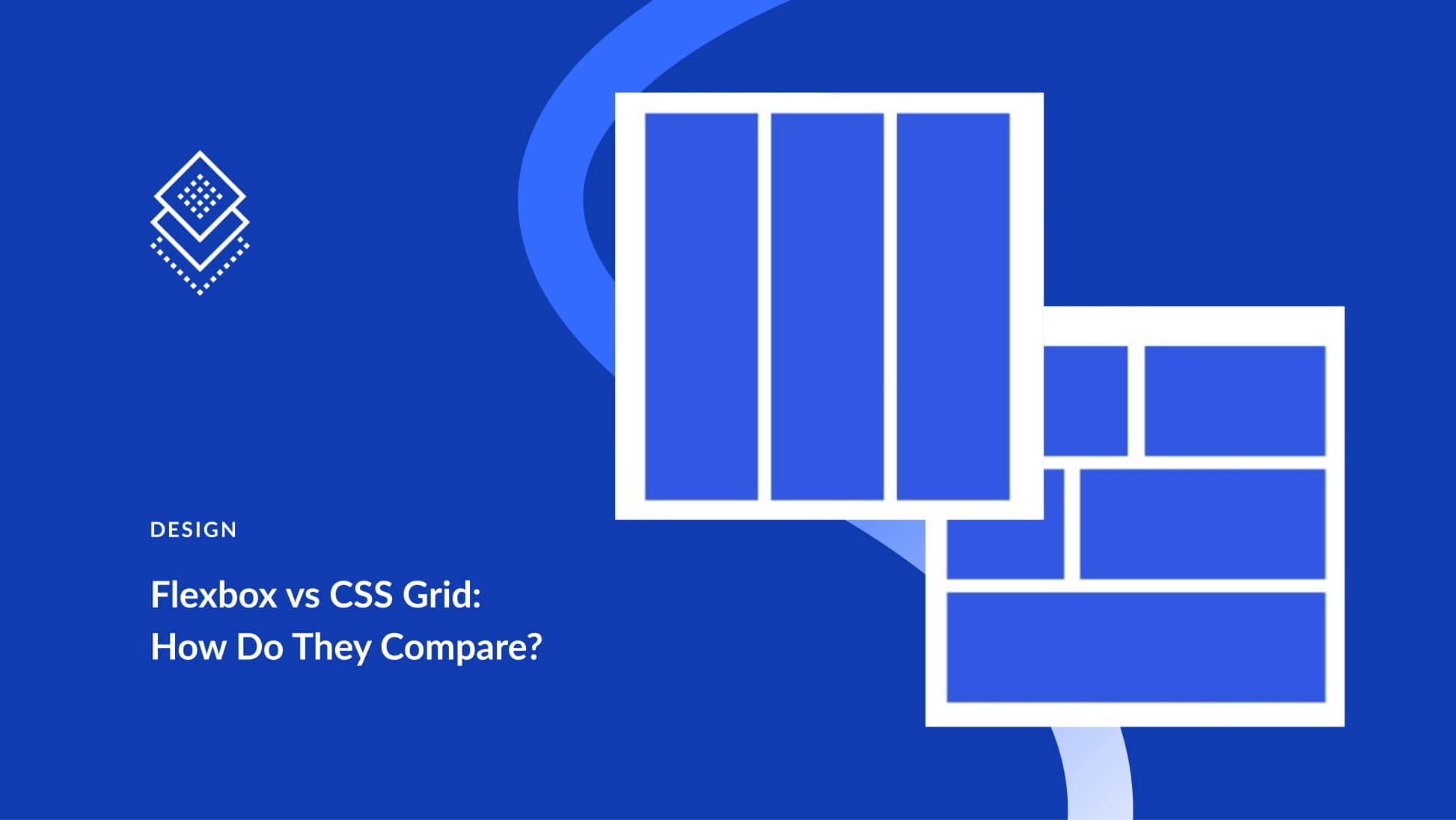
One-Dimensional Layout: Flexbox is primarily designed for one-dimensional layouts. It can handle either rows or columns but not both simultaneously.
-
Flexible Sizing: It allows items to grow or shrink to fill available space, making it perfect for responsive designs.
- Alignment Control: Flexbox offers advanced alignment capabilities, making it easy to center elements or distribute space evenly within a container.
What is CSS Grid?
CSS Grid Layout is another layout system in CSS, offering two-dimensional layout capabilities. It is ideal for creating complex web layouts that require both rows and columns. CSS Grid enables developers to define specific placements for items, making it easier to create structured designs.
Key Features of CSS Grid
-
Two-Dimensional Layouts: Unlike Flexbox, Grid can handle two-dimensional tasks, allowing developers to work with both rows and columns simultaneously.
-
Explicit Control: CSS Grid gives you the ability to specify where each grid item should be placed, making it highly customizable.
- Responsive Design: With media queries and flexible grid units, CSS Grid can easily adapt to different screen sizes.
Key Differences Between Flexbox and CSS Grid
While both Flexbox and CSS Grid are essential for modern web design, they serve different purposes. Understanding their key differences can help you choose the right tool for your project.
Layout Orientation
- Flexbox: Optimized for one-dimensional layouts. Best used when items need to be aligned along a single axis.
- CSS Grid: Optimal for two-dimensional layouts. It’s the go-to choice for designing complex layouts that utilize both rows and columns.
Complexity of Layouts
- Flexbox: Suitable for simpler designs or components like navigation bars or single rows of items.
- CSS Grid: Ideal for more complex designs, such as entire web pages or sections that require various content types arranged in a structured manner.
Alignment
- Flexbox: Offers a range of alignment options, such as justify-content and align-items, which are great for controlling the position of items along the flex axis.
- CSS Grid: Provides more granular control over alignment within grid cells. You can align items within a cell itself, which is beneficial for intricate layouts.
Use Cases for Flexbox
Responsive Navigation Bars
Flexbox is an excellent choice for creating responsive navigation menus. The one-dimensional layout makes it easy to ensure that items stack or space out evenly, adapting to different screen sizes without much hassle.
Card Layouts
For card-based designs where items are laid out either horizontally or vertically, Flexbox helps in evenly distributing space and ensuring that card heights are consistent.
Use Cases for CSS Grid
Complex Web Layouts
CSS Grid shines when you need to create complex layouts, like a photo gallery or a grid of articles. You can define the number of rows and columns, giving you precise control over your design.
Dashboard Interfaces
For applications with sections of information distributed across a page, CSS Grid allows designers to customize the layout effectively, making it easy to arrange content in a visually appealing manner.
Performance Considerations
Both Flexbox and CSS Grid are widely supported across modern browsers, but performance can vary based on the complexity of the layout.
Flexbox Performance
Flexbox is generally lightweight and performs well for simple layouts. However, as complexity increases, performance can be compromised, especially on older browsers.
CSS Grid Performance
While CSS Grid may appear to be more complex, it often performs better for intricate layouts. The ability to define both rows and columns can lead to fewer DOM elements being required for a layout, improving overall efficiency.
Accessibility
Both Flexbox and CSS Grid can be made accessible if proper markup and ARIA roles are utilized. Ensure that navigation and interactive elements are keyboard-friendly and that screen readers can interpret the layout effectively.
Best Practices
-
Know Your Layout Needs: Understand the requirements of your design before choosing between Flexbox and CSS Grid. If you only need a single row or column, Flexbox is likely sufficient. For more complex structures, CSS Grid is the better option.
-
Combine Both Techniques: Often, the best approach is to use both Flexbox and CSS Grid in tandem. For example, you might use CSS Grid for the overall page layout and Flexbox for aligning items within a specific section.
- Test Across Devices: Make sure to test your layouts across various devices and screen sizes. This will help you identify any issues with responsiveness and ensure a seamless user experience.
Conclusion
In the world of web design, Flexbox and CSS Grid each offer unique strengths that can greatly enhance your development process. Choosing the right layout system depends on your specific project needs and design goals. By understanding their distinct features and best use cases, you can create responsive, user-friendly designs that stand out in today’s digital landscape. Whether you opt for Flexbox, CSS Grid, or a combination of both, mastering these tools will elevate your web design skills and improve the overall user experience.
