
Blog
Como ver si tu sitio web WordPress ha sido hackeado
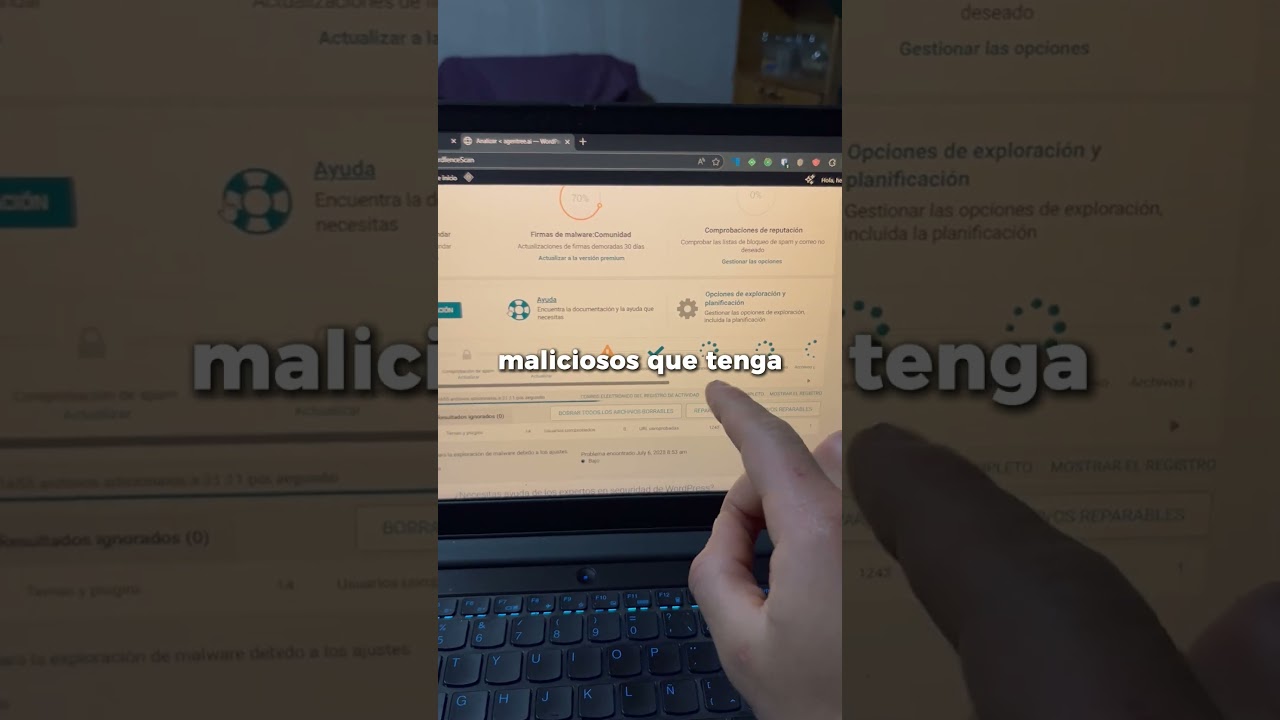
Understanding whether your WordPress site has been compromised is crucial for maintaining its security and integrity. Although WordPress is a popular platform for website development, its widespread use makes it a target for hackers. In this guide, we’ll explore key indicators of a hacked site, preventive measures you can take, and steps to recover if your site has been breached.
### Signs Your WordPress Site Has Been Hacked
#### 1. Unusual User Accounts
One of the first signs that your WordPress site might be hacked is the presence of unfamiliar user accounts. If you notice any accounts that you did not create or authorize, it’s a significant red flag. This often happens when hackers gain access to your admin area.
#### 2. Suspicious Activity in Your Dashboard
Take a close look at your WordPress dashboard. If you notice unusual activity, such as changes to posts or settings, or the presence of unfamiliar plugins, your site may have been compromised. Changes that you didn’t implement can indicate unauthorized access.
#### 3. Unexpected Changes to Content
If your website content has been altered without your input—such as modified posts, pages, or links—this could suggest a hack. Be wary of content that contains spammy links or inappropriate messages that seem out of place.
#### 4. Slow Performance or Downtime
A sudden slowdown in your site’s performance or frequent downtime can be symptomatic of a hack. Attacks like DDoS (Distributed Denial of Service) can overwhelm your server, causing your site to slow down or go offline entirely.
#### 5. Security Plugins Issue Alerts
If you’re utilizing security plugins, any alerts or notifications regarding potentially harmful activities should not be ignored. Many security plugins can identify unauthorized changes or suspicious files. Pay close attention to any warnings they may provide.
#### 6. Unexpected Redirects
If visitors to your site are being redirected to unfamiliar or malicious websites without your approval, it is a clear indicator that your site has likely been compromised. This can harm your SEO rankings and damage your site’s reputation.
#### 7. Blacklists and Malware Warnings
Check if your site appears on blacklists maintained by major search engines. You can use tools like Google Search Console or Malwarebytes to verify if your site has been flagged for containing malware.
### Preventing Security Breaches on Your WordPress Site
#### 1. Keep Everything Updated
Regularly updating WordPress, themes, and plugins is crucial for maintaining security. Many updates contain patches for vulnerabilities that could be exploited by hackers. Automate these updates when possible to ensure you’re always using the latest versions.
#### 2. Choose Strong Passwords
Using complex passwords is a fundamental yet effective security measure. Make it a practice to create unique passwords for your admin, database, and FTP accounts. Password managers can help generate and store these securely.
#### 3. Install Security Plugins
There are numerous security plugins available that can add an extra layer of protection to your WordPress site. Plugins like Wordfence and Sucuri can help in monitoring your site for security breaches and provide firewall protection.
#### 4. Regular Backups
Maintaining regular backups of your website can save you from losing data in case of a hack. Ensure you store backups in a secure location, away from your web server, to keep them safe from any potential attack.
#### 5. Limit Login Attempts
To prevent brute-force attacks, use plugins that limit the number of login attempts on your site. This can significantly decrease the likelihood of unauthorized access.
#### 6. Use SSL Certificates
Implementing SSL (Secure Sockets Layer) certificates encrypts the data exchanged between your website and its visitors. This not only enhances security but can also improve your site’s SEO ranking.
#### 7. Monitor User Activity
Regularly review user activity logs to spot any unauthorized changes or suspicious actions. Understanding who has access and what actions they are taking can provide insights into your site’s security status.
### Steps to Take if Your WordPress Site Has Been Hacked
#### 1. Assess the Damage
Once you suspect a breach, take immediate action. Begin by assessing the extent of the damage. Identify the changes made, user accounts added, and any additional anomalies.
#### 2. Change Passwords Immediately
As a first line of defense, change passwords for all accounts associated with your WordPress site. This includes admin, FTP, and database passwords. Ensure that you implement strong passwords as discussed earlier.
#### 3. Restore from Backup
If you have a recent backup available, consider restoring your website from a point before the hack occurred. This can be one of the quickest ways to regain control.
#### 4. Remove Invasive Code
Look for suspicious files or codes within your WordPress installation. Often, hackers insert malicious scripts to maintain access. Manually check the wp-content, themes, and plugins folders to identify and remove any unauthorized items.
#### 5. Reinstall WordPress
If the damage is extensive, reinstalling WordPress may be necessary. This step will ensure that you have a clean version of the software while retaining your content. Back up all existing data before performing a reinstall.
#### 6. Run a Security Scan
Use a reliable security plugin to run a comprehensive scan of your website. This helps identify files that may have been modified or malware that needs to be removed.
#### 7. Consult Professionals
If you’re unsure about how to handle the situation, consider hiring a security expert. These professionals can provide assistance in cleaning infected files and securing your website against future attacks.
### Conclusion
Ensuring the security of your WordPress site is an ongoing responsibility that requires vigilance and proactive measures. Understanding the signs of a hack and implementing effective prevention strategies can help protect your site from cyber threats. In case of a breach, following the outlined recovery steps will aid in regaining control and restoring your site’s integrity. Stay informed, and your WordPress site can remain a safe and reliable platform for your audience.
