
Blog
Microsoft Visio 2021 Pro Lifetime License Drops to $15
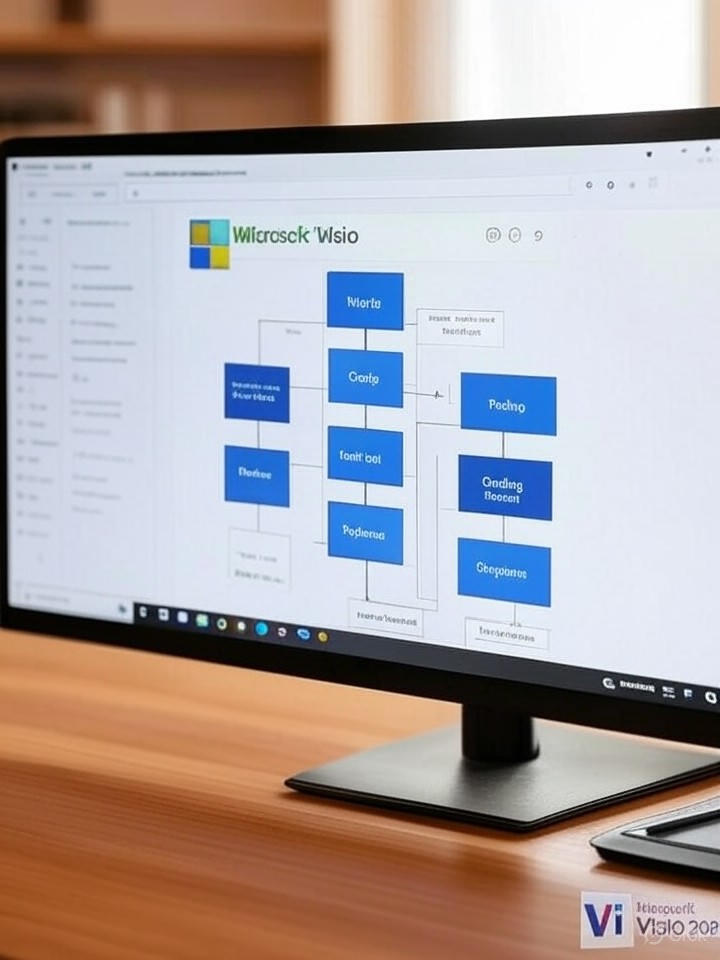
Unlocking the potential of Microsoft Visio 2021 Pro for just $15 is an opportunity that cannot be overlooked. This powerful diagramming software is ideal for professionals seeking intuitive design and excellent customization. Whether you’re an architect, engineer, or project manager, mastering Visio can elevate your productivity and streamline your workflows. In this article, we’ll delve into the impressive features of Microsoft Visio 2021 Pro and explore how you can leverage it effectively, all while ensuring you make a valuable investment in your tools.
The Value of Microsoft Visio 2021 Pro
Microsoft Visio 2021 Pro offers extensive features specifically designed to cater to advanced diagramming needs. From flowcharts and organizational charts to network diagrams, Visio enables you to visually communicate complex information with ease.
Key Features of Microsoft Visio 2021 Pro
-
Intuitive Interface: The user-friendly design ensures a smooth experience, allowing users to focus on creativity rather than grappling with software complexities.
-
Collaboration Tools: Built-in features facilitate teamwork, enabling multiple users to collaborate in real-time, enhancing project outcomes.
-
Versatile Templates: A variety of templates and shapes are available, streamlining the diagram creation process and helping you get started quickly.
-
Integration Capability: Visio integrates seamlessly with other Microsoft Office products, making it a valuable asset for existing Microsoft users.
- Customizable Diagrams: Leverage custom shapes and styles to create unique diagrams tailored to your specific needs.
Why Choose the Lifetime License?
Purchasing a lifetime license for Microsoft Visio 2021 Pro, especially at the reduced price of $15, is a cost-effective choice. Unlike subscription models that incur recurring fees, a lifetime license eliminates ongoing expenses, making it a budget-friendly option for businesses and individual users alike.
Tips for Getting Started with Microsoft Visio
1. Familiarize Yourself with the Interface
Before diving into complex tasks, spend some time exploring the interface. This approach will enhance your comfort level and speed up your proficiency.
2. Leverage Templates
Utilizing pre-made templates can save you time. Visio offers a range of templates that can be tailored to your specific project requirements.
3. Use Data Linking
Link your diagrams to external data sources for real-time updates. This feature is especially useful for project management and reporting.
4. Collaborate Effectively
Take advantage of the collaboration features to work jointly with colleagues. Real-time co-authoring can significantly enhance productivity.
Frequently Asked Questions (FAQs)
How to install Microsoft Visio 2021 Pro?
To install Microsoft Visio 2021 Pro, simply download the installer from the official Microsoft website, follow the prompts, and enter your product key.
Can I get support for Visio 2021 Pro?
Absolutely. Microsoft offers comprehensive support and resources, including online forums, tutorials, and customer service channels.
Is Visio 2021 Pro suitable for beginners?
Yes, Visio has been designed with an intuitive interface, making it accessible for both beginners and experienced users.
Conclusion: Maximize Your Investment in Microsoft Visio
Investing in Microsoft Visio 2021 Pro can propel your professional capabilities, especially now that it’s available at a fraction of the cost. This powerful tool not only enhances your ability to create visually appealing diagrams but also fosters collaboration and improves workflow efficiency. Embrace this opportunity to elevate your projects and communicate your ideas effectively.
For more resources and related software, check out Theme Bazar for additional insights. Emphasizing your toolkit is essential in today’s fast-paced environment, where visual communication continues to play an increasingly important role in project success.
Related Articles
Embrace the power of Microsoft Visio today!
