
Blog
Introducing Divi 5’s New Responsive Editor
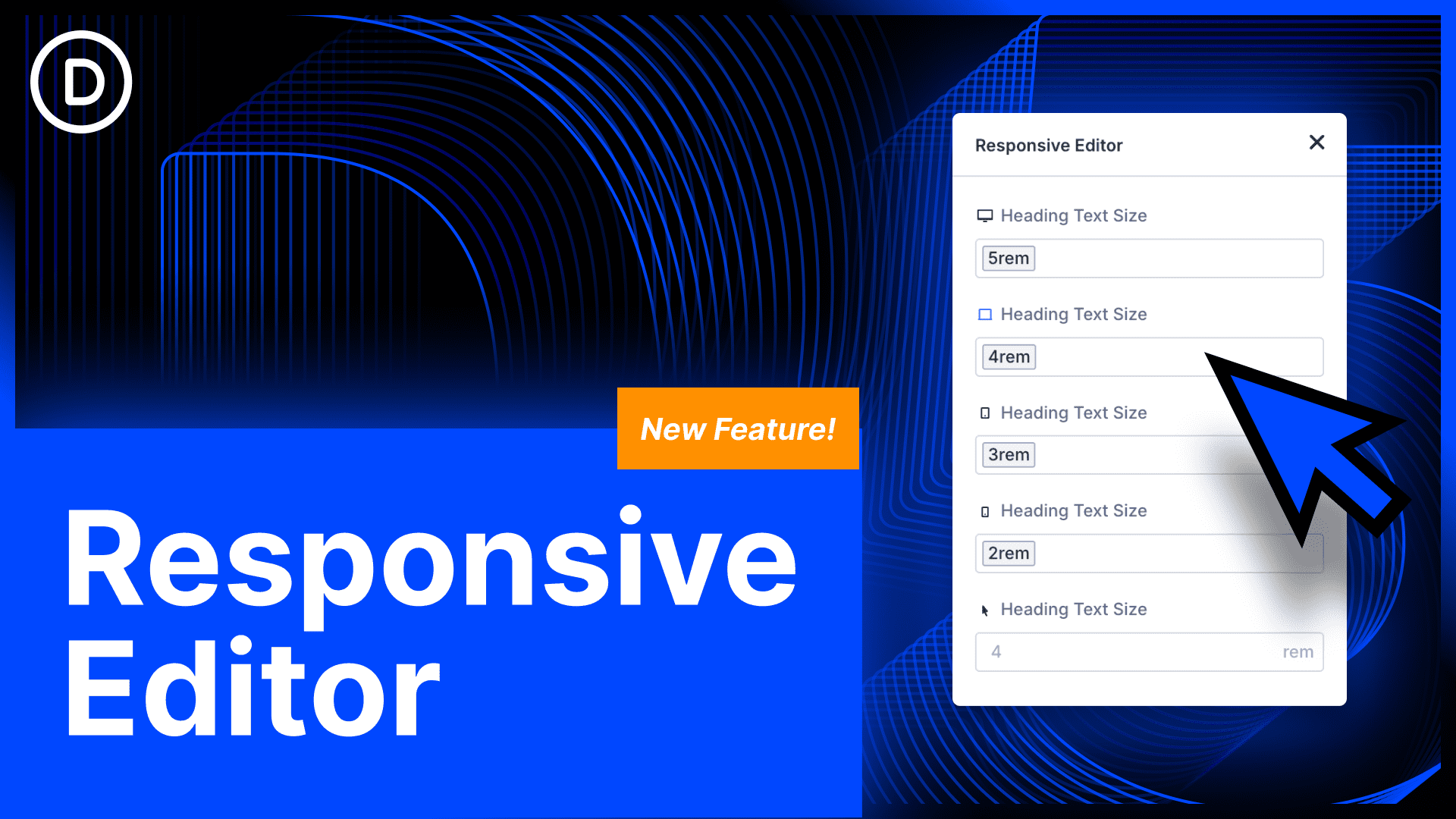
Exploring the New Responsive Editor in Divi 5
Divi 5 has taken the WordPress design landscape by storm, introducing a remarkable feature that enhances user experience for both novice and professional web designers: the new Responsive Editor. This innovative tool is poised to revolutionize how users approach responsive design, ensuring that websites look stunning on any device.
What is the Responsive Editor?
The Responsive Editor in Divi 5 allows designers to easily customize their websites for various screen sizes. As more users access websites via smartphones and tablets, creating a seamless experience across devices has become critical. The Responsive Editor offers a straightforward interface that streamlines this process, making it easier to adjust layouts, text sizes, images, and more for different screen resolutions.
Key Features of the Responsive Editor
-
Preview Modes
The Responsive Editor includes multiple preview modes, allowing users to visualize their designs on various devices before making changes live. With options such as mobile, tablet, and desktop previews, designers can ensure their websites look great irrespective of the device used. -
Intuitive Drag-and-Drop Functionality
The drag-and-drop interface has been enhanced in Divi 5. The Responsive Editor allows users to reposition elements effortlessly while simultaneously checking how those changes affect the site’s appearance on other devices. This feature dramatically speeds up the design process, making it more interactive and engaging. -
Custom Device Sizes
Users can define custom device sizes tailored to their specific needs. This is particularly useful for designers aiming to target specific devices within their target audience, such as particular smartphone models or tablet sizes. - Responsive Controls
Divi 5 brings responsive controls to the forefront, allowing users to set different values for margins, paddings, text sizes, and other settings based on the device. This level of customization ensures that every element of a site adapts beautifully to screen size variations.
How to Use the Responsive Editor
Using the Responsive Editor in Divi 5 is both straightforward and efficient. Here’s a step-by-step guide:
-
Accessing the Responsive Editor
After logging into your WordPress dashboard, navigate to the Divi Builder. Choose the page you want to edit and launch the Responsive Editor. -
Choosing the Preview Mode
Among the various device previews available, select the mode you wish to customize first (mobile, tablet, or desktop). The layout will adjust accordingly, giving you a real-time view of your changes. -
Making Adjustments
Use the intuitive drag-and-drop interface to reposition elements as needed. Change text sizes, margins, and other settings specifically for the chosen screen size. You can toggle between modes to see how your changes impact the overall design. - Saving Changes
Once you’re satisfied with the adjustments, remember to save changes to apply them to your live site. It’s advisable to check your design in all preview modes before finalizing.
Benefits of Responsive Design
The importance of responsive design cannot be overstated. Here are some significant benefits:
-
Improved User Experience
A well-optimized site ensures that visitors have a pleasant browsing experience, regardless of the device they use. This leads to longer visit durations and lower bounce rates. -
SEO Advantages
Search engines prioritize mobile-friendly websites. Utilizing the Responsive Editor can help improve your search engine rankings, as Google rewards sites that provide a good user experience on mobile devices. - Cost-Effectiveness
Instead of creating separate websites for different devices, responsive design allows for a single site that caters to all screen sizes. This not only saves time but also reduces costs in terms of maintenance and development.
Best Practices for Responsive Design
To take full advantage of the Responsive Editor in Divi 5, consider these best practices:
-
Mobile-First Approach
Begin designing for mobile devices first, then progressively add features for larger screens. This approach ensures that the essential content is prioritized. -
Flexible Grid Layouts
Use fluid grid layouts that adapt to different screen sizes. This flexibility allows your design to maintain its aesthetic integrity across devices. -
Optimize Images
Use responsive images that adjust according to the screen size. This is vital for faster loading times and overall performance. -
Consistent Typography
Maintain consistent typography across devices. Adjust font sizes strategically to ensure readability without compromising design. - Test Across Devices
Before finalizing your design, conduct thorough testing across multiple devices and browsers. This ensures seamless performance and appearance everywhere.
Conclusion
With the introduction of the Responsive Editor in Divi 5, web design has become more accessible and efficient than ever. This cutting-edge tool empowers users to create websites that are not only visually appealing but also fully responsive. By embracing its features, web designers can ensure that their creations resonate effectively with audiences on every device.
In a world where mobile-first is no longer a trend but a necessity, the Responsive Editor stands out as a game-changer. Whether you’re a seasoned designer or just starting, this tool is essential for producing modern, responsive websites that create lasting impressions.
