
Blog
How To Make a FREE Professional Website ~Step By Step~ 2025 (WordPress And Elementor For Beginners)
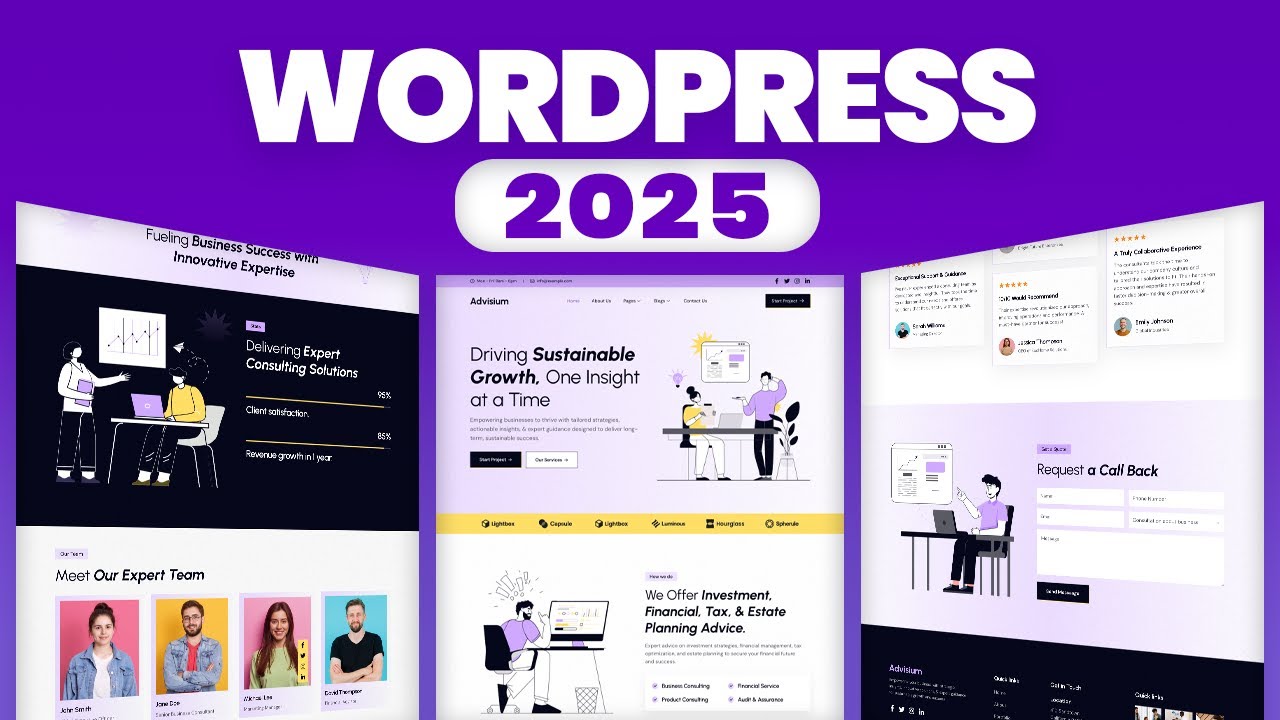
Creating a Professional Website for Free: A Step-by-Step Guide for 2025
Building your own professional website has never been easier, thanks to platforms like WordPress combined with design tools such as Elementor. In 2025, this process can be accomplished without any coding skills, enabling anyone to establish a strong online presence. This guide will walk you through the essential steps to create your website for free, ensuring a polished and professional look.
Why Choose WordPress and Elementor?
User-Friendly Interface
WordPress is renowned for its intuitive interface, making it ideal for beginners. Elementor, a popular page builder plugin, enhances WordPress by allowing you to customize the design of your site easily. Together, they provide a powerful platform for creating websites that can cater to various needs, from blogs to portfolios and business sites.
Flexibility and Customization
With thousands of themes and plugins available, WordPress allows you to tailor your website according to your unique vision. Elementor further elevates this customization, enabling drag-and-drop functionality to arrange elements without touching any HTML or CSS.
Steps to Create Your Free Professional Website
1. Selecting a Hosting Provider and Domain Name
Free Hosting Options
To build a free website, start by selecting a hosting provider that offers free plans. Some popular options include:
- WordPress.com: A straightforward way to begin with WordPress. It offers basic free hosting with limited features.
- InfinityFree: Provides unlimited disk space and bandwidth, making it an excellent choice for beginners without a budget.
Choosing Your Domain Name
Pick a domain name that reflects your brand or purpose. Your domain should be memorable and easy to spell. Most free hosting plans will provide a subdomain, such as yourname.wordpress.com, but consider purchasing a custom domain for a more professional appearance if you can afford it later.
2. Installing WordPress
Once you’ve secured your host and domain, it’s time to install WordPress:
- Automatic Installation: Many hosting providers offer a one-click installation feature for WordPress, simplifying the setup process.
- Manual Installation: If automatic installation is unavailable, you can download WordPress from the official site and follow the installation instructions provided by your hosting provider.
3. Setting Up Your WordPress Site
Accessing the WordPress Dashboard
After installation, access your WordPress dashboard via yourdomain.com/wp-admin. This dashboard serves as your control center for managing your website.
Selecting a Theme
Navigate to the “Appearance” section in the dashboard and click on “Themes.” Choose a theme that aligns with your brand. There are countless free themes available, and some popular choices include:
- Astra: Lightweight and highly customizable.
- OceanWP: Versatile with many layout options.
Customizing Your Theme
Once you’ve selected a theme, click on “Customize” to modify elements such as colors, fonts, and layouts. This ensures your site reflects your branding and appeals to your audience.
4. Installing Elementor
To download Elementor:
- Navigate to the “Plugins” section in your dashboard.
- Click “Add New.”
- Search for “Elementor” and click “Install Now,” then “Activate.”
Elementor will now appear in your dashboard, providing new options for designing your site.
5. Designing Your Pages
Creating a New Page with Elementor
Go to “Pages” > “Add New.” Give your page a title, then click “Edit with Elementor.” This opens the Elementor interface, featuring a sidebar with various widgets and a live view of your page.
Utilizing Drag-and-Drop Features
Elementor’s drag-and-drop functionality allows you to easily add elements like text, images, and videos to your page. Simply drag the desired widget from the sidebar to your page.
Customizing Widgets
Once you’ve placed a widget, click on it to adjust settings such as:
- Text: Change the content, font size, and color.
- Images: Add images from your library or upload new ones.
- Buttons: Customize button text, link, and style.
Keep your design consistent across different pages to enhance user experience.
6. Creating a Menu
A well-structured menu improves navigation, helping visitors find what they’re looking for easily.
- Go to “Appearance” > “Menus.”
- Create a new menu, adding the pages you’ve created.
- Assign the menu location and save.
7. Setting Up Essential Plugins
A few plugins can enhance functionality and improve user experience. Consider installing:
- Yoast SEO: Helps optimize your site for search engines.
- WPForms: Simplifies creating contact forms.
- MonsterInsights: Integrates Google Analytics to track visitor behavior.
To install plugins, navigate to “Plugins” > “Add New,” search for the desired plugin, and click “Install Now,” followed by “Activate.”
8. Final Touches
Adding Content
Now that your structure is in place, it’s time to add compelling content. Use clear headlines, engaging images, and informative text. Keep paragraphs short to enhance readability.
Optimizing for SEO
Ensure each page is optimized for search engines. Use relevant keywords, and fill out the SEO settings provided by your chosen plugin. A strong SEO strategy helps your website rank higher in search results, attracting more visitors.
Mobile Responsiveness
Check that your site is mobile-friendly. Elementor allows you to adjust settings based on screen size, ensuring your site looks great on all devices.
9. Launching Your Website
Once you’re satisfied with your design and content, it’s time to launch:
- Preview Your Site: Click on the "Preview" button to see how your site looks before going live.
- Publish: Hit the “Publish” button to make your site accessible to the public.
Maintaining Your Website
Creating a website is just the beginning. Regularly update content, monitor performance, and make necessary adjustments. Staying active will keep your audience engaged and encourage new visitors.
Conclusion
Building a professional website for free in 2025 is accessible to everyone, thanks to WordPress and Elementor. By following these steps, you can create an impressive online presence that showcases your brand or business effectively. Remember to focus on quality content, user experience, and consistent updates to maintain and grow your site’s reach. Embrace this journey, and watch your website flourish!
