
Blog
How to Make a FREE Agency Website in 2025 (WordPress & Elementor Tutorial for Beginners)
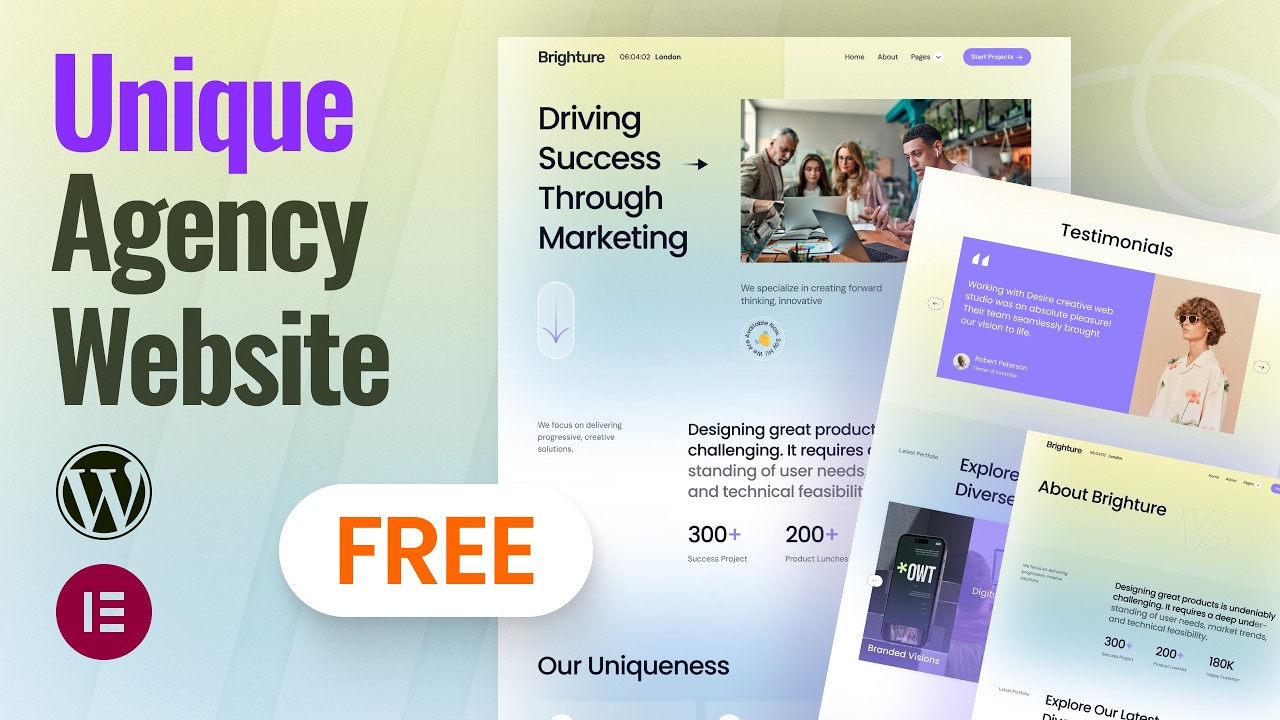
Creating a Free Agency Website in 2025: A Comprehensive Guide Using WordPress and Elementor
Building an impressive online presence is essential for any agency, whether you’re a freelance designer, a marketing firm, or a consulting agency. In 2025, creating a free website has never been easier, thanks to powerful tools like WordPress and Elementor. This guide will walk you through the entire process, ensuring that you can establish a professional-looking website even if you’re a complete beginner.
Why Choose WordPress for Your Agency Website?
WordPress is a widely-used content management system (CMS) that powers over 40% of websites on the internet. It is popular for several reasons:
- User-Friendly: Even newcomers can navigate its interface with ease.
- Customization Options: Thousands of themes and plugins are available, allowing for extensive customization.
- SEO-Friendly: Built-in features and plugins help optimize your site for search engines.
- Responsive Design: Your website will look great on any device, ensuring a seamless user experience.
Setting Up Your Free WordPress Website
Step 1: Choose a Hosting Provider
To get started, you will need a reliable hosting provider. Although many options require payment, some offer free trials or free tiers:
- WordPress.com: Offers a free plan with basic features.
- InfinityFree: A free hosting provider that includes unlimited bandwidth and disk space.
Step 2: Configure Your Domain Name
While free hosting often provides a subdomain (like youragency.wordpress.com), investing in a custom domain name (like youragency.com) can enhance your brand’s credibility. Here’s how you can choose a domain:
- Keep it short and memorable.
- Use keywords related to your services.
- Avoid numbers or hyphens.
Step 3: Install WordPress
If you’ve chosen a host that allows easy WordPress installation, follow their setup wizard. For manual installation:
- Download WordPress from the official site.
- Upload it to your server using an FTP client.
- Create a MySQL database and link it to your WordPress installation.
Step 4: Accessing Your WordPress Dashboard
Once installation is complete, log in to your dashboard at youragency.com/wp-admin. This is your control center for managing all aspects of your website.
Selecting and Installing a Theme
Step 5: Browse Themes
WordPress offers a rich library of themes. To find a suitable theme:
- Navigate to Appearance > Themes in your dashboard.
- Browse or use the search bar to find themes suited for agencies.
- Look for responsive and customizable themes.
Step 6: Install Your Chosen Theme
- Click Install next to your selected theme.
- After installation, click Activate to make it live.
Customizing Your Website with Elementor
Elementor is a powerful page builder that allows you to create stunning pages without any coding knowledge.
Step 7: Install Elementor
- In your WordPress dashboard, go to Plugins > Add New.
- Search for "Elementor" and click Install Now followed by Activate.
Step 8: Create Your First Page
- Go to Pages > Add New.
- Click the Edit with Elementor button.
Step 9: Designing Your Page
Elementor offers a simple drag-and-drop interface:
- Add Sections: Click on the ‘+’ icon to create new sections.
- Insert Widgets: Drag widgets from the left panel, such as text, images, and buttons, into your section.
- Customize: Click on any widget to customize its settings (colors, typography, etc.).
Step 10: Use Pre-Built Templates
Elementor provides a range of pre-built templates that can save you time. Simply:
- Click on the folder icon in the editor.
- Explore available templates and insert one into your page for instant layout.
Essential Pages for Your Agency Website
Creating a successful agency website requires more than just grabbing attention. Here are the essential pages to include:
Home Page
This is the first impression visitors will have. Focus on:
- A compelling headline.
- A brief introduction to your services.
- Eye-catching visuals.
About Us Page
Share your agency’s story, mission, and values. This helps in building trust with potential clients.
Services Page
Clearly outline the services you offer. Consider breaking this down into subsections for clarity.
Portfolio Page
Display your previous work with case studies or a gallery. This showcases your expertise and attracts potential clients.
Contact Page
Make it easy for clients to reach you. Include:
- A contact form
- Your email address
- Links to your social media profiles
Optimizing Your Website for Search Engines
Step 11: Install an SEO Plugin
An SEO plugin like Yoast SEO or Rank Math can guide you in optimizing your site for search engines:
- Navigate to Plugins > Add New and search for your preferred SEO plugin.
- Install and activate it.
Step 12: Optimize Your Content
Ensure your content is rich with keywords relevant to your services. Follow these tips:
- Use keywords in your headings and subheadings.
- Keep paragraphs short and easy to read.
- Include internal and external links.
Step 13: Image Optimization
Compress images to reduce loading times. Use ALT tags for better indexing by search engines.
Final Touches and Launch
Step 14: Review and Test
Before launching, thoroughly review your site:
- Check all links and forms.
- Ensure your site is mobile-responsive.
- Test loading speeds using tools like GTmetrix or Google PageSpeed Insights.
Step 15: Launch Your Website
Once you’re satisfied with your setup, it’s time to go live! Announce your website’s launch on social media, emails, and business cards.
Conclusion
Creating a free agency website in 2025 using WordPress and Elementor is an achievable goal for anyone, regardless of technical skill. By following these simple steps, you’ll have a stunning online presence that attracts and retains clients. Whether you’re starting your agency or looking to refresh an existing site, leveraging modern tools makes the process impactful and straightforward. Get started today, and watch your agency thrive!
