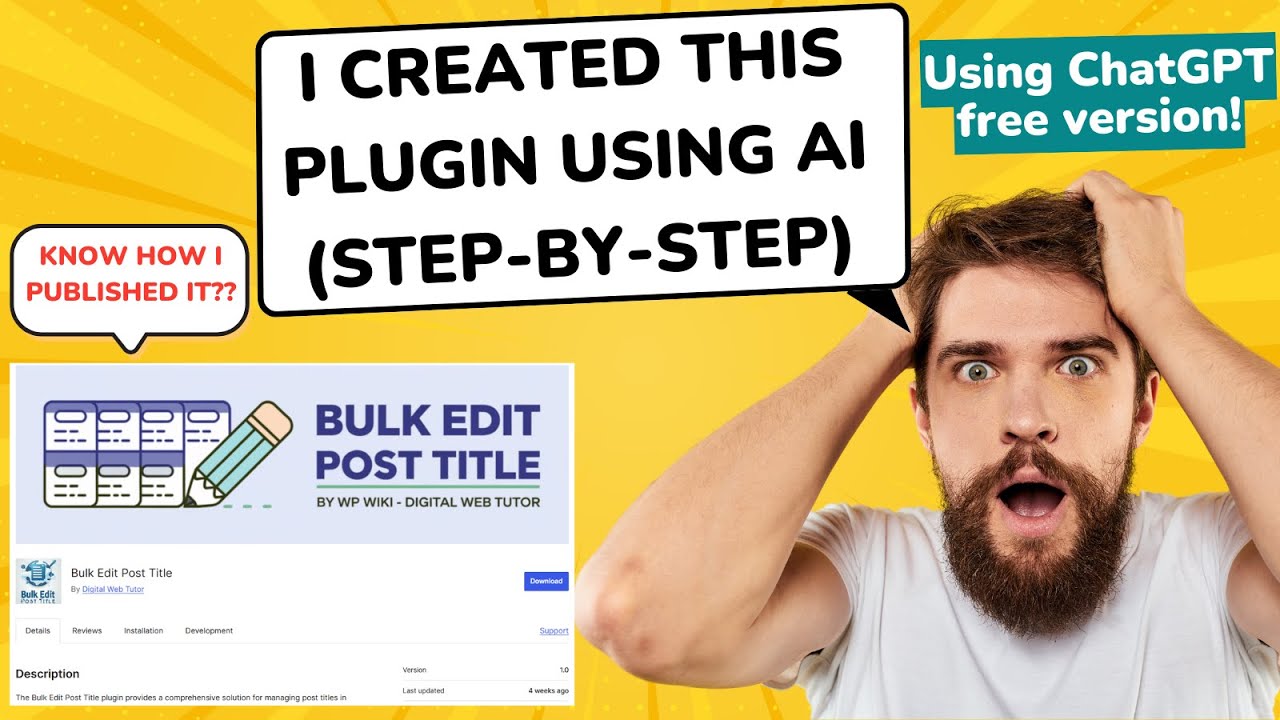
The Future of WordPress Plugin Development: Harnessing AI With Zero-Cost Tools
The integration of artificial intelligence (AI) into web development has revolutionized how creators approach tasks like plugin development for WordPress. Traditionally, building plugins required extensive coding expertise, but with AI-powered tools, developers of all skill levels can simplify workflows, automate repetitive tasks, and create custom solutions without breaking the bank. In this guide, we’ll explore how to build a WordPress plugin using freely available AI tools, step by step.
Why Use AI for WordPress Plugin Development?
AI lowers the barrier to entry for plugin creation in three key ways:
Efficiency
AI accelerates code generation by predicting syntax, suggesting functions, and even writing entire code blocks based on your prompts.
Error Reduction
Advanced AI models can catch common coding mistakes, reducing debugging time.
Idea Validation
Test concepts quickly by generating functional prototypes instead of spending hours coding manually.
With free tools like ChatGPT, Google’s Bard, or open-source AI platforms, anyone can experiment and build plugins tailored to their website’s needs.
Prerequisites Before Building Your Plugin
Even with AI assistance, foundational knowledge is critical to ensure success:
Basic Understanding of PHP and HTML
WordPress plugins rely on PHP, while HTML/CSS handles front-end elements.
Local Development Environment
Use tools like Local by Flywheel or XAMPP to test plugins without affecting your live site.
AI Tool Access
Sign up for free platforms like OpenAI’s ChatGPT or GitHub Copilot for code generation.
Step 1: Define Your Plugin’s Purpose
Start by outlining your plugin’s functionality. For example:
Goal: Create a plugin that displays a GDPR-compliant cookie consent banner.
Features Needed: Customizable text, color settings, and user preference storage.
Clarity here ensures your AI-generated code stays aligned with project requirements.
Step 2: Generate Code Snippets Using AI
Use an AI tool to draft the plugin’s core components. For instance, prompt ChatGPT with: “Write a PHP function for a WordPress plugin that adds a customizable cookie consent banner with CSS styling.”
Sample Response (simplified for demonstration):
php
function cookie_consent_banner() {
echo ‘
Note: Always review AI-generated code for security vulnerabilities or conflicts with existing plugins.
Step 3: Structure Your Plugin
WordPress plugins follow a standardized structure. Create these files:
Main Plugin File (your-plugin-name.php)
Contains metadata and core functions.
CSS/JS Folders
For styling and scripts (optional but recommended).
Readme File
Documentation for users.
Wrap your AI-generated code within the plugin framework:
php
<?php
/**
Plugin Name: AI-Powered Cookie Consent
Description: Adds a customizable cookie banner.
Version: 1.0
*/
// Insert AI-generated code here
Step 4: Test Locally
Install your plugin on a local WordPress site to identify issues:
Check for PHP Errors
Enable debugging in wp-config.php by adding:
php
define(‘WP_DEBUG’, true);
Verify Front-End Behavior
Ensure the banner displays correctly and user preferences are saved.
Step 5: Deploy to Your Live Site
Once tested, deploy the plugin:
Compress Files
Create a ZIP folder of your plugin directory.
Upload via WordPress Dashboard
Navigate to Plugins > Add New > Upload Plugin.
Activate and Monitor
Use tools like Query Monitor to track performance.
Overcoming Common Challenges
AI’s Limited Context
AI may generate incomplete code. Break complex tasks into smaller prompts.
Security Vulnerabilities
Validate user input, escape outputs, and avoid deprecated functions.
Performance Optimization
Cache repetitive processes and minimize database queries.
Best Practices for AI-Driven Development
Iterate Prompts Precisely
Example: Instead of “Write code for a contact form,” specify “Write a WordPress shortcode for a responsive contact form with email validation.”
Add Customizations Manually
Use AI as a foundation, then tweak designs or functionality.
Stay Updated
AI tools evolve rapidly—experiment with new models for better results.
Final Thoughts
AI democratizes WordPress plugin development, enabling hobbyists and professionals alike to turn ideas into functional tools efficiently. By combining free AI platforms with systematic testing and optimization, you can build plugins that enhance user experience, streamline workflows, and solve unique challenges—all without writing every line of code from scratch.
As you grow more comfortable with AI collaboration, explore advanced use cases like integrating machine learning models or natural language processing into your WordPress projects. The possibilities are limitless, and the only requirement is a willingness to experiment.