Creating a Client Dashboard for Your Web Design Agency Using AI, WordPress, and Elementor
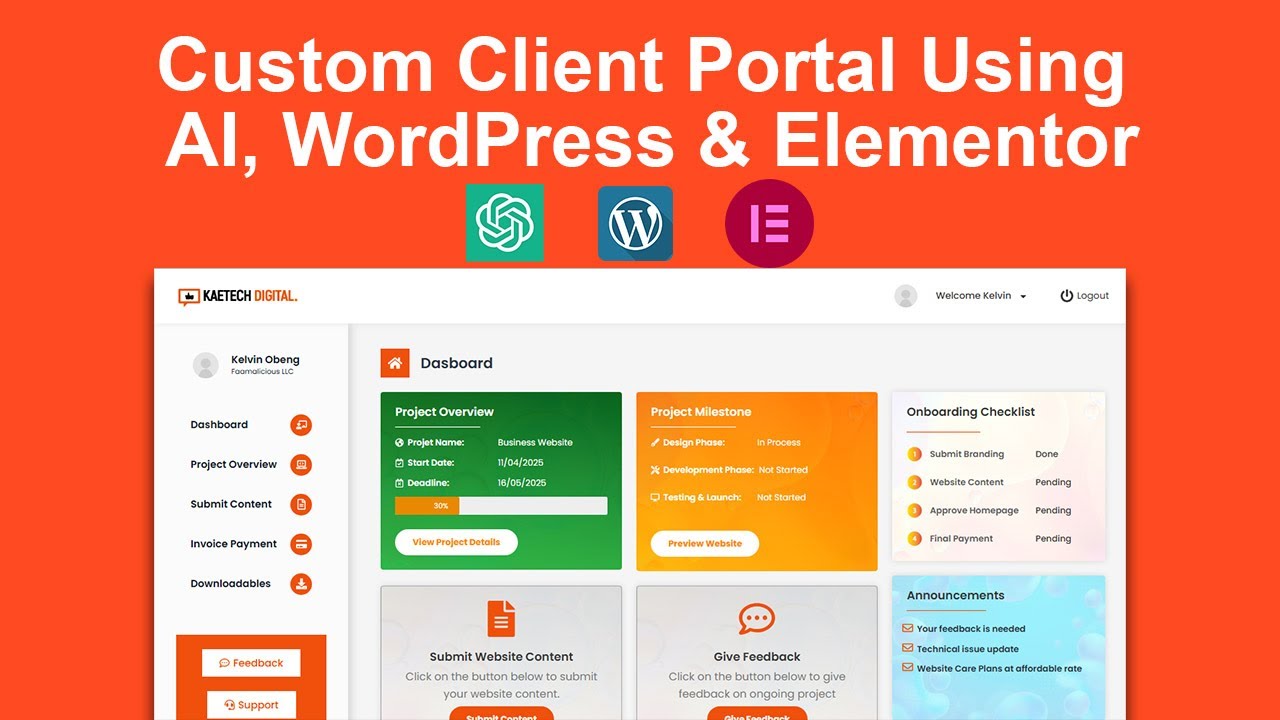
As a web design agency, client communication and management are paramount for ensuring a smooth workflow and customer satisfaction. A client dashboard serves as a centralized hub where clients can view project updates, communicate with your team, and access essential resources. In this post, we’ll explore how to create an efficient and aesthetically pleasing client dashboard using AI technology, WordPress, and Elementor.
Why a Client Dashboard is Important
A client dashboard streamlines communication and improves the client experience by providing a single point of access for all necessary information. This can enhance client satisfaction and facilitate smoother project management.
Benefits of a Client Dashboard
- Improved Communication: Clients can easily reach out for inquiries or updates.
- Enhanced Transparency: Clients can track project progress in real-time.
- Resource Accessibility: All documents and resources are organized in one place, making it easier for clients to find what they need.
Tools Needed
To create a functional and engaging client dashboard, you will require the following tools:
-
WordPress: As a highly versatile content management system, WordPress provides endless possibilities for customization and scalability.
-
Elementor: This drag-and-drop page builder allows you to create customized layouts without any coding knowledge, making it user-friendly.
- AI Tools: Integrating AI can help automate repetitive tasks, provide insights, and enhance client interactions. Consider tools for chatbot integration, data analysis, and more.
Steps to Create Your Client Dashboard
Step 1: Setting Up Your WordPress Environment
Before you can build your client dashboard, you need a functional WordPress site.
-
Choose a Hosting Provider: Select a reliable hosting provider that supports WordPress installations. Make sure to choose a plan that scales with your business needs.
-
Install WordPress: Most hosting providers offer one-click installations for WordPress. Follow the easy steps on your hosting dashboard.
- Select a Theme: Choose a WordPress theme that aligns with your agency’s branding and is compatible with Elementor. A clean, modern design will make your dashboard appealing.
Step 2: Install and Configure Elementor
Elementor will be your primary tool for creating a visually appealing client dashboard.
-
Install Elementor: Go to the "Plugins" section in WordPress and search for Elementor. Install and activate it to get started.
-
Choose Elementor Pro (Optional): While the free version of Elementor has plenty of features, the Pro version offers advanced functionalities and additional widgets that can enhance your dashboard.
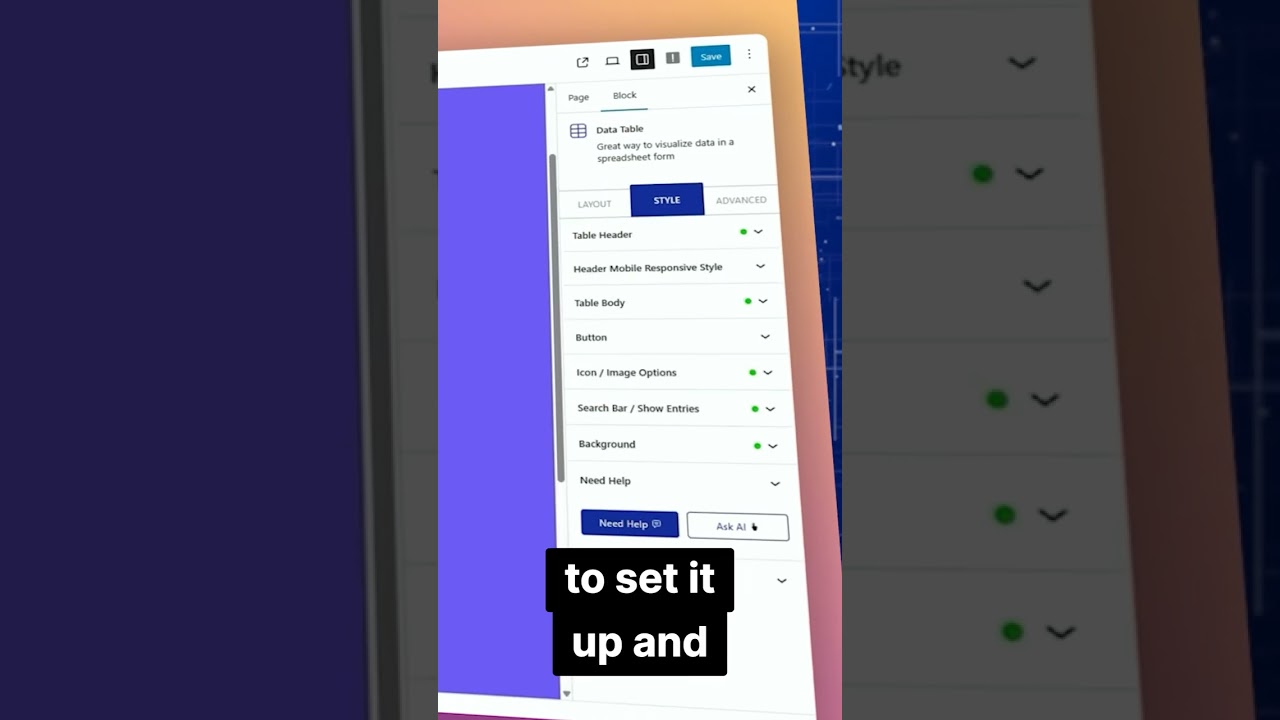
- Familiarize Yourself with the Interface: Spend some time exploring the Elementor dashboard to understand how it works. The user-friendly drag-and-drop feature will allow you to create complex layouts effortlessly.
Step 3: Designing the Dashboard Layout
Design is key; your client dashboard should be both functional and visually appealing.
-
Create a New Page: In WordPress, create a new page where your client dashboard will live.
-
Use Sections and Columns: Utilize Elementor’s sections and columns to design your layout. You might want to have dedicated areas for project updates, communication tools, and resource links.
- Incorporate Widgets: Use Elementor widgets to add essential features. For example:
- Text Editor: To display project summaries or descriptions.
- Image or Icon: To enhance visual appeal.
- Button: For quick access to additional resources.
Step 4: Integrating AI Features
Integrating AI features can elevate the functionality of your dashboard significantly.
-
Chatbots: Utilize AI-powered chatbots for immediate client interaction. Tools like LiveChat or Chatbot.com can help answer frequently asked questions without requiring human intervention.
-
Data Analytics: Implement AI tools that can analyze project data and provide insights. This can help in generating reports or providing clients with metrics on their project performance.
- Automated Updates: Use AI scripts that can automatically update clients on project milestones or deadlines, reducing the need for manual communication.
Step 5: Providing Client Access
Now that your dashboard is built, the next step is to grant access to your clients.
-
Create User Accounts: In WordPress, create user accounts for each client. Assign them the appropriate user role to control what they can access.
- Set Permissions: Ensure clients can only view their specific projects and information. Use plugins like User Role Editor to manage access levels effectively.
Step 6: Regular Maintenance and Updates
Your client dashboard should not be static; regular updates are vital.
-
Gather Feedback: Regularly ask for client feedback on the dashboard’s usability and features. Implement improvements based on their suggestions.
-
Update Content: Ensure the project updates and resources are current. Automatic updates using plugins can help keep information fresh.
- Monitor Performance: Use analytics tools to keep track of how clients are interacting with the dashboard. Assess which features are being used most and focus on enhancing them.
Step 7: Training Your Team
To get the most out of your new dashboard, training your team is crucial.
-
Provide Documentation: Create a detailed guide on how to use the dashboard features effectively. This can include screenshots and step-by-step instructions.
-
Conduct Workshops: Regular training sessions can ensure your team is up-to-date on any new features and helps them address client queries better.
- Establish Protocols: Create standard operating procedures for how your team should communicate via the dashboard and update the necessary information.
Conclusion
A client dashboard is an invaluable tool for any web design agency aiming to enhance client relationships and streamline project management. By leveraging WordPress and Elementor’s capabilities, along with the power of AI, you can create a dynamic, user-friendly interface that caters to your clients’ needs.
Investing the time to build and regularly update your dashboard will not only improve your agency’s efficiency but also elevates the client experience, fostering long-term relationships and encouraging referrals. Embrace the power of technology to transform your client interactions and watch your agency thrive!