
Blog
How to Create a Professional News Website in WordPress for FREE! #newswebsite #newsportal #news
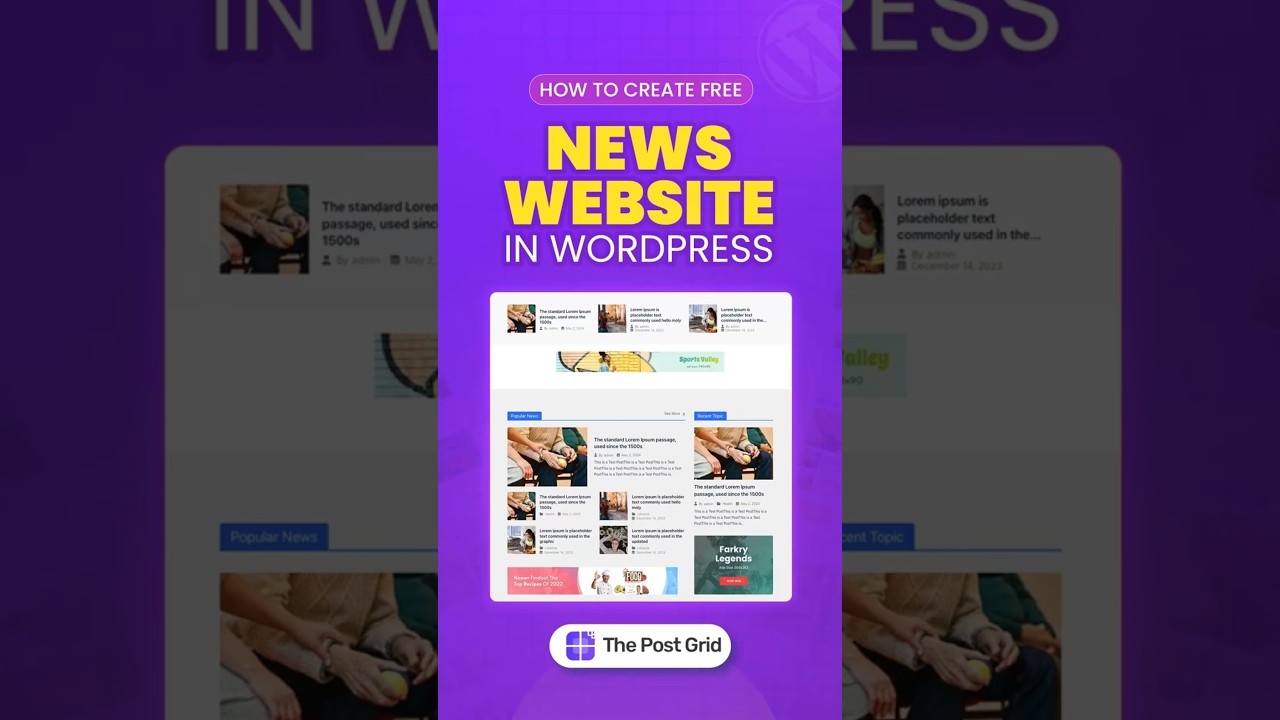
Creating a professional news website on WordPress can be an exciting and fulfilling endeavor. With the accessibility of modern technology, launching a news portal that engages readers and showcases your journalistic talents has never been easier. In this guide, we’ll walk you through the essential steps to create a stunning news website using WordPress, all without spending a dime.
Understanding WordPress: A Quick Overview
WordPress is one of the most popular content management systems (CMS) available today. It powers over 40% of the web, providing an intuitive platform for users of all skill levels. With its wide range of themes and plugins, WordPress allows you to customize your site to meet your specific needs.
Step 1: Choosing Your Domain and Hosting
Selecting a Domain Name
The first step in creating your news website is to choose a domain name. This should reflect your niche, be easy to remember, and ideally be short and simple. Use domain registration services to check if your desired domain is available.
Finding a Free Hosting Provider
For a free hosting solution, options like InfinityFree or 000webhost can be suitable for beginners. These platforms provide free hosting without compromising essential features. Simply create an account, and follow the instructions to link your domain.
Step 2: Installing WordPress
Once you have your hosting and domain set up, the next step is to install WordPress.
- Access Your Control Panel: Log in to your hosting account and navigate to your control panel.
- Locate the WordPress Installer: Most free hosts offer a one-click WordPress installation option.
- Follow the Prompts: Enter the necessary information, including your chosen domain name and admin credentials. Once completed, you will receive a confirmation message.
Step 3: Selecting the Right Theme
Your website’s theme plays a crucial role in its appearance and functionality.
Free Themes for News Websites
WordPress has numerous free themes specifically designed for news websites. Consider themes like Astra, OceanWP, or Neve. These themes are not only visually appealing but also responsive and customizable.
- Installation: Access your WordPress dashboard, navigate to “Appearance” > “Themes,” and click “Add New.”
- Search for Your Chosen Theme: Type the name of the theme you want in the search bar, and click “Install” followed by “Activate.”
Step 4: Customizing Your News Website
After activating your theme, it’s time to personalize it.
Setting Up Site Identity
- Go to “Appearance” > “Customize.” Here, you can upload a logo, set the site title and tagline, and adjust site colors.
- Menu Configuration: Create menus that link to your important pages like Home, About, and Contact. Go to “Menus” to set this up.
Adding Widgets
Widgets can enhance the user experience on your site. Some useful widgets for a news website include:
- Recent Posts
- Categories
- Search Bar
- Social Media Links
You can add widgets by navigating to “Appearance” > “Widgets.”
Step 5: Installing Essential Plugins
Plugins extend the functionality of your WordPress site. Here are some must-have plugins for a news website:
SEO Plugins
Using plugins like Yoast SEO can help optimize your content for search engines, ensuring your news articles reach a wider audience.
Security Plugins
Protect your site with security plugins like Wordfence or Sucuri. These can help safeguard against threats and malware, ensuring your site remains secure.
Caching Plugins
Speed is critical for a news website. Installing caching plugins like WP Super Cache can significantly improve load times, providing a better experience for your readers.
Step 6: Creating Quality Content
Content is what drives your news website. Here’s how to craft engaging articles that attract and retain readers.
Write Compelling Headlines
A powerful headline grabs attention and invites readers to click through. Use action words and keep them concise while reflecting the essence of the article.
Focus on Structure
Utilize headings, subheadings, and bullet points to break up large blocks of text. This not only enhances readability but also helps with SEO.
Incorporate Multimedia
Images, videos, and infographics can make your articles more engaging. Always include relevant media to accompany your written content.
Step 7: Promoting Your News Website
Once your site is live, promoting it is key to reaching a broader audience.
Leverage Social Media
Although specific social media links are not included, platforms like Facebook, Twitter, and Instagram can help spread the word about your articles. Share highlights and links to your posts regularly.
Explore Email Marketing
Building an email list allows you to notify subscribers of new articles. Use plugins like Mailchimp to integrate email sign-up forms into your site.
Step 8: Monitoring Your Progress
Use tools like Google Analytics to track your website’s performance. Understanding visitor behavior can help you refine your content strategy.
Conclusion
Creating a professional news website using WordPress for free is entirely achievable. By following these steps—choosing a domain and host, installing WordPress, selecting and customizing a theme, and focusing on quality content—you can build a platform that attracts and engages readers. Remember that consistency is key; keep your content fresh, stay updated with current events, and continuously seek ways to enhance your website. With dedication and creativity, your news portal can flourish and become a valuable resource for your audience.
