
Blog
How to Build an Advanced End-to-End Voice AI Agent Using Hugging Face Pipelines?
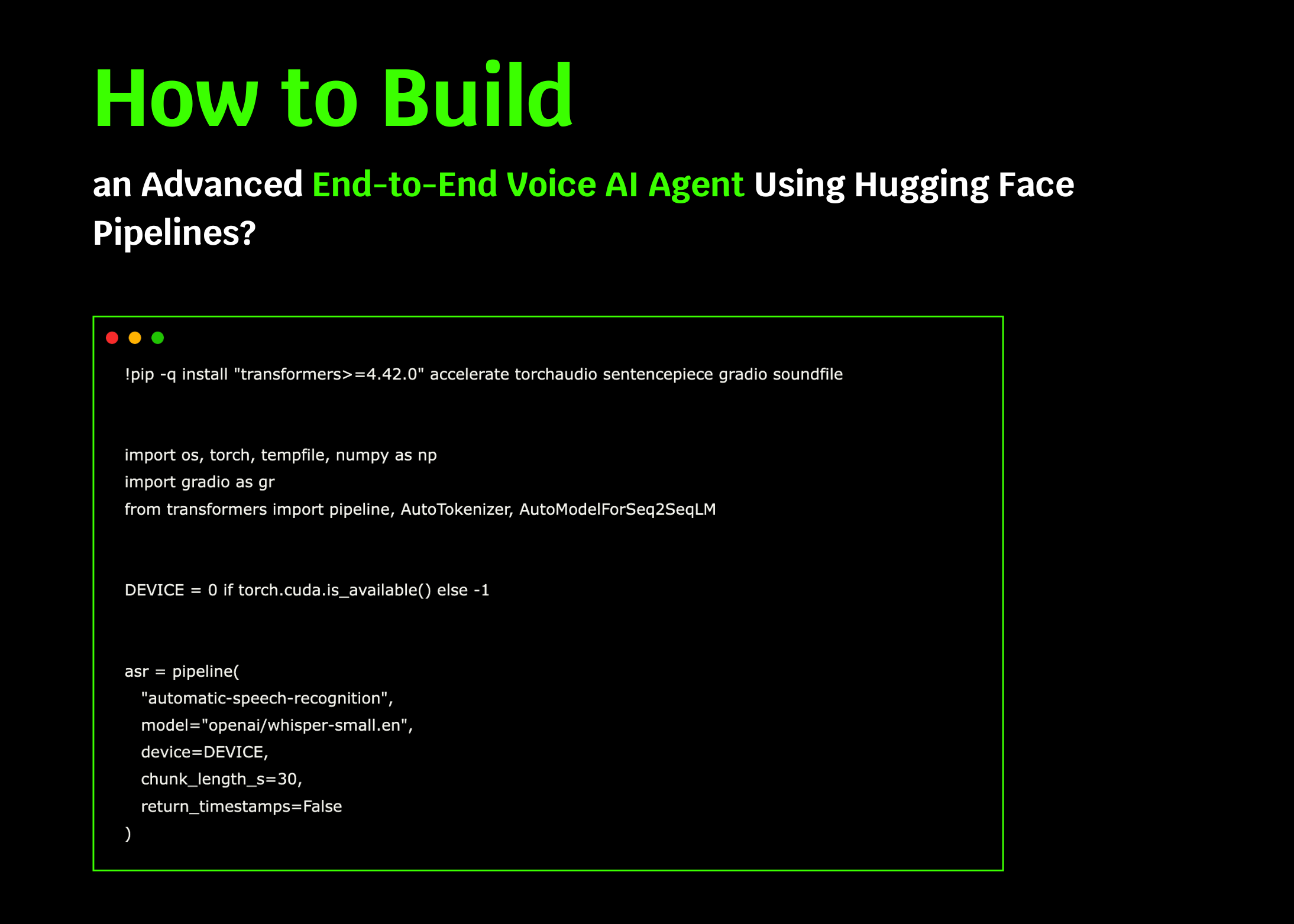
Introduction to Voice AI Agents
In the rapidly evolving landscape of artificial intelligence, voice AI agents are becoming indispensable in various sectors, from customer service to entertainment. Implementing an advanced end-to-end voice AI agent can enhance user experience significantly. In this post, we’ll explore how to build a voice AI agent using Hugging Face pipelines, a powerful and flexible tool that simplifies the integration of machine learning functionalities.
Understanding the Basics
Before diving into the creation process, it’s essential to grasp some foundational concepts:
What is Voice AI?
Voice AI refers to technologies that enable machines to interpret and respond to human voice commands. These systems leverage natural language processing (NLP) and speech recognition to facilitate seamless interactions.
What are Hugging Face Pipelines?
Hugging Face provides a robust ecosystem for various AI applications, including NLP and speech recognition. The Hugging Face pipelines simplify model deployment, making it easy for developers to integrate complex functions with minimal code.
Prerequisites for Your Voice AI Agent
To successfully build your voice AI agent, familiarize yourself with the following technologies and tools:
Programming Languages
- Python: The primary language for implementation, chosen for its simplicity and rich libraries.
- JavaScript (optional): Useful for web integration.
Libraries and Frameworks
- Hugging Face Transformers: For leveraging pre-trained models.
- SpeechRecognition: A Python library for capturing audio data.
- PyTorch or TensorFlow: Frameworks for training and deploying models.
Step-by-Step Guide to Building Your Voice AI Agent
Step 1: Setting Up Your Environment
Ensure you have a robust development environment. Use tools like Anaconda or virtual environments to manage dependencies effectively.
Install Necessary Packages
Use pip to install the required libraries:
bash
pip install transformers torch speechrecognition
Step 2: Selecting a Pre-trained Model
Hugging Face offers an array of pre-trained models suited for speech recognition and NLP tasks. For this project, a model like Wav2Vec2 is advisable due to its high performance in voice recognition.
Loading the Model
You can load the pre-trained model in your script as follows:
python
from transformers import Wav2Vec2ForCTC, Wav2Vec2Tokenizer
tokenizer = Wav2Vec2Tokenizer.from_pretrained("facebook/wav2vec2-base-960h")
model = Wav2Vec2ForCTC.from_pretrained("facebook/wav2vec2-base-960h")
Step 3: Capturing Audio Input
To create a responsive voice AI agent, you’ll need to capture audio input from the user. The SpeechRecognition library makes this straightforward.
Implementing Audio Capture
Here’s a snippet to capture audio:
python
import speech_recognition as sr
recognizer = sr.Recognizer()
with sr.Microphone() as source:
print("Please speak something:")
audio = recognizer.listen(source)
Step 4: Processing the Audio
Once audio is captured, convert it to text for model input. Use the Hugging Face tokenizer to process the audio into a format suitable for your model.
Converting Audio to Text
Here’s how you can convert the captured audio:
python
import numpy as np
audio_data = np.frombuffer(audio.get_wav_data(), dtype=np.int16)
input_values = tokenizer(audio_data, return_tensors=’pt’).input_values
Step 5: Making Predictions
Feed the processed audio into your pre-trained model and obtain predictions.
Getting Text Output
python
with torch.no_grad():
logits = model(input_values).logits
predicted_ids = torch.argmax(logits, dim=-1)
transcription = tokenizer.batch_decode(predicted_ids)[0]
print(f"You said: {transcription}")
Step 6: Building a Conversational Agent
To create a conversational flow, you might want to implement a simple logic to respond to user queries or commands. You can define a function for basic interactions.
Implementing Responses
Here’s an example of a function that responds based on user input:
python
def generate_response(user_input):
responses = {
"hello": "Hi there! How can I help you today?",
"bye": "Goodbye! Have a great day!",
"how are you?": "I’m just a model, but thanks for asking!"
}
return responses.get(user_input.lower(), "I'm sorry, I didn't understand that.")user_response = generate_response(transcription)
print(user_response)
Step 7: Enhancing Your Voice AI Agent
To optimize user experience, consider enhancing your voice AI agent with the following features:
1. Contextual Understanding
Implement context tracking to maintain conversation history, allowing for more natural interactions.
2. Additional Language Support
Expanding your voice AI agent to recognize multiple languages can broaden its applicability.
3. Integration with External APIs
For functionality like fetching weather updates or news, consider integrating your voice AI agent with relevant APIs.
Step 8: Testing Your Voice AI Agent
Testing is crucial to ensure reliability. Conduct unit tests for various scenarios to identify any issues and rectify them.
Step 9: Deployment
Once tested and optimized, deploy your voice AI agent on a platform that aligns with your target audience. Options include web apps, mobile applications, or smart devices.
Conclusion
Building an advanced end-to-end voice AI agent with Hugging Face pipelines is a rewarding endeavor that combines technology and creativity. By following the steps outlined, you can create a responsive and intelligent system that improves user interaction. As you develop your voice AI agent, remember to keep optimizing and enhancing its features to meet user needs effectively. The journey into voice AI is just beginning, and the possibilities are as vast as your imagination!
