
Blog
How to Build a WordPress website using AI
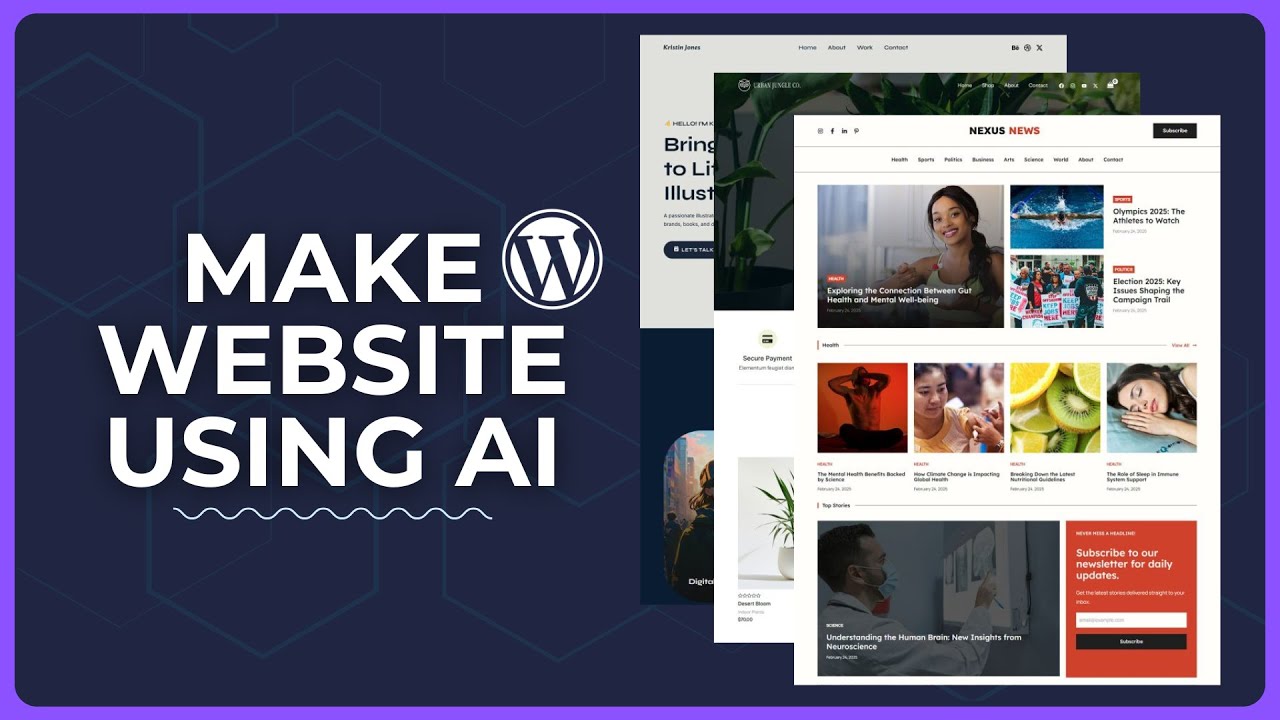
How to Build a WordPress Website Using AI
Creating a WordPress website has never been easier, thanks to the advancements in artificial intelligence (AI). This technology streamlines many aspects of web development, offering tools and features that can save you time and enhance your site’s functionality. Whether you’re a beginner or a seasoned developer, leveraging AI in the website-building process can significantly improve your outcomes. This guide will walk you through the steps to build a WordPress website using AI technologies effectively.
Understanding WordPress and AI
What is WordPress?
WordPress is a powerful content management system (CMS) that powers over 40% of the internet. It allows users to create, manage, and modify content on their websites without requiring extensive coding knowledge. With a plethora of themes and plugins, WordPress offers extensive customization options.
The Role of AI in Website Development
Artificial intelligence, in this context, refers to software that can facilitate various aspects of website construction, from content generation to design automation. By utilizing AI tools, you can enhance user experience, improve SEO, and create visually appealing websites with less manual effort.
Step-by-Step Process to Build Your Website
Step 1: Define Your Website’s Purpose
Before diving into the technical specifics, outline your website’s primary purpose. Is it for blogging, e-commerce, a portfolio, or a business? This initial decision will guide your design choices, content strategies, and overall functionality.
Step 2: Choose a Domain Name and Hosting
Your domain name is essentially your website’s address on the internet. When selecting a name, keep it short, memorable, and relevant to your content. After you’ve chosen a domain, you’ll need reliable hosting. Look for hosting providers that offer one-click WordPress installation and excellent uptime rates. Many providers are now integrating AI solutions for enhanced performance and security.
Step 3: Install WordPress
Most hosting services simplify the process of installing WordPress with one-click install options. Follow the prompts, and you’ll have your WordPress site up and running in no time.
Step 4: Select an AI-Powered Theme
Once WordPress is installed, it’s essential to choose a theme that resonates with your brand and enhances usability. Platforms like Elementor and Divi offer AI-driven design tools that can help you create customizable layouts effortlessly. These themes often automatically adjust elements based on user interactions, ensuring a responsive and engaging user experience.
Step 5: Use AI for Content Creation
Content is king, but creating high-quality content can be time-consuming. AI tools like Jasper, AI Writer, or Writesonic can help generate blog posts, product descriptions, and website copy. Here’s how to utilize them effectively:
- Keyword Research: Use AI-powered tools like Ahrefs or SEMrush to identify relevant keywords in your niche.
- Content Generation: Input your keywords and main ideas into your AI content generator to create initial drafts.
- Editing and Optimization: Always revise the generated content to ensure it aligns with your brand voice and fulfills SEO best practices.
Step 6: Implement AI Chatbots for Customer Interaction
Adding AI chatbots can enhance user engagement and provide immediate assistance to visitors. Tools like Drift and ManyChat can be easily integrated with WordPress to offer real-time support, answer FAQs, and funnel leads into your sales process.
Step 7: Optimize for SEO with AI Tools
SEO is vital for driving traffic to your website. AI can optimize your site substantially through various methods:
- On-Page SEO: Use plugins like Rank Math or Yoast SEO, which utilize AI to offer recommendations on keyword placement, meta tags, and more.
- Content Suggestions: AI tools analyze your content and suggest related topics, headlines, and even images that could boost SEO performance.
- Performance Tracking: Google Analytics and other AI-driven analytics tools can provide insights into user behavior, helping you refine your content strategy.
Step 8: Customize Functionality with AI Plugins
Plugins extend your website’s capabilities. Several AI-driven plugins can transform your site’s functionality:
- Automated Content Curation: Plugins such as MyCurator use AI to curate content from various sources automatically, saving you time and ensuring you’re always sharing relevant content.
- Image Recognition: Tools like ImageKit can optimize images on your site, improving loading speeds and visual appeal while utilizing AI for image recognition to tag and categorize images efficiently.
Step 9: Test Your Website
Before launching, it’s crucial to perform thorough testing. Utilize AI-based testing tools like TestCraft or Ghost Inspector, which simulate user interactions to uncover usability issues. Testing ensures that all functions work smoothly, particularly your forms, payment gateways, and navigation.
Step 10: Launch and Monitor
Once your website is ready, it’s time to go live! After launching, continuously monitor its performance with analytics tools. AI can help you adapt your strategies based on real-time data analysis, allowing you to fine-tune your offerings and content for better engagement.
Best Practices for Utilizing AI in WordPress Development
- Stay Updated: The field of AI is evolving rapidly. Regularly check for new features or plugins that can enhance your website experience.
- Balance Automation and Personal Touch: While AI can automate many tasks, maintaining a human element in your content and customer interactions is vital.
- Regular Backups: Ensure your website is backed up frequently using AI-driven backup solutions to avoid data loss and minimize downtime.
Conclusion
Building a WordPress website using AI not only streamlines the process but also enhances your site’s overall effectiveness and user experience. By following the aforementioned steps and utilizing the right tools, you can create a polished and professional website that meets your goals. Embrace AI technologies to take your website to the next level, allowing you to focus more on creating quality content and engaging your audience. With the right approach, you can turn your digital vision into reality and ensure long-term success in your online endeavors.
