
Blog
How To Add AI Tools on WordPress! 🤖
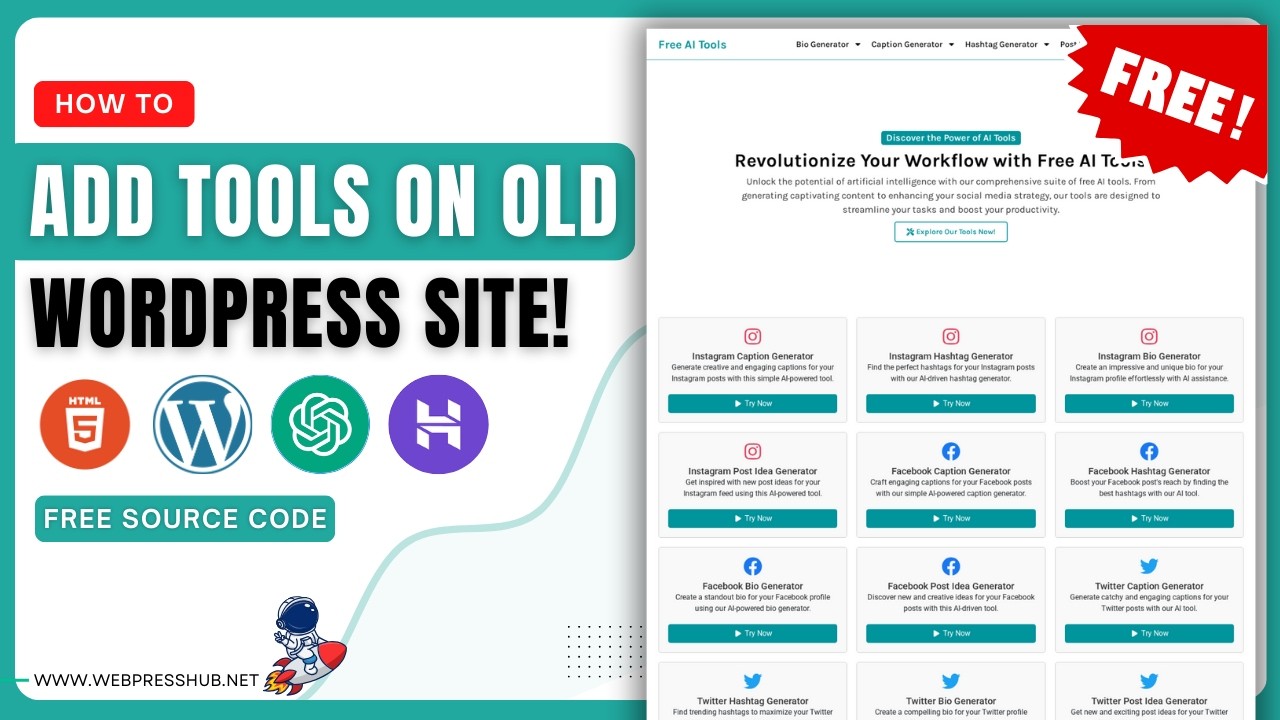
A Comprehensive Guide to Integrating AI Tools on WordPress
The world of digital content creation is evolving rapidly, and artificial intelligence (AI) is at the forefront of this transformation. Whether you’re a blogger, a business owner, or a developer, incorporating AI tools into your WordPress site can enhance user engagement, boost productivity, and improve overall site performance. This guide will walk you through the process of adding AI tools to your WordPress website effectively.
Understanding the Benefits of AI Tools
Before diving into the technicalities of integration, it’s essential to comprehend why AI tools are so beneficial:
-
Enhanced User Experience: AI can personalize content for individual users, making interactions more relevant and engaging.
-
Content Creation: AI-driven tools can assist in generating ideas, creating draft materials, or even optimizing existing content for SEO.
-
Data Analysis: AI can provide insights into user behavior, helping you make informed decisions and adjust your strategies accordingly.
- Automation: By automating routine tasks, AI tools can save you time and allow you to focus on more crucial aspects of your business.
Choosing the Right AI Tools for Your WordPress Site
When it comes to selecting AI tools, consider your specific needs. Here are some popular categories and tools you might find useful:
-
Content Generation Tools
- Jasper: Ideal for generating written content, Jasper uses AI to create blog posts, marketing copy, and more.
- ContentBot: A versatile option for creating various content types, from social media posts to long-form articles.
-
Chatbots and Customer Service
- Tidio: This AI-powered chatbot tool offers real-time customer support, improving user engagement on your site.
- Drift: Another excellent choice for enhancing customer interactions, Drift focuses on personalizing the user experience.
-
SEO Optimization
- Surfer SEO: Leverage AI to optimize your content for search engines, improving visibility and organic traffic.
- Yoast SEO: While not exclusively AI-based, it provides valuable suggestions for optimization, making your content more search-friendly.
- Analytics and Insights
- Google Analytics with AI features: Utilize machine learning algorithms to get deeper insights into your audience’s behavior.
- Pendo: This tool provides advanced analytics and insights, enabling you to tailor your offerings better.
Installing AI Tools on WordPress: Step-by-Step Guide
Once you’ve selected the AI tools that fit your needs, it’s time to integrate them into your WordPress site. Here’s how to do it:
Step 1: Access Your WordPress Dashboard
Begin by logging into your WordPress admin dashboard. This is where you’ll manage your plugins and settings.
Step 2: Navigate to the Plugins Section
On the left-hand sidebar, click on "Plugins" and then select "Add New." This section allows you to browse and install new tools easily.
Step 3: Search for Your Chosen AI Tool
Using the search bar, type in the name of the AI tool you want to install. For instance, if you’re integrating a content generation tool like Jasper or a customer service tool like Tidio, enter the respective names.
Step 4: Install and Activate the Plugin
Click the "Install Now" button next to the desired plugin. Once the installation is complete, tap "Activate" to enable the plugin on your site.
Step 5: Configure the Plugin Settings
After activation, you’ll typically need to configure the settings for your AI tool. This may include connecting it to an account (if applicable), setting preferences, and customizing its functionalities to suit your needs.
Step 6: Test the Tool
Before fully implementing the tool on your site, conduct some tests to ensure it operates as intended. For chatbots, interact with it as if you were a customer; for content generators, try creating a draft to assess quality.
Best Practices for Using AI Tools
To maximize the benefits of AI tools on your WordPress site, consider implementing the following best practices:
-
Regular Updates: Always keep your plugins and tools updated to ensure security and access to the latest features.
-
Monitor Performance: Use analytics to track how the AI tools are affecting your site’s performance and make adjustments based on data-driven insights.
-
User Feedback: Collect feedback from your audience about their experiences with AI-driven features. This can provide valuable insights for improvement.
-
Integrate with Existing Workflows: Ensure that AI tools complement your existing processes rather than complicating them. Seamless integration leads to better results.
- Maintain a Human Touch: While AI can automate many processes, it’s critical to retain a personal touch in customer interactions to foster trust and satisfaction.
Overcoming Challenges of AI Integration
Integrating AI tools into your WordPress site can come with its own set of challenges. Here’s how to navigate them:
-
Learning Curve: Some AI tools may have a steep learning curve. Consider taking advantage of tutorials and documentation provided by the tool’s developers to ease the transition.
-
Cost Considerations: While many AI tools offer free versions, premium versions may be necessary for advanced features. Evaluate your budget and choose tools that offer the best value.
- Technical Issues: Always keep backups of your site before installing new plugins to avoid any technical issues. If something goes wrong, having a backup ensures a smooth recovery.
The Future of AI in WordPress
As technology continues to advance, the influence of AI on WordPress is expected to grow. Future developments may include:
-
More Advanced Personalization: Enhanced algorithms will allow for even more tailored user experiences.
-
Improved Accessibility: AI can make content more accessible, ensuring that users with disabilities can interact with your website effectively.
- Enhanced Security: AI could play a role in identifying and mitigating security threats in real time, keeping your site safe.
Conclusion
Integrating AI tools into your WordPress site can be a significant step towards enhancing user engagement, streamlining processes, and increasing overall productivity. By choosing the right tools, following the installation steps, and adhering to best practices, you can effectively harness the power of AI. As you embrace these technologies, stay informed about future developments to ensure your site remains competitive in an ever-evolving digital landscape.
