
Blog
Free Elementor Addon Plugin | Element Pack #wordpress
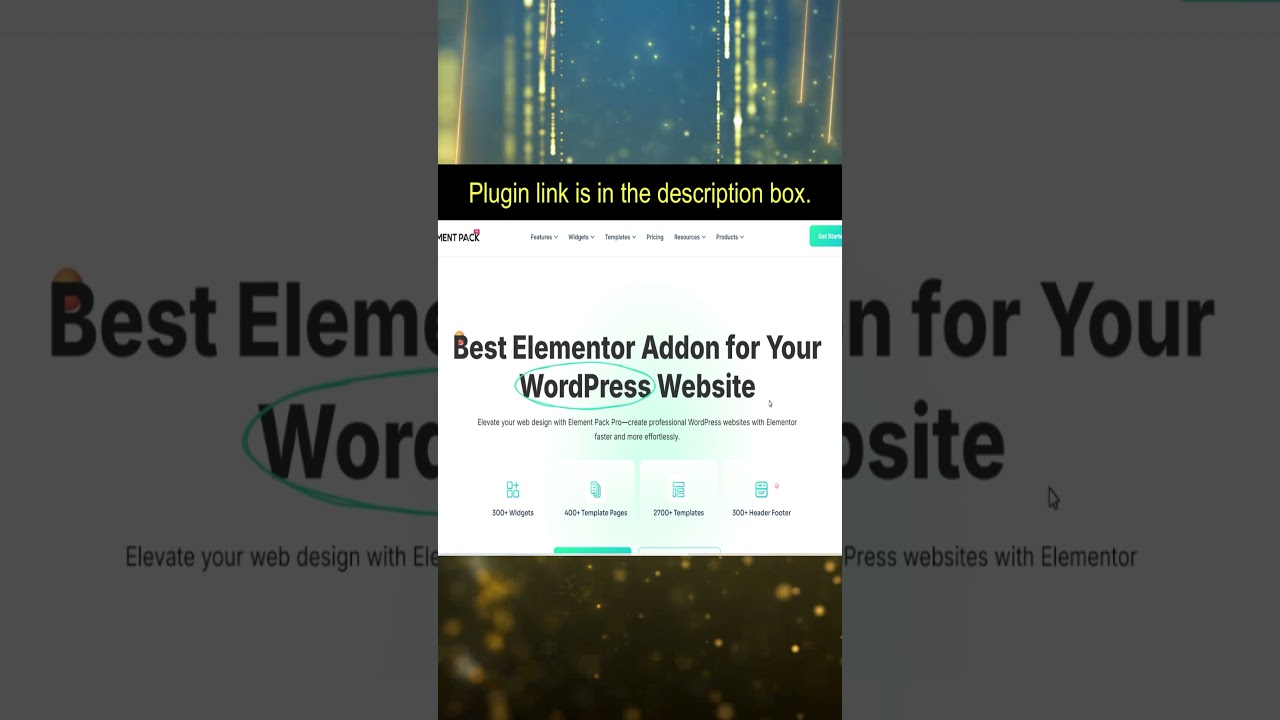
Unlocking the Power of Element Pack: A Comprehensive Guide to the Free Elementor Addon Plugin
Introduction to Elementor
In the world of website design, Elementor has emerged as a leading page builder for WordPress. It empowers users to create stunning, dynamic websites without needing extensive coding knowledge. One of its significant benefits is the ability to integrate with various addons that enhance its functionality, and one standout choice is the Element Pack addon.
What is Element Pack?
Element Pack is a robust Elementor addon plugin that adds a wealth of new widgets and functionalities to your Elementor toolkit. This plugin is designed to enhance your design capabilities, making it easier to create professional-looking websites. As a free addon, it provides valuable features without the burden of additional costs, catering to both novice and experienced web designers.
Key Features of Element Pack
Extensive Widget Collection
One of the major advantages of using Element Pack is its extensive collection of widgets. With over 60 customizable widgets, the plugin allows you to enhance your page designs significantly. From advanced sliders and galleries to intricate forms and pricing tables, you’ll find all the necessary components to build an engaging website.
Pre-made Templates
Element Pack offers a range of professionally designed templates that you can easily import and customize. These templates save you time and provide inspiration, ensuring your website maintains a modern and sleek aesthetic. By using these templates, you can focus on content creation rather than design intricacies.
Responsive Design
In today’s mobile-first world, ensuring your website is responsive is crucial. Element Pack takes this into account, offering widgets that are fully responsive and adaptable across various screen sizes. This means you can create a seamless user experience for your visitors, whether they are using a desktop, tablet, or smartphone.
Enhancing Your User Experience with Element Pack
Smooth Animations and Effects
Element Pack comes equipped with engaging animations and effects that can revitalize your website. The plugin allows you to add subtle hover effects, entrance animations, and more, making your site visually appealing. This attention to detail can keep visitors engaged longer and enhance their overall experience.
Advanced Styling Options
With Element Pack, you gain access to advanced styling options that allow for greater customization. Modify colors, typography, margins, and padding according to your design preferences. The flexible design tools facilitate a tailored approach to website aesthetics, ensuring that your site aligns with your brand identity.
Seamless Integration with Elementor
Element Pack has been specifically designed to work seamlessly with Elementor. Installation is straightforward, and once integrated, it expands Elementor’s native functionalities. You can manage all your widgets and settings directly through the Elementor interface, making it a breeze to create and customize your pages.
SEO Benefits of Using Element Pack
Improved Page Load Times
Speed is a critical factor in SEO rankings. While Elementor plugins can sometimes slow down page performance, Element Pack is designed to be lightweight. This optimization minimizes load times, contributing positively to your website’s search engine ranking.
Enhanced Mobile Optimization
As search engines prioritize mobile-friendly sites, Element Pack’s focus on responsive design ensures that your site meets this essential criterion. By optimizing for mobile users, you’ll not only provide a better user experience but also enhance your visibility on search engines.
Setting Up Element Pack on Your WordPress Site
Installation Guide
- Log in to Your WordPress Dashboard: Navigate to the “Plugins” section.
- Click on Add New: Search for “Element Pack” in the search bar.
- Install and Activate: Once you find the Element Pack plugin, click “Install Now” and activate it.
- Configure Settings: Access the Element Pack settings to personalize your experience. Adjust widgets and templates as needed.
Creating Your First Page
- Use Elementor: Open your WordPress page editor and switch to the Elementor interface.
- Add Widgets: Drag and drop your desired Element Pack widgets onto the canvas.
- Customize: Adjust settings such as colors, fonts, and layouts to reflect your brand.
- Preview and Publish: Once you’re satisfied with your design, preview it and hit publish.
Practical Tips for Maximizing Element Pack
Regularly Update the Plugin
To ensure optimal performance and security, it’s crucial to regularly update Element Pack. Developers frequently release updates that improve functionality and fix bugs, so keep an eye on your WordPress dashboard for any available updates.
Explore Widget Combinations
Don’t be afraid to experiment with various widget combinations. The flexibility of Element Pack allows for creative freedom, so mix and match widgets to find the ideal layout that works for your website.
Utilize Support and Documentation
Element Pack provides excellent support and documentation. If you encounter any challenges or have questions regarding specific features, don’t hesitate to consult their resources or reach out for assistance.
Common Use Cases for Element Pack
Business Websites
For businesses wanting to showcase their services and products effectively, Element Pack offers numerous options. Utilize the pricing table, testimonials, and service boxes to create a compelling business website that converts visitors into customers.
Portfolio Sites
If you’re a creative professional looking to showcase your work, Element Pack’s gallery and portfolio widgets are a perfect fit. You can create visually stunning presentations that highlight your projects, making it easier to attract potential clients.
Blogs and Personal Sites
Element Pack is also ideal for bloggers. With its blog post widgets, you can create engaging layouts that draw readers in. Incorporate features like social sharing buttons and comment sections to enhance user interaction.
Conclusion
Element Pack is a powerful free addon for Elementor, providing users with a wealth of features to design stunning websites effortlessly. With its extensive widget collection, easy integration, and strong focus on responsive and SEO-friendly design, it’s an essential tool for anyone looking to elevate their web design efforts. Whether you’re building a corporate site, portfolio, or personal blog, Element Pack can help you create an engaging and visually appealing online presence. Start exploring the features today and unlock the full potential of your Elementor experience.
