
Blog
Free E-commerce Website: Step-by-Step Guide (Domain, WordPress, AI)
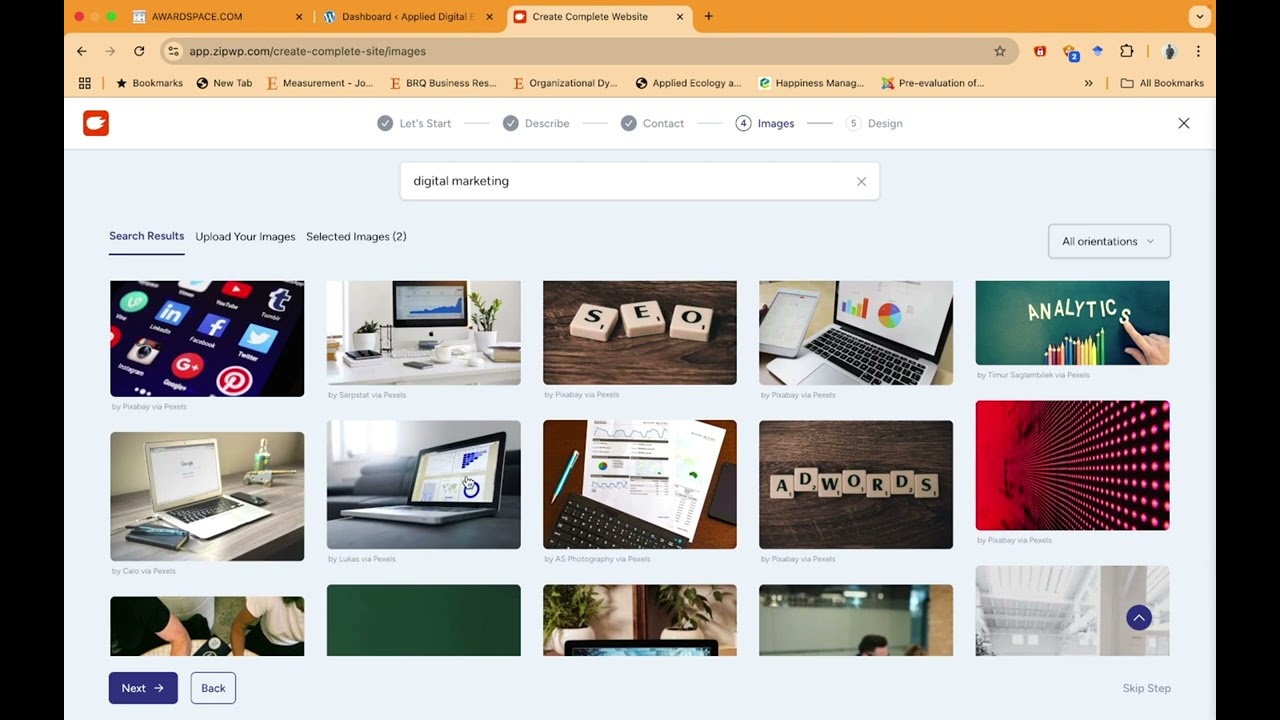
Building Your Free E-Commerce Website: A Comprehensive Step-by-Step Guide
Creating an e-commerce website can seem like a daunting task, especially for those who are new to the digital landscape. However, with the right tools and strategy, you can set up an online store without breaking the bank. This guide walks you through the essential steps of launching a free e-commerce website using platforms like WordPress and harnessing the power of AI.
Understanding E-Commerce Basics
Before you dive into the nitty-gritty of website creation, it’s essential to understand what e-commerce entails. E-commerce, or electronic commerce, refers to buying and selling goods and services via the internet. Whether you’re starting a dropshipping business, selling handcrafted goods, or offering digital products, having a robust online presence is crucial.
Step 1: Selecting a Domain Name
Your domain name is the digital address where customers will find your store. It’s essential to choose a name that is:
- Relevant: Reflect your business and the products offered.
- Memorable: Easy to remember and spell.
- Unique: Stand out from competitors.
You can use services like Namecheap or GoDaddy to check the availability of your desired domain name. If you’re not ready to invest in a custom domain, consider using subdomains provided by website builders until your business takes off.
Step 2: Choosing a Website Builder
While there are numerous e-commerce platforms available, WordPress with WooCommerce is a popular choice due to its flexibility and vast array of plugins. Here’s how to get started:
-
Select a Hosting Provider: Look for a provider that offers one-click WordPress installation. Many hosts, such as Bluehost or SiteGround, provide affordable plans tailored for beginners.
-
Install WordPress: With one-click installation, you can get WordPress up and running in no time. Simply follow the prompts from your hosting provider.
- Install WooCommerce: Once WordPress is set up, navigate to the “Plugins” tab and search for WooCommerce. Install and activate it to enable e-commerce functionalities on your site.
Step 3: Designing Your Website
Designing your e-commerce website doesn’t require advanced skills. Here are some key components to focus on:
-
Choose a Theme: Start with a responsive, user-friendly theme that matches your brand identity. Many free and premium themes are available in the WordPress repository.
-
Customize the Layout: Use the WordPress Customizer to tweak your site’s colors, fonts, and layout. A consistent aesthetic will engage customers and improve their shopping experience.
- Add Essential Pages: Create important pages like Home, About Us, Shop, Blog, and Contact. Each of these pages serves a unique purpose and helps with navigation.
Step 4: Adding Products to Your Store
Now comes the exciting part—adding your products. Here’s how to effectively showcase what you’re selling:
-
Create Product Categories: Organizing products into categories helps customers navigate your site easily.
-
Add Detailed Descriptions: When adding a product, include a compelling title, high-quality images, and thorough descriptions. Highlight features, specifications, and any unique selling points.
- Set Pricing and Inventory Levels: Determine your pricing strategy—will you offer discounts, or is your pricing static? Track your inventory to avoid overselling.
Step 5: Implementing Payment Gateways
To accept payments, integrating a reliable payment gateway is crucial. WooCommerce supports multiple payment options like PayPal, Stripe, and direct bank transfers. Here’s how to set it up:
-
Visit the WooCommerce Settings: Go to Settings > Payments in your WooCommerce dashboard.
- Choose Payment Methods: Enable your preferred payment gateways and configure the necessary settings, including API keys and account details.
Step 6: Enhancing Your Site with AI Tools
Advancements in artificial intelligence have led to innovative tools that can enhance your e-commerce website. Consider integrating the following AI applications:
-
Chatbots: Implement chatbots to provide real-time customer support. These can answer FAQ, guide users, and even assist in the purchasing process.
-
Personalization Engines: Utilize AI-driven tools to recommend products based on customer behavior. This personalized experience can boost sales and improve customer satisfaction.
- Analytics Tools: Tools like Google Analytics can track user behavior, providing insights that help optimize your site for conversion.
Step 7: Marketing Your E-Commerce Store
Launching your website is just the beginning; you must actively market your products to attract customers. Here are some effective strategies:
-
Social Media Marketing: Create engaging posts that showcase your products on platforms like Instagram and Pinterest. Use targeted ads to reach a broader audience.
-
Content Marketing: Start a blog related to your niche that offers valuable information, guides, and tips. This can help drive organic traffic to your website.
- Email Marketing: Build an email list to keep your customers updated on new products, promotions, and news. Personalized emails can nurture customer relationships and encourage repeat purchases.
Step 8: Monitoring and Optimizing Your Website
Once your e-commerce store is live, continuous monitoring and optimization are essential for success:
-
Track Performance: Use analytical tools to understand visitor behavior, conversion rates, and sales figures. This data will help you identify areas for improvement.
-
Gather Customer Feedback: Encourage customers to leave reviews and feedback. This can provide invaluable insights into what is working and what isn’t.
- A/B Testing: Experiment with different layouts, calls-to-action, and product displays to see what resonates most with your audience. A/B testing can significantly enhance conversion rates.
Conclusion
Creating a free e-commerce website may appear overwhelming initially, but following these structured steps can simplify the process. By focusing on the right tools, design, and marketing strategies, you can successfully set up an online store that attracts visitors and converts them into loyal customers. Embrace the journey and watch your e-commerce business thrive!
