
Blog
Free AI WordPress website #ai #website #wordpress #gutenberg #webdesign
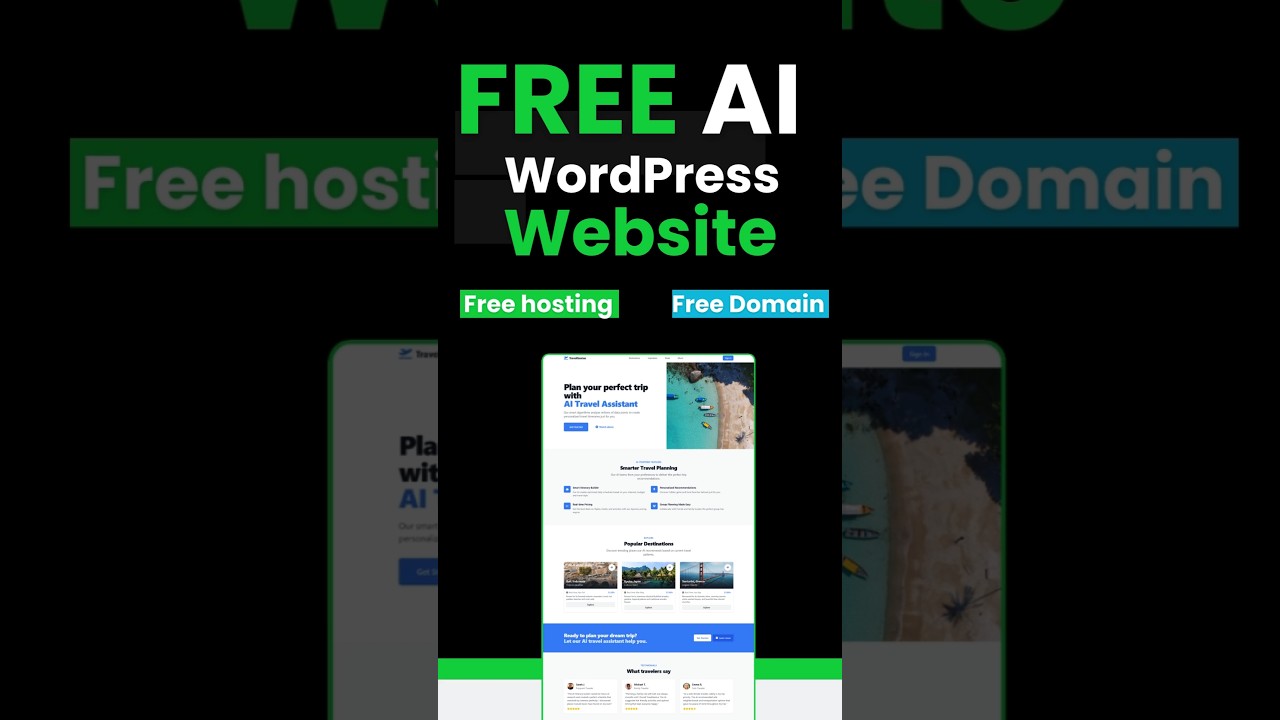
In the ever-evolving landscape of web development, a monumental shift is underway. The dream of creating a powerful, professional website without writing a single line of code is no longer a distant fantasy—it’s a tangible reality, and it’s accessible to everyone. The convergence of artificial intelligence with the world’s most popular content management system, WordPress, has unlocked a new era of digital creativity. This guide will walk you through how to leverage free AI tools alongside WordPress and its native Gutenberg editor to design, build, and launch a stunning website from the ground up, completely cost-free.
The New Frontier: Understanding AI-Powered Web Design
Before we dive into the practical steps, it’s crucial to understand what we mean by "AI-powered web design." This isn’t about robots taking over; it’s about intelligent software augmenting human creativity. These tools act as a co-pilot, handling the heavy lifting of design theory, layout structuring, and content ideation. They can analyze your goals, suggest color palettes, generate copy, and even create functional code blocks, all based on simple text prompts.
This paradigm is perfectly suited for WordPress. With the introduction of the Gutenberg block editor, WordPress transformed from a simple blogging platform into a flexible, block-based design powerhouse. Each element on a page—a paragraph, an image, a button, a gallery—is its own distinct block. This modular approach is ideal for AI integration, as the AI can suggest, generate, and arrange these blocks to form a cohesive and beautiful whole.
Laying the Foundation: Your Free WordPress Installation
The first step in your journey is securing your free WordPress website. While WordPress.org software is free, you traditionally need paid web hosting to run it. However, a fantastic and often overlooked option is WordPress.com.
WordPress.com offers a free plan that is perfect for starting this AI-driven experiment. It provides a subdomain (e.g., yoursite.wordpress.com), a reasonable amount of storage, and full access to the Gutenberg editor. This is your sandbox—a zero-risk environment to learn and create.
- Sign Up: Go to WordPress.com and create a new account.
- Choose Your Free Plan: Select the complimentary plan to begin. You can always upgrade later for a custom domain and more features.
- Claim Your Subdomain: Pick a name that reflects your site’s purpose. This will be your temporary web address.
With your foundation set, you’re ready to introduce the most powerful tool in your arsenal: artificial intelligence.
Your AI Co-Pilot: Free Tools for Design and Content
You won’t be installing a single "AI plugin" for this process. Instead, we’ll utilize external, free-to-use AI platforms to generate our core assets and then implement them manually into WordPress. This approach offers maximum flexibility and power.
1. For Content Generation: ChatGPT and Gemini
Large Language Models (LLMs) are incredible for crafting your website’s written content. Use them to:
- Generate Ideas: Prompt: "Give me 10 blog post ideas for a website about sustainable gardening for beginners."
- Write Page Copy: Prompt: "Write a compelling ‘About Us’ page paragraph for a freelance graphic designer who specializes in minimalist branding. Keep the tone professional but friendly."
- Create Meta Descriptions: Prompt: "Generate an SEO meta description for a homepage about online yoga classes for seniors."
2. For Visual Assets: Canva with AI or Leonardo.Ai
While you can use free stock photo sites, AI image generators can create unique visuals tailored to your content.
- Canva’s AI Tools: The free version of Canva includes AI features like ‘Magic Write’ for text and ‘Text to Image’ for generating graphics. It’s incredibly user-friendly.
- Leonardo.Ai: Offers a generous free tier for creating high-quality, realistic images from text prompts. Perfect for generating custom hero images, logos, or background art.
3. For Design and Layout Inspiration: AI Website Builders
Even though we’re building in WordPress, you can use free AI website builders like Hostinger AI Website Builder or Wix ADI in their trial modes. Describe your website idea, let them generate a full mock-up, and then use that design as your inspiration for recreating it in Gutenberg. This is a brilliant way to overcome the "blank canvas" problem.
The Build: Translating AI Ideas into Gutenberg Blocks
This is where the magic happens. You’ve used AI to brainstorm; now it’s time to build. The Gutenberg editor is your canvas, and blocks are your paint.
Step 1: Crafting Your Homepage
Your homepage is your digital front door. Using the content and ideas from your AI tools, start constructing it block by block.
- Hero Section: Start with a ‘Cover’ block. Upload the AI-generated image you created. Overlay it with a ‘Heading’ block for your main title and a ‘Paragraph’ block for your subtitle. Add a ‘Buttons’ block to create your primary call-to-action.
- Services/Features Section: Use a ‘Columns’ block to create a multi-section layout. In each column, add an ‘Image’ block, a ‘Heading’ block, and a ‘Paragraph’ block to outline your key services or features. The copy for these can be directly from your LLM prompts.
- Testimonials: Use the ‘Quote’ block or a dedicated ‘Testimonials’ block from a free block plugin (like Kadence Blocks or Ultimate Addons for Gutenberg) to display client praise.
Step 2: Building Essential Pages
Follow the same methodology for other critical pages.
- About Page: Use a ‘Media & Text’ block to combine a portrait image with your AI-generated biography. Let your personality shine through.
- Contact Page: Simply use the ‘Form’ block provided by WordPress.com. It’s a straightforward way to add a functional contact form without any plugins.
- Blog Page: WordPress automatically handles your blog archive. Use the ‘Post Excerpt’ block to control how your posts are displayed.
Step 3: Styling and Customization
The true power of Gutenberg lies in its built-in styling options. For every block, click on the settings icon (the sidebar) to reveal a world of design controls.
- Typography: Change font sizes, colors, and weights for headings and text.
- Spacing: Add padding and margins to create breathing room between your sections. This is key to a professional look.
- Color Palettes: Apply consistent colors to your backgrounds, text, and buttons. Use the color palette suggested by your AI design inspiration.
Beyond the Basics: Optimizing Your Free AI Site
A website isn’t just about looks; it’s about performance and discovery.
- SEO Optimization: While Yoast SEO is a premium plugin on WordPress.com, you can still excel at SEO. Use your AI tool to research and include relevant keywords naturally in your headings (H1, H2, H3) and content. Craft compelling meta titles and descriptions for each page.
- Mobile Responsiveness: This is non-negotiable. Gutenberg blocks are responsive by default, but always click the "Preview" button and check how your site looks on mobile devices. Adjust padding and font sizes if necessary.
- Performance: Since you’re on a free plan, your options are limited, but you can optimize by compressing your AI-generated images before uploading them. Use free tools like Squoosh or IrfanView to reduce file size without sacrificing quality.
The Future is Now: Embracing the AI-Assisted Workflow
Building a website this way is more than just a cost-saving hack; it’s a glimpse into the future of web design. It democratizes development, placing powerful tools in the hands of entrepreneurs, artists, and hobbyists. The role of the web designer is shifting from a technical coder to a creative director—a curator of AI-generated ideas.
This process teaches you the fundamentals of design, information architecture, and content strategy. You are making all the critical decisions; the AI is simply providing the raw materials and accelerating the process.
The combination of free AI tools and the free tier of WordPress.com represents an unprecedented opportunity. There has never been a lower barrier to entry for creating a presence online that is both visually striking and functionally sound. So, define your idea, converse with your AI co-pilot, and start building your dream website block by intelligent block. Your digital journey begins now.
