
Blog
Everything You Need To Know About Divi 5’s Lottie Module
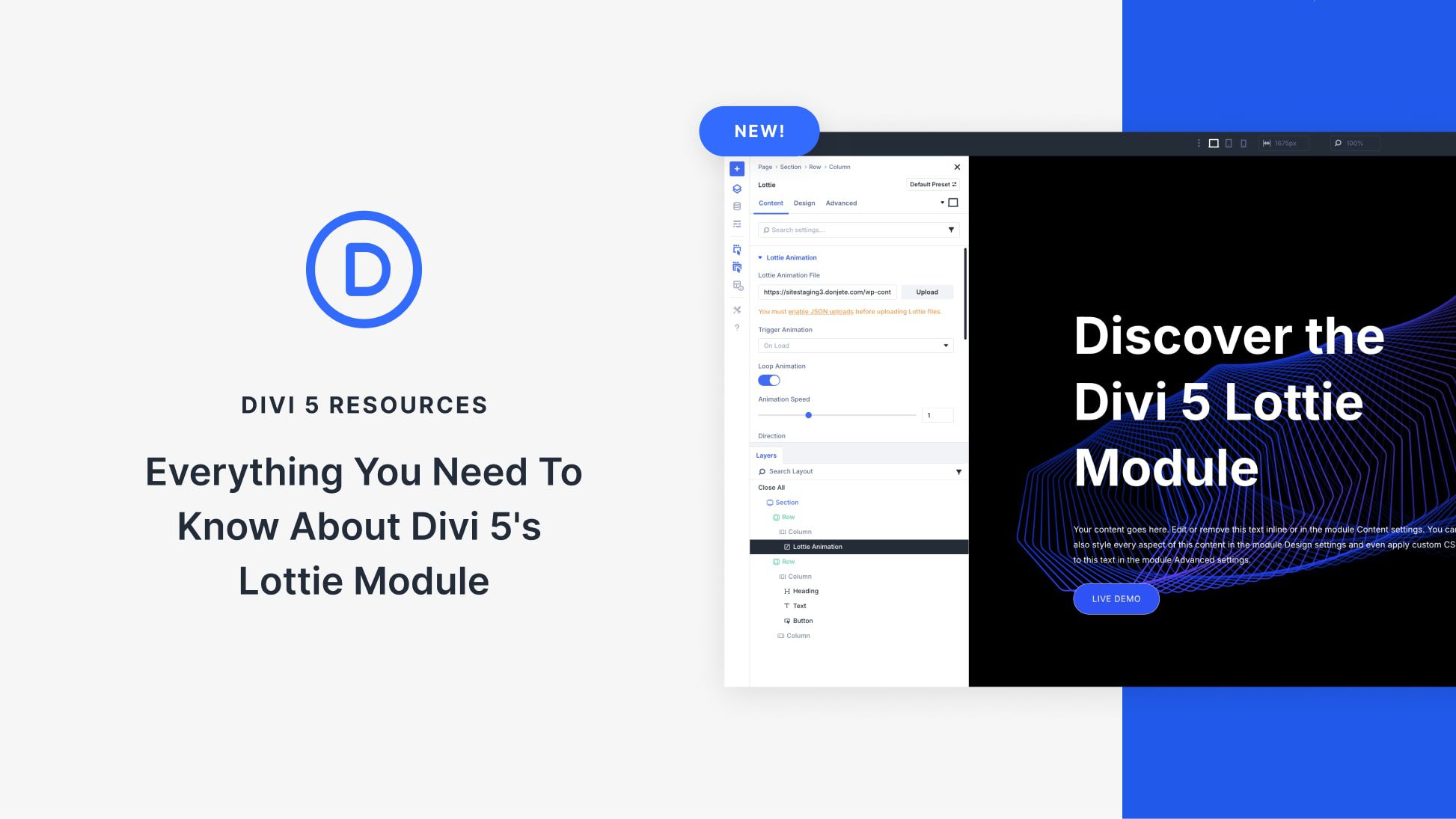
Introduction to Divi 5’s Lottie Module
The world of web design is constantly evolving, and with Divi 5, Elegant Themes has introduced some exciting features that set new standards for website interactivity and animation. One of the standout components of Divi 5 is the Lottie Module, which brings a new dimension to how designers can incorporate animations into their sites. This guide will delve into everything you need to know about the Lottie Module, including what it is, its benefits, and how to use it effectively.
What is the Lottie Module?
The Lottie Module in Divi 5 allows users to add animations created in Adobe After Effects directly to their websites. These animations are exported in a JSON format using the Bodymovin plugin, resulting in lightweight and scalable vector graphics. By utilizing the Lottie Module, designers can enrich their websites with engaging animations without compromising load speeds or user experience.
Key Features of the Lottie Module
1. Seamless Integration
The Lottie Module integrates effortlessly with Divi’s existing layout system. Users can place animations within sections, rows, or columns just like any other Divi element. This intuitive integration allows for greater creative freedom when designing a website.
2. Lightweight and Scalable
One of the primary advantages of Lottie animations is their lightweight nature. Unlike traditional image formats, Lottie animations are vector-based, meaning they scale without losing quality. This feature is vital for today’s responsive designs, ensuring that animations look crisp on all devices.
3. Interactivity
The Lottie Module also supports interactivity. Users can set animations to trigger on scroll, hover, or click, making web experiences more engaging. This level of interactivity can significantly enhance user engagement, leading to longer time spent on the site.
Benefits of Using Lottie Animations
1. Enhanced User Experience
Animations can improve user experience by making navigation more intuitive. For instance, using animations to highlight buttons or transitions can guide users through the site more fluidly, reducing the chances of frustration.
2. Increased Engagement
Incorporating Lottie animations can lead to increased user engagement. Engaging visuals capture attention quickly, which is critical in a digital landscape saturated with static content. Well-placed animations can keep users focused on your message.
3. Improved Load Times
Modeling animations as lightweight JSON files can enhance overall website performance. Traditional video or GIF formats often result in slower load times, which can detract from user experience and SEO. Lottie animations provide a solution without sacrificing visual quality.
How to Use the Lottie Module in Divi 5
Using the Lottie Module in Divi is straightforward and user-friendly. Here’s a step-by-step guide to help you get started:
Step 1: Install and Activate Divi 5
Ensure you have Divi 5 installed and activated on your WordPress site. If you haven’t upgraded yet, follow the instructions to update your current version.
Step 2: Create a New Page or Post
Navigate to the WordPress dashboard and create a new page or post where you want to showcase your Lottie animations. Click on the “Enable Divi Builder” option.
Step 3: Add the Lottie Module
Within the Divi Builder, you can add a new module by clicking on the "+" icon. Search for the Lottie Module and select it. This action opens the module settings panel.
Step 4: Upload Your Animation
In the module settings, you will find an option to upload your JSON file. Make sure your animation file is prepared using Adobe After Effects and exported with the Bodymovin plugin. Once uploaded, you can preview the animation directly within Divi’s interface.
Step 5: Configure Animation Settings
After uploading the animation, you have the option to customize various settings such as animation speed, playback options (looping or single play), and interactivity. Adjust these settings to align with your design goals.
Step 6: Save and Preview
Once satisfied with the configuration, save your changes and preview your page. This step ensures that the animations function as intended in a live setting.
Best Practices for Implementing Lottie Animations
1. Keep Animations Subtle
While animations can enhance user experience, they should not be overwhelming. Keeping animations subtle helps to draw attention without distracting users from the primary content.
2. Optimize Animation Files
Before uploading, ensure your animations are optimized for web. This means keeping file sizes manageable while retaining quality. Test different compression levels to find the right balance.
3. Consider Accessibility
Ensure that animations do not hinder accessibility. Provide alternative content for users who may have motion sensitivity issues, and include text descriptions where necessary.
4. Test Across Devices
Different devices may handle animations in various ways. Testing your Lottie animations across multiple devices ensures consistency in user experience.
Conclusion
The Lottie Module in Divi 5 represents a significant leap in how web designers can incorporate animations into their websites. With its lightweight format, seamless integration, and potential for interactivity, Lottie animations can transform user experiences and enhance engagement. By following best practices and understanding how to implement the Lottie Module effectively, you can create visually stunning and interactive websites that captivate your audience. Embrace this innovative tool and elevate your web design projects to new heights!
