
Blog
Create Your Own ChatGPT Agents!
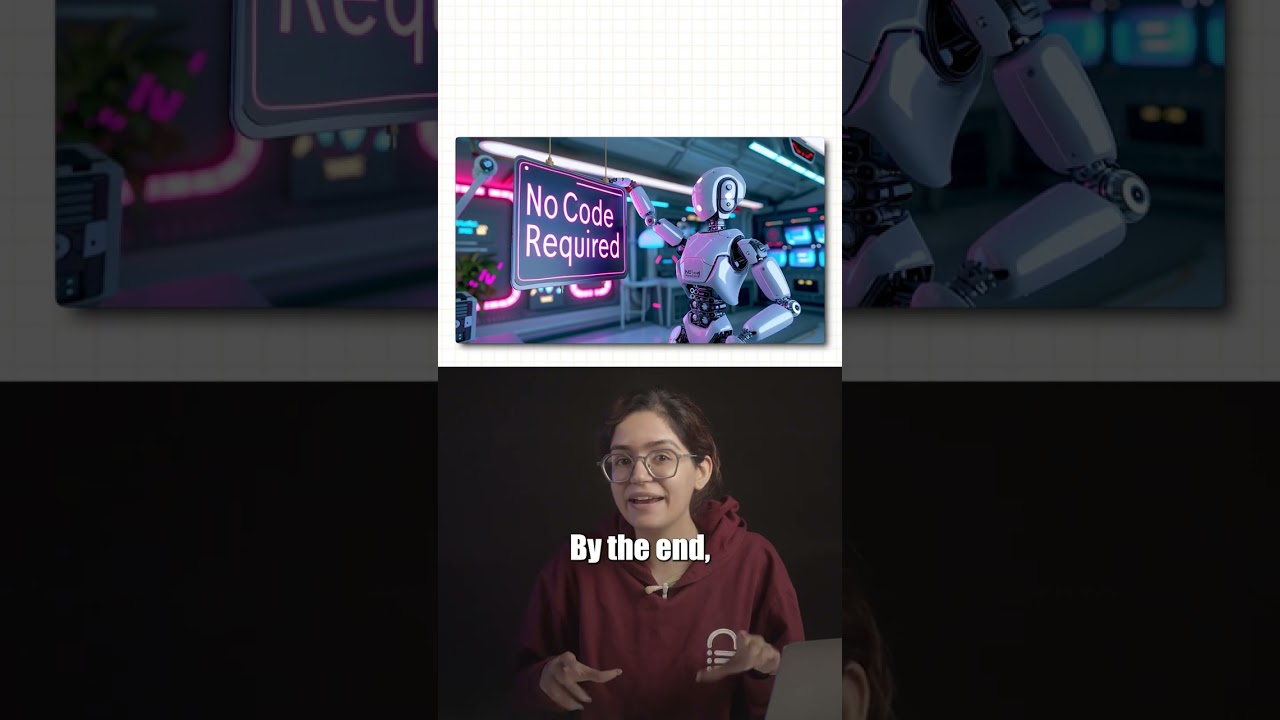
Introduction to Custom ChatGPT Agents
Artificial intelligence has transformed the way we interact with technology, and one of the most exciting innovations in this field is the development of conversational agents. These agents, powered by models like ChatGPT, can be customized to cater to individual needs—whether for personal use, customer service, or educational purposes. In this guide, we’ll explore how to create your own ChatGPT agents effectively, leveraging their capabilities to enhance various applications.
Understanding ChatGPT
ChatGPT is a state-of-the-art language model developed by OpenAI, designed to generate human-like text based on the input it receives. Its versatility allows it to perform tasks ranging from answering questions to providing intricate explanations on various topics. The beauty of ChatGPT lies in its adaptability; users can modify its responses to better suit specific tasks or audiences.
Why Create Your Own ChatGPT Agent?
Creating a personalized ChatGPT agent offers several benefits:
- Tailored Interactions: Customize the agent to meet specific user needs, making it more relevant and effective.
- Streamlined Processes: Automate routine inquiries or tasks, saving time and resources.
- Enhanced Learning: Employ the agent as a tutor or learning assistant, guiding users through complex subjects.
Step-by-Step Guide to Building Your ChatGPT Agent
Step 1: Define Your Purpose
Before diving into the technical aspects, it’s crucial to determine the purpose of your ChatGPT agent. Are you looking to develop a customer support bot, a personal assistant, or perhaps a learning tool? Having a clear objective will guide the customization process.
Step 2: Choose the Right Platform
Select a platform that supports the deployment of AI models. Popular options include:
- OpenAI API: Provides easy access to the ChatGPT model along with customizable features.
- Bot frameworks: This includes platforms like Microsoft Bot Framework or Google Dialogflow, which allow for building conversational agents without extensive coding.
Step 3: Customize User Input and Output
After selecting a platform, the next step is to configure how your ChatGPT agent will receive and process input. This involves defining triggers—specific keywords or phrases that will elicit particular responses.
For instance, if your agent is designed for customer support, you can set auto-responses to common questions. This makes interactions smoother and saves users from waiting.
Step 4: Develop a Personality
The personality of your ChatGPT agent can significantly affect user experience. Think about the tone and style you want your agent to embody. Should it be professional and formal, or casual and friendly? This will shape the way the agent responds to inquiries.
Step 5: Training the Model
Training the model involves feeding it data relevant to its intended use. For example, if you are creating a ChatGPT agent for a technical support role, include a wide range of technical documents, FAQs, and troubleshooting guides. This will help the agent generate accurate and informed responses.
Step 6: Implement Continuous Learning
Once your ChatGPT agent is live, monitor its interactions to identify areas of improvement. This can be done by analyzing user feedback and common questions that go unanswered. Regularly updating the training data based on these insights will enhance the agent’s performance over time.
Step 7: Test Thoroughly
Before launching your ChatGPT agent, conduct extensive testing. This will ensure that it handles various scenarios gracefully. Test for the following:
- Clarity: Does the agent provide clear and comprehensible answers?
- Relevance: Are the responses appropriate for the queries it receives?
- Engagement: Does the agent maintain a conversational flow that keeps users engaged?
Best Practices for Maintaining Your ChatGPT Agent
Creating the initial version of your ChatGPT agent is just the beginning. Ongoing management is crucial for maintaining its effectiveness and user satisfaction.
1. Regular Updates
AI models need to evolve. Regularly update the training data and the agent’s functions based on changing user needs, technological advancements, and new information in your field.
2. User Feedback
Always encourage users to provide feedback. This can be done through simple surveys or direct questions at the end of interactions. Understanding user experience can highlight strengths and weaknesses.
3. Privacy and Ethical Considerations
When developing your ChatGPT agent, pay attention to privacy concerns. Make sure that user data is handled securely and ethically. Be transparent about the data you collect and how it will be used.
4. Monitoring Performance Metrics
Keep an eye on key performance indicators (KPIs), such as user satisfaction rates, response accuracy, and engagement levels. These metrics offer valuable insights into how well your agent is functioning and where it can improve.
Use Cases for ChatGPT Agents
The potential applications for your custom ChatGPT agent are vast. Here are a few scenarios where such agents excel:
Customer Support
Implementing a ChatGPT agent in your customer service department can significantly enhance efficiency. With the ability to handle common inquiries, it reduces the workload on human agents and ensures 24/7 assistance.
Educational Assistance
For students, a dedicated ChatGPT agent can serve as a personalized tutor, helping with homework, clarifying concepts, and providing resource recommendations. This form of assistance can bolster learning outcomes.
Personal Productivity
A ChatGPT agent can act as a personal assistant, managing schedules, reminding users of important tasks, or even providing motivational support throughout the day.
Conclusion
Creating your own ChatGPT agent is a rewarding endeavor that can dramatically improve interaction efficiency across various platforms. By following the steps outlined in this guide, you can develop a customized agent that not only meets user expectations but exceeds them, paving the way for enhanced user engagement and satisfaction. Embrace the possibilities that AI offers, and start crafting your very own conversational assistant today.
