
Blog
Create Ai Powered Events with Eventin on WordPress
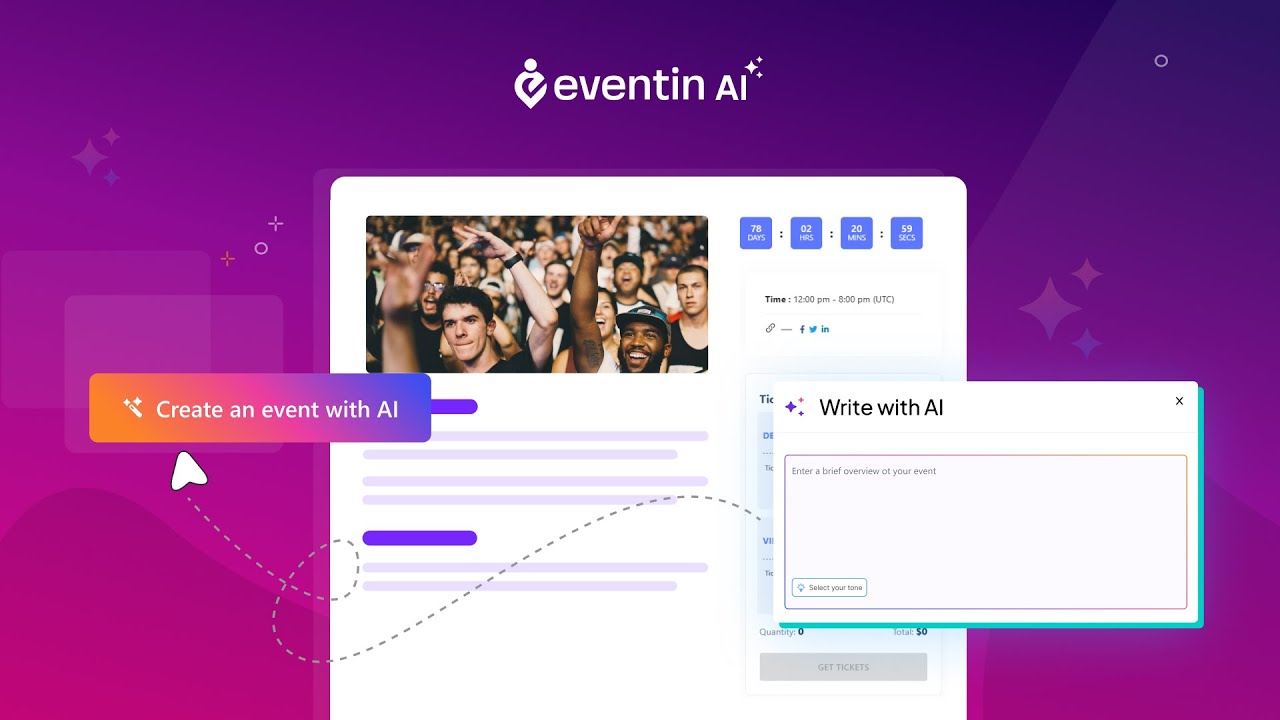
Unlocking AI-Powered Events with Eventin on WordPress
In an era where technology is rapidly evolving, the integration of artificial intelligence (AI) into event planning brings newfound efficiency, personalization, and excitement. Eventin, a powerful event management plugin for WordPress, allows you to harness the capabilities of AI to create compelling events. In this guide, we will explore how to utilize Eventin effectively and the advantages it offers to event organizers.
Why Choose WordPress for Event Management?
WordPress is renowned for its flexibility and user-friendliness. With over 40% of all websites on the internet powered by WordPress, it offers a robust platform that can easily handle event management. This popularity stems from its vast ecosystem of plugins, themes, and customization options, making it a preferred choice for many event organizers.
Moreover, WordPress allows you to seamlessly integrate your event management solution with existing sites, ensuring a smooth user experience for attendees.
Introduction to Eventin
Eventin is an exceptional WordPress plugin designed to simplify event management. Its AI-driven functionalities make it a standout choice for organizers looking to create memorable events. From ticketing to attendee engagement, Eventin encompasses everything you might need to ensure an event’s success.
Key Features of Eventin
Comprehensive Event Management
Eventin streamlines the event planning process by allowing you to create, manage, and promote events from a single dashboard. With just a few clicks, you can set event dates, venues, ticket types, and pricing strategies.
AI-Powered Recommendations
One of Eventin’s standout features is its AI-driven recommendation engine. This tool analyzes past event data to suggest optimal pricing, date, and even marketing strategies tailored to your audience. Utilizing this data-driven insight enhances your chances of maximizing attendance and revenue.
Seamless Ticketing System
Eventin’s integrated ticketing system simplifies the purchase process for attendees. You can offer various ticket types, including early-bird, VIP, and group tickets. Moreover, the user-friendly interface ensures that attendees can navigate through different options effortlessly.
Customizable Templates
With Eventin, creating an engaging event page is easy, thanks to its customizable templates. These templates are designed to be visually stunning and mobile-responsive, ensuring a consistent experience across devices. You can tailor the look and feel of your event page to match your branding, adding a professional touch.
Built-In Marketing Tools
Effective marketing is vital for any successful event. Eventin comes equipped with built-in promotional tools designed to enhance your outreach. From sharing event details on social media to utilizing email marketing integration, you can maximize your reach and draw in more attendees.
Setting Up Eventin on Your WordPress Site
Getting started with Eventin is straightforward. Here’s how to set up this powerful plugin:
Step 1: Install the Plugin
First, log in to your WordPress dashboard. Navigate to the "Plugins" section and select "Add New." Search for Eventin, install it, and activate it. Once activated, you’ll find a new menu item labeled "Eventin."
Step 2: Configure Settings
After activation, head to the Eventin settings page. Here, you can configure key options such as payment gateways, ticket types, and notification settings. This step is crucial to ensure your event runs smoothly.
Step 3: Create Your First Event
To create an event, click on "Add Event" within the Eventin dashboard. Fill in the necessary details, including the event title, date, time, location, and description. You can also upload images and videos to make your event page more appealing.
Step 4: Set Up Ticketing
Define your ticket types and prices within the event creation interface. You can set limitations on ticket availability and specify different ticket categories to cater to various attendee needs.
Step 5: Publish and Promote
Once you’ve finalized all the event details, hit the "Publish" button. Your event page will then be live. Utilize Eventin’s marketing tools to share your event on social media and through email campaigns to increase visibility.
Enhancing Attendee Engagement with AI
AI not only assists event organizers but also enhances attendee experience. Here’s how AI can elevate attendee engagement during your events:
Personalized Recommendations
By analyzing attendee behaviors and preferences from previous events, AI can suggest sessions, workshops, or exhibitors that align with individual interests. This personalization greatly improves the attendee experience, making them feel valued.
Automated Follow-Ups
Post-event follow-ups are essential for maintaining relationships with attendees. AI can automate these processes by sending personalized emails thanking attendees for their participation and inviting them to future events based on their interests.
Real-Time Analytics
During the event, real-time analytics can provide insights into attendee engagement levels, popular sessions, and feedback trends. This data helps organizers make on-the-fly adjustments to improve the event experience.
Challenges and Considerations
While the benefits of using Eventin and AI in event management are substantial, it’s essential to consider potential challenges:
Learning Curve
For those new to WordPress or event management plugins, there might be a slight learning curve. Familiarizing yourself with Eventin’s features and settings is crucial for its effective utilization.
Data Privacy
When utilizing AI to collect and analyze attendee data, prioritizing data privacy is crucial. Ensure compliance with relevant regulations and communicate clearly with attendees about data usage.
Future Trends in AI-Powered Event Management
As technology continues to advance, we can expect several trends in AI-powered event management:
Increased Automation
More aspects of event planning and execution will become automated, reducing the workload on organizers. AI will handle tasks like ticket sales, attendee communications, and even some logistical elements.
Enhanced Virtual Reality Experiences
Events integrating virtual reality (VR) experiences will become increasingly popular. AI will enable personalized VR environments tailored to individual preferences, creating unique experiences for attendees.
Smart Venue Technologies
As smart technologies evolve, venues will become increasingly equipped with AI systems that can monitor crowd levels, adjust lighting and climate, and enhance guest experiences based on real-time data.
Conclusion
Integrating AI-powered solutions like Eventin into your WordPress site revolutionizes event management. By streamlining processes, enhancing attendee engagement, and utilizing data-driven insights, you are poised to create unforgettable events. As both technology and event expectations evolve, embracing these innovations will ensure your events remain at the forefront of the industry. Implement Eventin today, and watch your event planning capabilities transform.
