
Blog
Create A WordPress Blog Instantly with AI
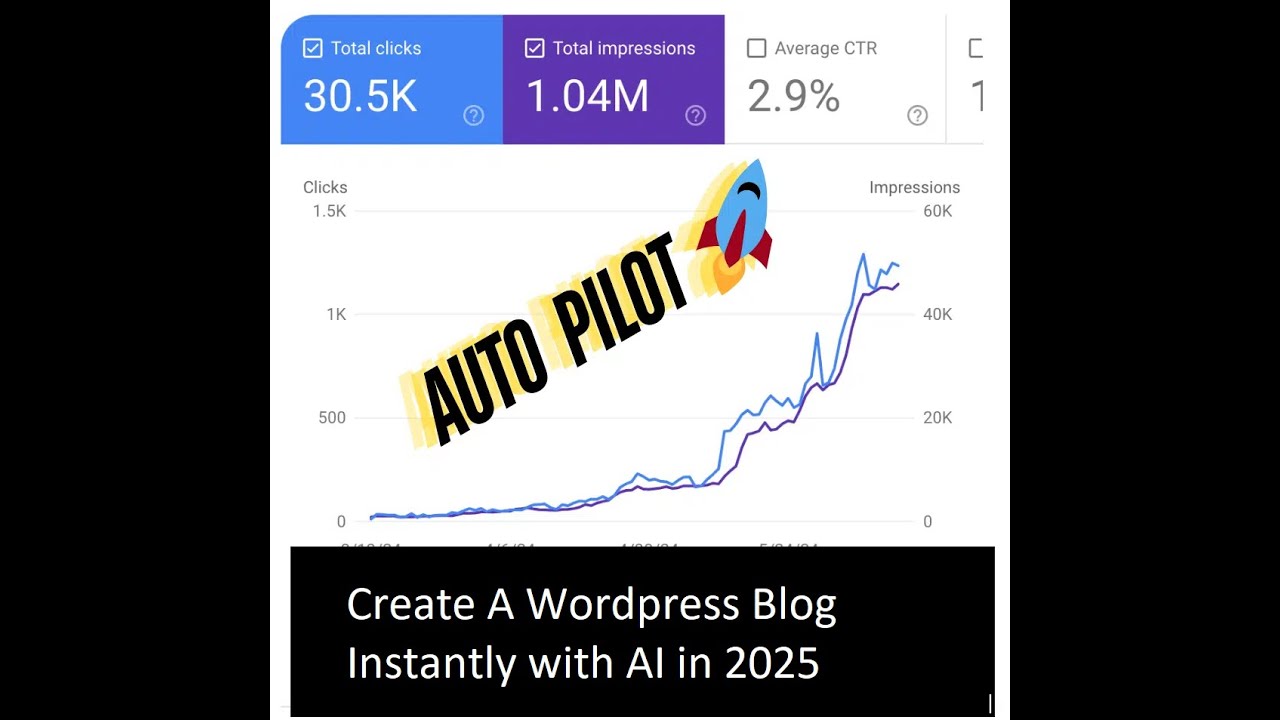
How to Instantly Create a WordPress Blog Using AI
In today’s digital world, blogging has become an essential way to share ideas, promote businesses, and build communities. The good news? You don’t need extensive technical skills to get started. Thanks to advancements in artificial intelligence, you can effortlessly create a WordPress blog in no time. This guide will take you through the step-by-step process of launching your blog using AI tools.
Why Choose WordPress for Your Blog?
Before diving into the creation process, let’s discuss why WordPress is a preferred platform for many bloggers.
User-Friendly Interface
WordPress is renowned for its intuitive dashboard, making it accessible for both novice and experienced bloggers. The straightforward layout allows you to create and manage content seamlessly.
Versatility and Customization
One of WordPress’s biggest advantages is its flexibility. With thousands of themes and plugins available, you can easily customize the look and functionality of your blog to suit your unique style and needs.
Strong Community Support
With a vast community of developers and users, finding help and support is never difficult. From forums to online tutorials, you’ll find ample resources to guide you through your blogging journey.
Steps to Create Your Blog Using AI
1. Define Your Blogging Niche
Before jumping into the technical side, it’s crucial to identify the niche you want to focus on. A well-defined niche helps attract a targeted audience and makes content creation easier. Consider your passions, expertise, and what topics you enjoy discussing.
2. Use AI for Topic Generation
Once you’ve chosen your niche, use AI-powered tools like ChatGPT to brainstorm a list of blog topics. Simply ask the AI for topic ideas related to your niche, and you’ll receive several suggestions. This will save you time and help you generate content that resonates with your audience.
3. Choose Your Domain Name
A domain name is your blog’s online identity. It should be memorable, relevant, and easy to spell. Consider using AI tools that analyze trending keywords to help you come up with a unique domain name. Aim for a name that reflects your niche while being simple enough for readers to remember.
4. Select a Hosting Provider
To get your WordPress blog live, you’ll need a reliable hosting provider. Many companies offer one-click WordPress installation features, making the setup process straightforward. Look for hosting services that offer good customer support and uptime guarantees. Popular options include Bluehost, SiteGround, and WP Engine.
5. Install WordPress
Once you’ve secured your hosting service, the next step is installing WordPress. Most hosting providers will allow you to install WordPress with just one click:
- Log into your hosting account.
- Navigate to the WordPress installation section.
- Follow the prompts to set up your site.
In a matter of minutes, you’ll have WordPress ready for customization.
6. Choose a Theme
Themes determine the aesthetic of your blog. With WordPress, there are countless free and premium themes available. Use AI tools that analyze design trends to help you choose a theme that aligns with your brand’s style.
To select a theme:
- Log in to your WordPress dashboard.
- Go to “Appearance” and select “Themes.”
- Browse and preview themes to find one that suits your needs.
- Install and activate your chosen theme.
7. Customize Your Blog
Now that you have a theme, it’s time to personalize your blog:
- Header and Logo: Use design tools powered by AI like Canva to create an eye-catching logo and customize your header.
- Menu Structure: Organize your navigation menu to enhance the user experience. Ensure it’s easy for visitors to find the content they’re interested in.
- Widgets: Add widgets to your sidebar or footer for extra functionality, such as social media links, search bars, or recent posts.
8. Create Essential Pages
Before posting your first blog, it’s vital to set up important pages:
- About Page: Share your story, purpose, and what readers can expect from your blog.
- Contact Page: Make it easy for visitors to get in touch with you. You can use plugins to create contact forms.
- Privacy Policy: This is necessary for compliance with regulations, especially if you collect user data.
9. Use AI for Content Creation
Creating high-quality content is key to attracting and retaining readers. AI can be a powerful ally in this aspect.
Content Suggestions
Tools powered by AI can help generate outlines and even full blog posts based on your chosen topics. These AI content generators can suggest headings, subheadings, and even paragraphs that you can edit and personalize.
SEO Optimization
To ensure your blog ranks well on search engines, consider using AI-driven SEO tools like SurferSEO or Clearscope. These tools analyze top-performing content in your niche and provide recommendations on keywords, structure, and readability.
10. Regular Updates and Engagement
After launching your blog, stay active by consistently updating it with new content. Regular blogging not only keeps your audience engaged but also helps improve your SEO rankings.
Engage with Your Readers
Encourage comments on your posts and respond to them to build a community. Utilize AI chatbots to manage some of this interaction, ensuring that visitors feel acknowledged and connected.
11. Promote Your Blog
Once your blog is up and running, it’s time to promote it. Utilize strategies like:
- Social Media Marketing: Share your blog posts on social platforms to reach a wider audience.
- Email Marketing: Build an email list to notify subscribers of new content.
- Guest Blogging: Collaborate with other bloggers to expand your reach.
Conclusion
With the right tools and strategies, launching a WordPress blog has never been easier. By leveraging AI for content generation, topic brainstorming, and SEO optimization, you can quickly establish a robust online presence. Remember to stay consistent with your efforts and engage with your audience to foster a thriving blogging community. Take the plunge today, and watch your ideas flourish into a well-respected blog!
