
Blog
Building a WordPress Site with Free AI #wordpress #ai #nocode #webdevelopment
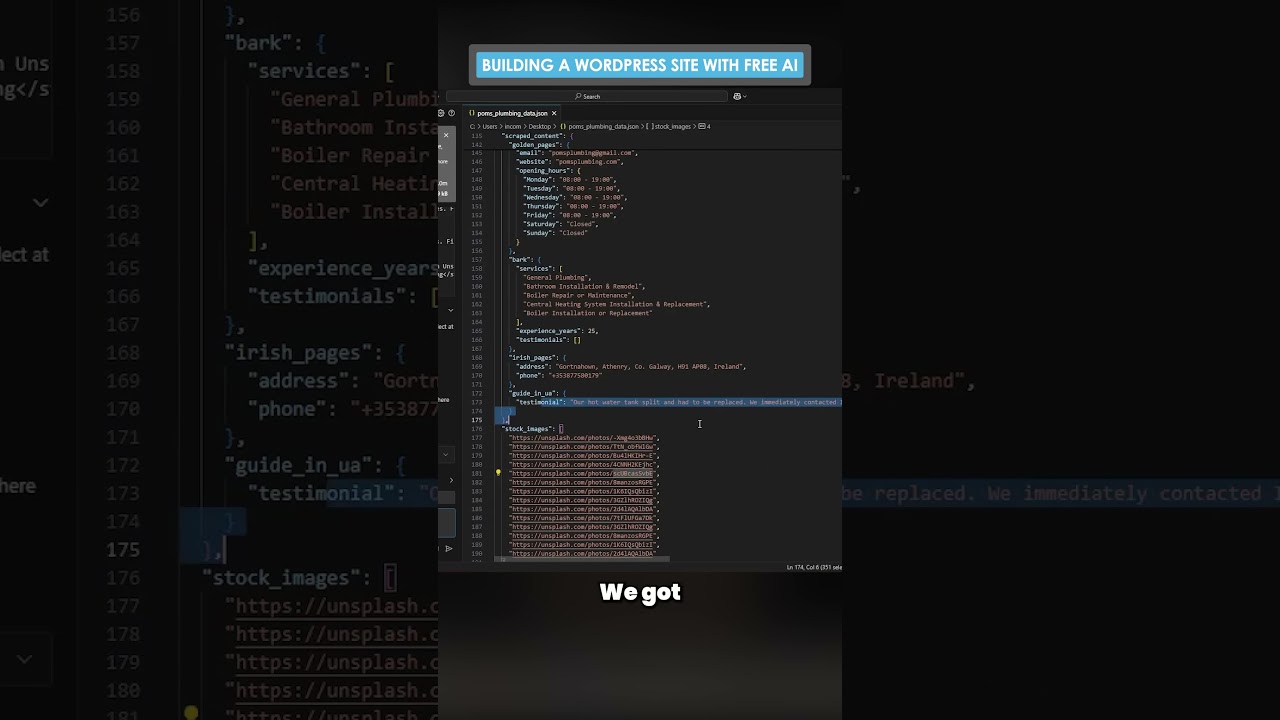
The digital landscape is constantly shifting, but one trend remains steadfast: the desire to create a powerful online presence without needing to become a master coder. For years, WordPress has been the go-to platform for bringing this ambition to life, celebrated for its flexibility and user-friendly interface. Now, a new wave of innovation is supercharging this journey: the integration of free artificial intelligence tools.
This powerful combination is dismantling the final barriers to web development, empowering entrepreneurs, bloggers, and small business owners to build professional, high-quality websites with unprecedented speed and intelligence. This isn’t about a distant future; it’s about the tools available to you today.
The Powerful Convergence: WordPress Meets Modern AI
To understand the revolution at hand, it’s essential to see WordPress and AI not as separate entities but as complementary forces.
WordPress provides the foundation—a robust, stable, and incredibly versatile content management system (CMS). It handles all the complex backend operations, from database management to user logins, allowing you to focus on creation. Its vast ecosystem of themes and plugins is what makes it so adaptable, capable of powering anything from a simple blog to a full-fledged e-commerce store.
Artificial intelligence, in this context, acts as the intelligent co-pilot. Free AI tools are designed to augment human creativity and streamline tedious processes. They can generate text, design layouts, suggest optimizations, and even write code snippets based on simple natural language commands. When you inject this capability into the WordPress workflow, you transform a manual build into a guided, intelligent experience.
Phase 1: Laying the Foundation with Intelligent Planning
Every great website begins with a solid strategy. This is where AI can provide immense value before you even log into your WordPress dashboard.
Defining Your Purpose with Clarity
Start by consulting a free AI chatbot like ChatGPT or Google Gemini. Use it as a brainstorming partner. Prompt it with: “Generate a list of key goals for a [your industry] website” or “What are the most important pages for a local bakery’s site?” The AI can help you structure your sitemap, define your target audience, and identify core messaging pillars you might not have considered.
Competitive Analysis at Lightning Speed
Understanding your competitors is crucial. Ask your AI tool to “Analyze the website structure and content strategy of top players in the [your niche] industry.” While it won’t browse live sites, it can draw on its vast training data to outline common features, content types, and value propositions used by successful businesses in your field. This intelligence allows you to identify opportunities to differentiate your WordPress site from the very beginning.
Phase 2: Design and Development Supercharged by AI
With a plan in place, it’s time to build. This phase involves choosing a theme and structuring your pages, tasks that are now far more intuitive.
Selecting the Perfect Theme
The WordPress theme directory boasts thousands of free options. Instead of overwhelming yourself, use AI to narrow the search. Describe your vision to a chatbot: “I need a minimalist, lightweight WordPress theme suitable for a photography portfolio that emphasizes large images and fast loading times.” The AI can suggest specific theme names or, more usefully, provide a list of key features and search terms to use within the WordPress repository to find the ideal match.
Building Pages with No-Code AI Assistants
This is where the magic truly happens. Several free AI-powered WordPress plugins can generate entire page layouts based on a text description.
- Create a New Page: In your WordPress editor, create a new page.
- Describe Your Vision: Locate the AI builder tool (often integrated into block editors like Gutenberg or found in page builder plugins). In the input field, type a detailed prompt. For example: “Create a ‘Services’ page layout with a hero section featuring a headline and a call-to-action button. Below, include a grid of three cards, each with an icon, a title, and a short description for ‘Consultation,’ ‘Implementation,’ and ‘Support.’ Finish with a full-width testimonial section.”
- Generate and Customize: The AI will instantly generate a complete, structured layout with placeholder text and images. Your job shifts from building from scratch to refining and customizing. Adjust colors, fonts, and imagery to match your brand. This approach maintains a professional coherence while saving hours of design work.
Phase 3: Crafting High-Quality Content with AI Writers
Content is the heart of your website, and consistently producing engaging, original material is a common challenge. AI writing assistants are game-changers for content creation.
Generating Drafts and Beating Writer’s Block
Use tools like ChatGPT to overcome the blank page. Provide context and prompts to generate first drafts for your blog posts, product descriptions, or About Us page. For instance: “Write a 300-word introductory paragraph for a blog post about the benefits of organic gardening for beginners, in a friendly and encouraging tone.” The output serves as an excellent starting point that you can then infuse with your unique voice, personal anecdotes, and expertise.
Ensuring Polish and Professionalism
Beyond generation, AI is a powerful editor. Free grammar checkers like Grammarly use AI to catch typos, suggest clearer phrasing, and ensure grammatical accuracy. This helps maintain a professional standard across all your site’s content, enhancing credibility and user trust.
A Critical Note on Originality: It is paramount to use AI as a assistant, not a replacement. Google’s algorithms prioritize content that demonstrates Experience, Expertise, Authoritativeness, and Trustworthiness (E-E-A-T). Always heavily edit AI-generated text, add your unique insights and data, and ensure the final piece reflects your authentic knowledge. Never simply copy and paste.
Phase 4: Optimization and Beyond
Once your site is built and filled with content, AI can help you fine-tune it for performance and visibility.
SEO Enhancement
Several free AI tools can analyze your content and suggest SEO improvements. You can prompt a chatbot to: “Generate a list of long-tail keywords related to ‘vegan recipes’ for a food blog” or “Suggest meta description tags for a page about ‘affordable wedding photography packages in Seattle.’” This data helps you optimize your headings, body content, and metadata to rank higher in search engine results, driving organic traffic to your new site.
User Experience and Accessibility
AI can also audit your site for basic accessibility issues, such as suggesting alt-text for images or checking color contrast ratios. Prompt an AI tool with: “Review this paragraph and suggest alt-text for an image of a person using a laptop in a café.” Making your site accessible is not only a best practice but also broadens your audience and can positively impact SEO.
Embracing the Future of Web Creation
The journey of building a WordPress website has been fundamentally transformed. The fusion of WordPress’s powerful, no-code foundation with the readily available, free tools of modern AI has democratized web development in an unprecedented way. It has shifted the focus from the technical “how” to the strategic “why,” allowing creators to channel their energy into crafting a unique message and a compelling user experience.
This approach doesn’t eliminate the need for human oversight; it elevates it. Your critical eye, creative vision, and personal touch are what will make the website truly resonate with your audience. By leveraging these intelligent assistants, you are not cutting corners; you are working smarter, accelerating your timeline, and achieving a professional result that stands ready to grow with your ambitions. The future of web development is here, and it is intelligent, accessible, and incredibly empowering.
