
Blog
AI দিয়ে সেম টু সেম HTML ডিজাইন! সাথে বানিয়ে দিবে Elementor এর Widget ও 😱🔥
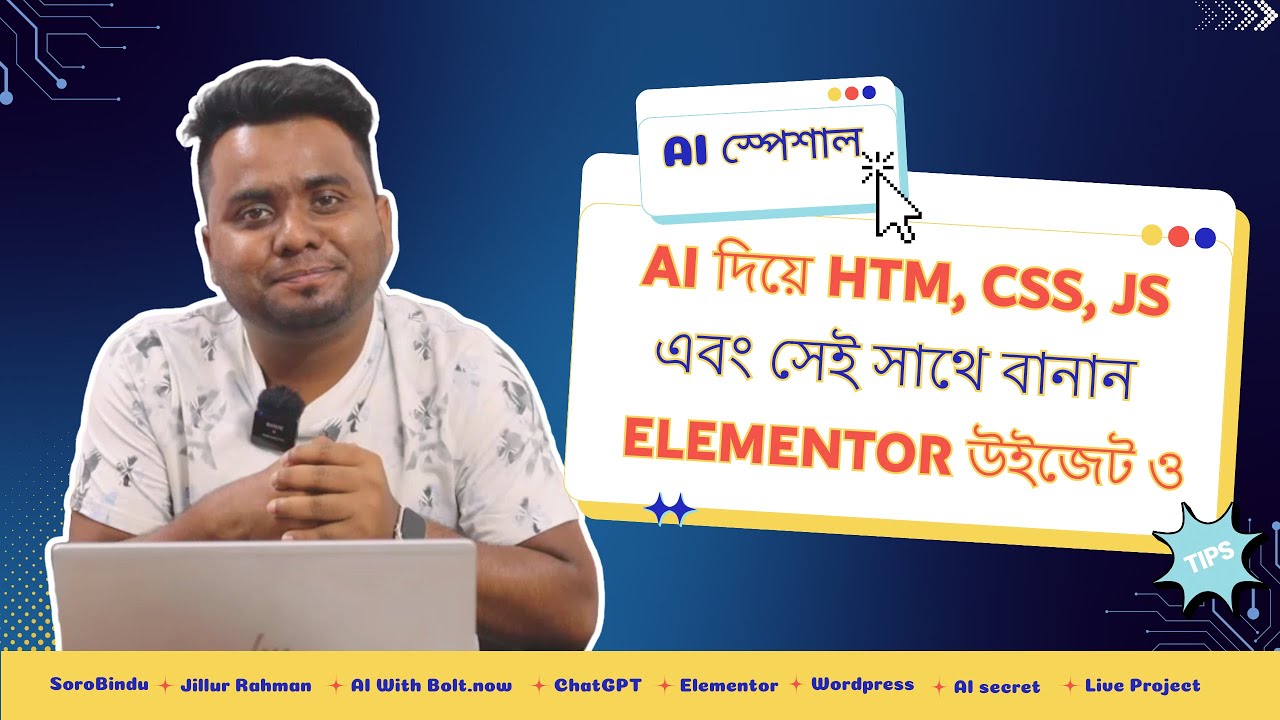
Creating Stunning HTML Designs with AI: The All-New Elementor Widget Approach
In recent years, artificial intelligence has transformed numerous sectors, and web design is no exception. With the introduction of AI-driven tools, creating HTML designs has become more efficient and accessible. Whether you’re a seasoned web designer or a novice, the ability to leverage AI can significantly enhance your workflow and creativity. This post explores how AI can be used to generate same-to-same HTML designs and create Elementor widgets, revolutionizing the way you build websites.
Understanding HTML and AI: A Dynamic Duo
HTML, or Hypertext Markup Language, is the backbone of web development. It structures the content on the web, establishing how elements are displayed. On the other hand, AI can analyze data and generate code that adheres to specific guidelines, optimizing design processes. When combined, they allow for quick prototyping and effective design solutions that were previously labor-intensive.
Harnessing AI for Web Design
The Basics of AI-generated HTML
AI technologies can create HTML designs by leveraging pre-built templates and design principles. By inputting parameters like color schemes, layout styles, and user preferences, AI can generate custom HTML code almost instantaneously. This process saves both time and effort while maintaining a professional appearance.
Benefits of Using AI in Web Design
-
Speed: AI can generate layouts within minutes, drastically reducing design time.
-
Consistency: AI ensures consistent design elements throughout the website, enhancing aesthetic appeal.
-
Personalization: Advanced AI tools can analyze user behavior and preferences to customize designs that resonate with target audiences.
- Accessibility: More people can participate in web design, no matter their technical skills, thanks to AI’s user-friendly interfaces.
Diving Deeper: Creating Elementor Widgets with AI
Elementor is a powerful WordPress page builder that allows you to create stunning web pages with ease. However, developing custom widgets can sometimes be a challenging task. Luckily, AI comes to the rescue again by streamlining the creation of Elementor widgets.
What are Elementor Widgets?
Elementor widgets are individual elements that can be added to your page, such as buttons, images, testimonials, and more. Each widget can be customized to fit the style and functionality of the website. By leveraging AI, you can create unique widgets tailored to your needs.
Step-by-Step Guide to Using AI for HTML Designs and Elementor Widgets
1. Define Your Goals
Begin by determining what type of design you need. Are you creating a landing page, a portfolio, or an e-commerce site? Understanding your goals will guide the AI in generating appropriate HTML and widgets.
2. Choose the Right AI Tool
Select an AI design tool that specifically focuses on HTML generation and is compatible with Elementor. Tools like Wix’s ADI, Bookmark’s AIDA, or custom AI services can cater to your requirements.
3. Input Design Parameters
Next, provide the AI with your specific design elements, including layout style, color schemes, and desired features. Use visual examples or detailed descriptions to guide the AI’s output.
4. Review Generated Code
Once the AI generates the HTML code and widget designs, review them carefully. It’s essential to ensure that the output aligns with your vision and meets web standards.
5. Integrate with Elementor
Copy and integrate the HTML code directly into the Elementor interface. Elementor allows for custom HTML placements, ensuring seamless incorporation of your AI-generated designs.
6. Test and Refine
Finally, test the finished product on various devices to ensure compatibility and responsiveness. Make necessary tweaks to optimize the user experience.
Optimizing Your Designs for SEO
Importance of SEO in Web Design
Creating beautiful designs is just one aspect of web development; optimization for search engines is critical in ensuring that the designs are discoverable. SEO (Search Engine Optimization) is a strategy that improves the visibility of your website in search engine results.
Best Practices for SEO in HTML
-
Semantic Markup: Use HTML elements that accurately describe your content. This helps search engines understand the context of your website.
-
Mobile Responsiveness: Ensure your site is responsive to all devices. Google prioritizes mobile-friendly websites in its rankings.
-
Fast Loading Speeds: Optimize images and minimize code to improve loading times, as these factors significantly impact SEO.
-
Meta Tags: Include relevant meta titles and descriptions in your HTML for better indexing by search engines.
- Structured Data: Implement structured data to help search engines understand your website’s content and present it effectively to users.
Future Trends in AI-Driven Web Design
As technology continues to evolve, the fusion of AI and design will undeniably advance further. Here are a few trends likely to shape future web design:
-
Increased Automation: Expect AI to take on more complex design tasks, allowing even novice designers to create high-quality work with minimal input.
-
Greater Personalization: AI will be able to analyze user data more effectively, leading to increasingly personalized web experiences.
-
AI-Assisted Design Feedback: Future tools may offer real-time feedback on design choices, providing suggestions to improve user engagement and accessibility.
- Visual-AI Integration: As AI continues to improve its visual recognition capabilities, you can expect more intuitive design processes that accommodate users based on their past behavior and preferences.
Conclusion
The integration of AI into web design is not just a trend; it’s a paradigm shift that is revolutionizing how we create and interact with digital content. By harnessing AI for HTML designs and Elementor widgets, designers can produce stunning, personalized web pages faster than ever. Embracing these advancements not only streamlines the design process but also creates opportunities for innovation in web development. As AI technology continues to evolve, the possibilities for its application in design are endless, paving the way for a future where creativity and technology coexist harmoniously.
