Introduction to AI-Powered Website Creation
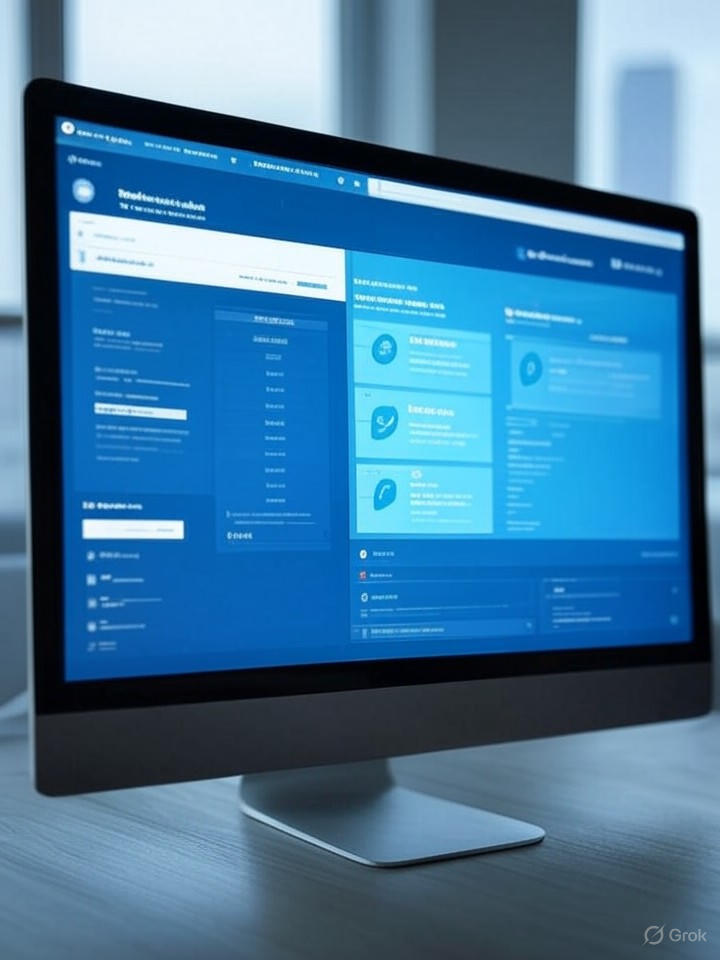
In today’s digital age, having a website is essential for businesses and individuals alike. Whether you’re an entrepreneur, a blogger, or a creative professional, your online presence plays a significant role in your success. Fortunately, advances in artificial intelligence (AI) have transformed the website development process, making it more accessible than ever. This blog explores how you can create a stunning website in just minutes—without any coding skills or stress.
Understanding AI in Website Design
Artificial intelligence simplifies the website creation process by automating various tasks. From design choices to content generation, AI tools can handle much of the heavy lifting. This way, users can focus more on their brand and message rather than delving into the technical details of website development.
Benefits of Using AI for Website Creation
1. User-Friendly Interface
AI-driven website builders offer intuitive, drag-and-drop interfaces. This means you can simply select elements you want on your site, arrange them, and customize them without any technical knowledge. These platforms cater to both beginners and experienced users, making website development accessible to everyone.
2. Time Efficiency
Traditionally, building a website could take weeks or even months. AI tools streamline the process, allowing you to create a fully functional website within minutes. This assists busy individuals and small businesses looking to establish their online presence quickly.
3. Cost-Effectiveness
Hiring a professional web developer can be expensive. With AI-driven tools, you can create a professional-looking website without breaking the bank. Many platforms offer flexible pricing plans, and some even have free tiers, enabling you to launch your site on a budget.
4. Responsive Design
AI platforms automatically optimize your website for various devices. This means your site will look great on desktops, tablets, and smartphones without any extra effort on your part. Having a responsive design is crucial in today’s mobile-first world and enhances user experience significantly.
Key Features of AI-Driven Website Builders
1. Personalized templates
One of the primary advantages of AI website builders is their ability to provide personalized templates based on your preferences. By answering a few questions regarding your business or personal brand, these tools can suggest designs and layouts tailored specifically to your needs.
2. Content Generation
Creating engaging content can be time-consuming. AI tools can help by generating website copy, blog posts, and even product descriptions. This feature not only saves time but also ensures your content is optimized for search engines, boosting your visibility online.
3. SEO Optimization
Building a website is just the beginning. AI-driven platforms incorporate SEO best practices into their templates, ensuring your website is search-engine-friendly right out of the box. From meta tags to image optimization, these built-in features can significantly enhance your site’s searchability.
Steps to Create a Website Using AI
Step 1: Choose the Right AI Website Builder
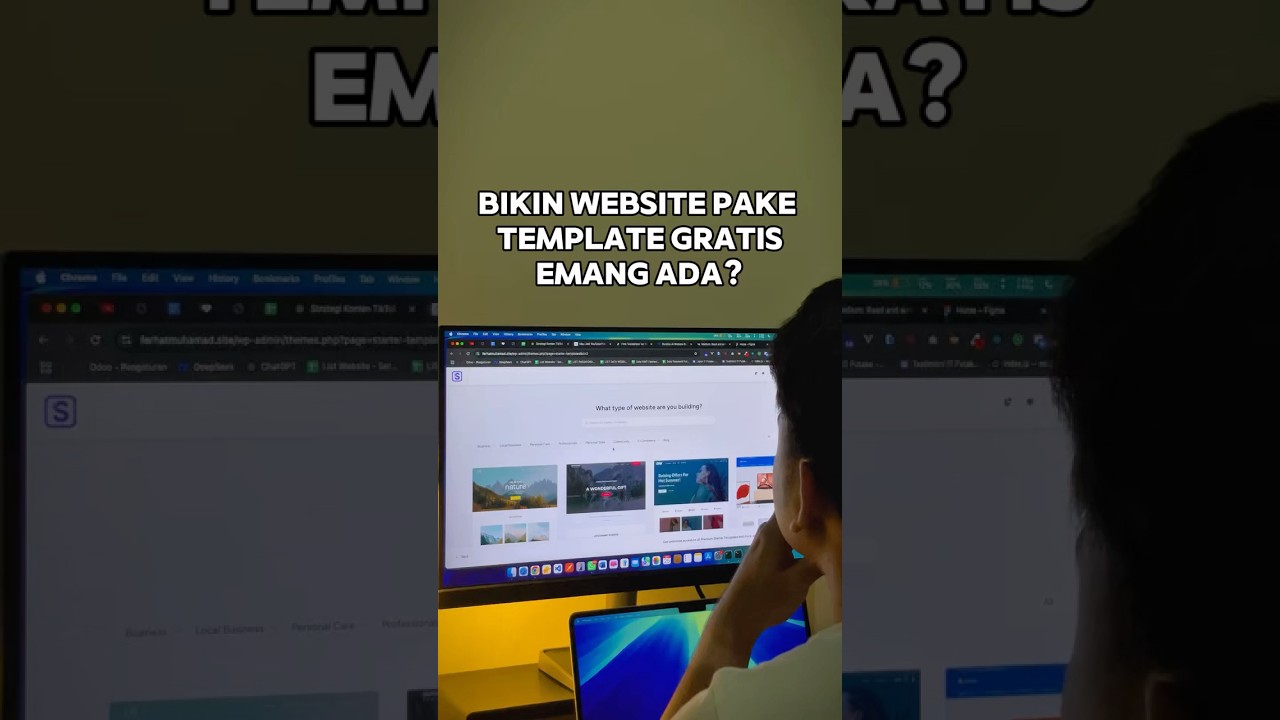
Start by researching and selecting an AI website builder that meets your needs. Some popular options include Wix ADI, Bookmark, and Zyro. Look for tools that offer the features you require, such as e-commerce capabilities, blogging options, and responsive design.
Step 2: Answer Initial Questions
Once you’ve chosen a platform, you’ll typically be prompted to answer a few questions about your project. These might include your industry, desired website features, and style preferences. The AI will use this information to recommend a customized design.
Step 3: Customize Your Template
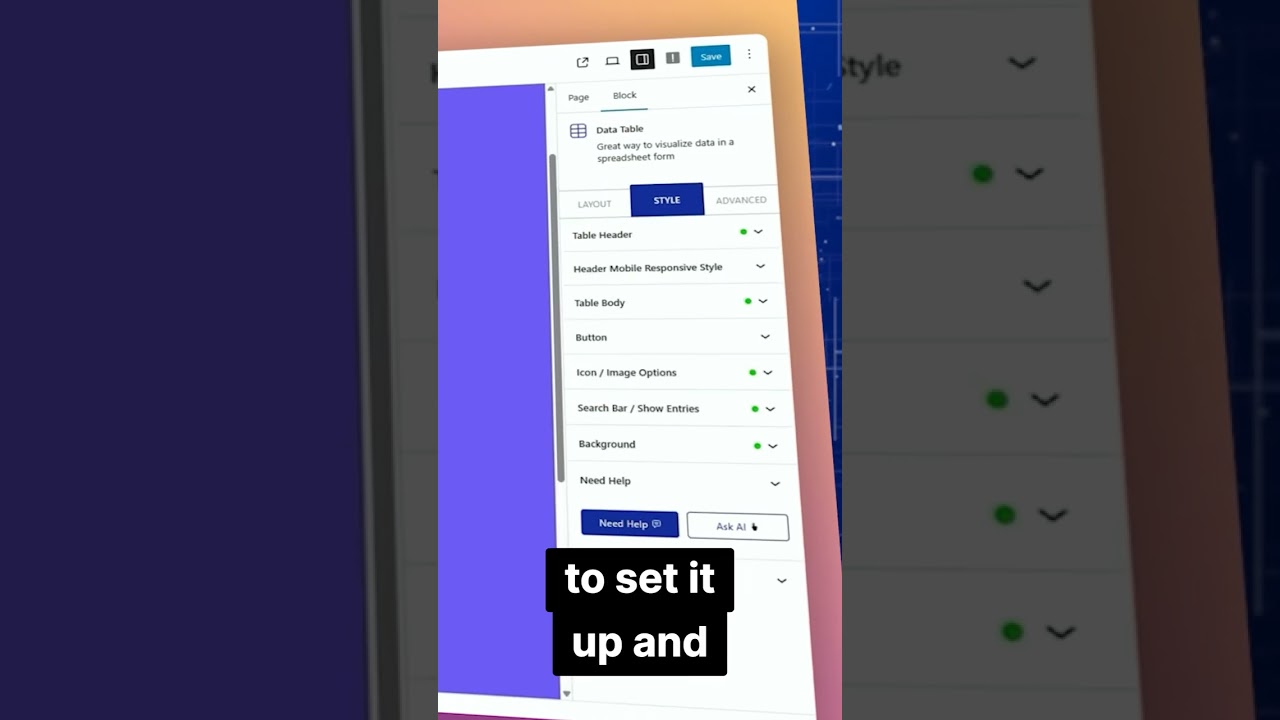
After the AI generates a template, you can begin customizing it. Modify text, images, and layout elements using the drag-and-drop interface. Many platforms also allow you to access libraries of stock photos and icons, making it easy to enhance your website’s visual appeal.
Step 4: Integrate Additional Features
As you customize your website, consider integrating additional features that may benefit your visitors, such as contact forms, appointment booking systems, or e-commerce functionalities. Most AI website builders offer easy-to-install plugins or built-in options for these enhancements.
Step 5: Optimize for SEO
Before launching your site, take a moment to optimize it for search engines. Implement best practices such as keyword placement, alt text for images, and meta descriptions. Many AI builders provide guidance to help you with this process.
Step 6: Launch Your Website
Once you’ve finished customizing your site and ensuring it’s optimized, you’re ready to go live! Most AI website builders will provide a straightforward process for launching your site, making it accessible to your audience.
Post-Launch Tips for Your Website
1. Regular Updates
After launching your website, keep it updated regularly. This doesn’t just mean adding new content; ensure that the design and features are current and functional. Regular updates help maintain your site’s SEO ranking and keep it engaging for visitors.
2. Monitor Performance
Use analytics tools to monitor your website’s performance. This includes tracking visitor behavior, page views, bounce rates, and conversion rates. Understanding how visitors interact with your site can inform future updates and improvements.
3. Engage with Your Audience
Utilize social media and email newsletters to engage with your audience. Encourage feedback, ask questions, and create content that resonates with your target market. Engaging with users helps build a loyal audience and increases the chances of return visits.
Conclusion
Creating a website has never been easier, thanks to the advancement of AI technology. With user-friendly interfaces, cost-effective solutions, and customizable features, anyone can build a professional website in minutes. By leveraging these tools, you can focus on what truly matters—connecting with your audience and growing your online presence. Embrace the power of AI and take your first step towards a stunning online platform today!