
Blog
How to Use Instant Image Generator by BdThemes | Create AI Images in WordPress
Introduction to AI Image Generation
In the modern digital landscape, visually captivating content is essential for engaging audiences and enhancing user experience. As businesses and creators strive to distinguish themselves, the need for unique visual assets becomes increasingly important. One of the most effective ways to achieve this is through AI image generation. Among the various tools available, the Instant Image Generator by BdThemes stands out as a powerful solution for WordPress users looking to create stunning images effortlessly.
What is the Instant Image Generator?
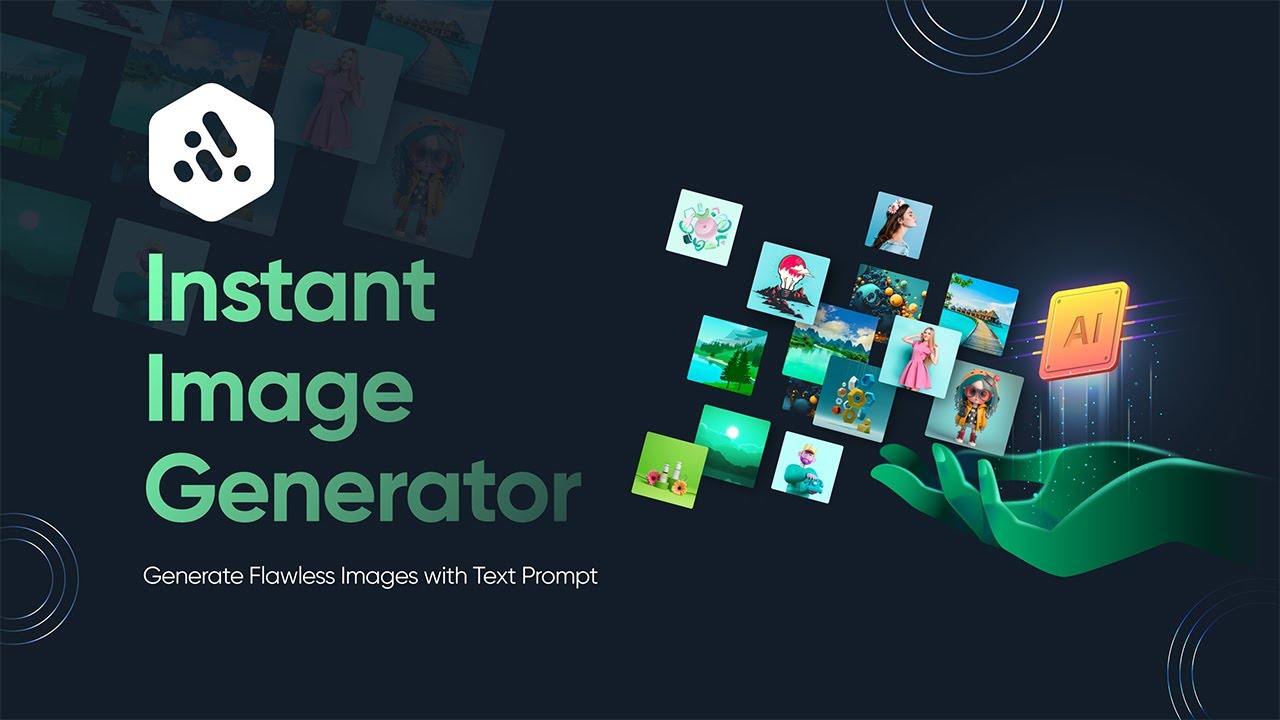
The Instant Image Generator is an innovative tool that harnesses the power of artificial intelligence to produce high-quality images tailored to your specific needs. Whether you’re a blogger, a business owner, or a creative professional, this tool allows you to generate custom images in a matter of seconds. With its seamless integration into WordPress, users can enhance their websites with visually appealing graphics without needing advanced design skills.
Why Use AI-Generated Images?
Unique Visual Content
One of the prime advantages of using AI-generated images is the ability to create unique content. Unlike stock photos that might be widely used, AI-generated images are fresh and can be tailored to fit your brand’s identity. This unique approach not only sets you apart from competitors but also helps in building a strong visual brand.
Time Efficiency
Creating high-quality images can be time-consuming. The Instant Image Generator streamlines this process, enabling users to generate images quickly. With just a few clicks, you can produce graphics that align with your content, freeing up time to focus on other essential aspects of your project.
Cost-Effective Solution
Purchasing stock images or hiring graphic designers can be expensive. The Instant Image Generator offers an affordable alternative, allowing you to create professional-looking images without breaking the bank. This cost-effectiveness makes it an ideal choice for startups and small businesses.
Getting Started with Instant Image Generator
Step 1: Installation and Setup
To begin using the Instant Image Generator, you first need to install it on your WordPress site. Follow these simple steps:
- Access the WordPress Dashboard: Log into your WordPress admin area.
- Navigate to Plugins: Click on ‘Plugins’ in the sidebar, then select ‘Add New.’
- Search for Instant Image Generator: Use the search bar to find the Instant Image Generator.
- Install and Activate: Click ‘Install Now’ and then ‘Activate’ once the installation is complete.
Once the plugin is activated, you can access its features directly from your WordPress dashboard.
Step 2: Generating Images
Creating images with the Instant Image Generator is straightforward:
- Open the Plugin: Find the Instant Image Generator in your WordPress dashboard and click to open it.
- Input Your Parameters: Specify your desired image characteristics, including style, colors, subject matter, and any other relevant details. The more specific you are, the more tailored the generated image will be.
- Generate Image: Hit the ‘Generate’ button, and in a matter of moments, your image will be ready for download.
Step 3: Adding Images to Your Site
Once you’ve generated images, you can easily incorporate them into your content. Here’s how:
- Download the Image: Save the generated image to your device.
- Upload to WordPress: Go to your media library in WordPress and upload the new image.
- Insert into Posts/Pages: When editing your posts or pages, insert the image wherever appropriate to complement your text.
Tips for Using the Instant Image Generator Effectively
Choose Relevant Keywords
When specifying your image parameters, using relevant keywords can greatly enhance the quality of the generated images. Think about what your audience is searching for and use those terms to guide the AI in creating images that resonate with your audience.
Experiment with Different Styles
The Instant Image Generator allows you to explore various artistic styles. Don’t hesitate to experiment! Try different styles to find what works best for your brand and resonates well with your audience.
Optimize for SEO
Even though AI-generated images are unique, it’s essential to optimize them for search engines. Use descriptive file names, alt text, and titles that include your keywords. This practice not only improves accessibility but also enhances your SEO strategy.
Incorporate Images into Social Media
While the primary use of the Instant Image Generator is for websites, don’t forget about your social media platforms. Eye-catching images can significantly increase engagement on social media. Create and share your AI-generated images across all your channels for a cohesive online presence.
Advanced Features of the Instant Image Generator
Customization Options
The Instant Image Generator provides various customization options that allow you to tweak the generated images further. From adjusting the color palette to selecting specific themes, these features enable you to create images that align more closely with your branding and marketing efforts.
Batch Processing
For users looking to generate multiple images at once, the batch processing feature is a game changer. This allows you to create a series of images in one go, saving you time and ensuring consistency across your digital assets.
Integration with Other Tools
The Instant Image Generator seamlessly integrates with other WordPress plugins and tools. This compatibility means you can utilize it alongside your favorite SEO plugins, social media managers, and more, creating a comprehensive workflow that enhances your content strategy.
Troubleshooting Common Issues
Image Quality
If you find that the quality of the generated images doesn’t meet your expectations, try adjusting your input parameters. Being more specific about the image style or characteristics can yield better results.
Plugin Conflicts
Sometimes, other plugins may conflict with the Instant Image Generator. If you experience issues, consider deactivating other plugins one by one to identify any potential conflicts.
Support and Updates
Always ensure that you’re using the latest version of the Instant Image Generator. Developers frequently release updates to add features and fix bugs.
Conclusion
The Instant Image Generator by BdThemes offers an innovative solution for anyone looking to enhance their visual content on WordPress. By leveraging the capabilities of AI, users can create unique and professional images quickly and cost-effectively. With its user-friendly interface and a wide range of customization options, this tool can help elevate your digital presence and engage your audience more effectively.
Embrace the power of AI image generation today and transform your online content with stunning visuals that leave a lasting impression. Start exploring the endless possibilities with the Instant Image Generator by BdThemes, and watch your brand flourish in the competitive digital landscape.
