
Blog
Accidental Local Site Publishing #ai #coding #wordpress #mcp
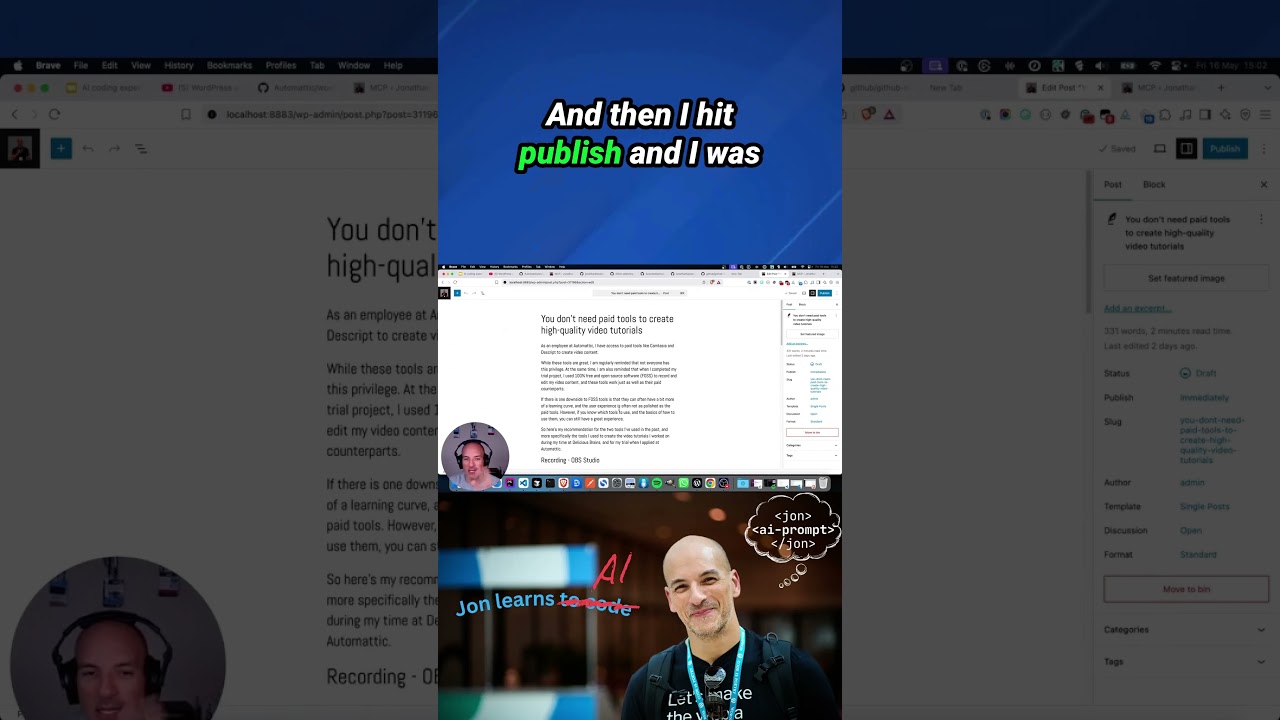
The world of web development is full of moments that make your heart skip a beat. You’ve likely experienced the frantic search for a missing semicolon or the panic of a broken plugin. But few scenarios induce the sheer, cold dread of realizing you’ve just published a local development site to the live web for the entire world to see. It’s a rite of passage many developers hope to avoid, yet it remains an all-too-common and costly mistake.
This critical error, often stemming from misconfigured deployment scripts or a simple lapse in attention, can lead to a broken production site, security vulnerabilities, and a major hit to your professional reputation. Fortunately, with the right strategies and modern tools, this digital nightmare is entirely preventable.
What Exactly is Accidental Local Publishing?
At its core, accidental local publishing occurs when the files and database from your local development environment—your personal computer—are pushed to your live, public-facing website. Your local environment is a sandbox; it’s filled with unfinished code, test content, debugging tools, and configuration files that are never meant for public consumption.
When this private workspace inadvertently replaces your production site, visitors are greeted with a confusing and unprofessional mess. Instead of a polished homepage, they might see a “Coming Soon” page, placeholder text like “lorem ipsum,” or even error messages revealing sensitive information about your server’s structure.
The Domino Effect: Consequences of a Live Local Mistake
The impact of this error extends far beyond mere embarrassment. The ramifications can be technical, financial, and reputational.
1. Security Breaches and Data Exposure
This is the most severe risk. Your local configuration files (like wp-config.php for WordPress) can contain the plain-text usernames and passwords for your live database. Publishing these files is akin to handing over the keys to your entire website. Furthermore, debug modes are often enabled locally to log errors. When published, these logs can expose detailed system information, creating a goldmine for malicious actors seeking vulnerabilities to exploit.
2. Broken User Experience and Lost Revenue
A potential customer landing on a site displaying database connection errors or half-built pages will immediately lose trust. They will likely assume the business is unprofessional or, worse, defunct. For an e-commerce site, every minute of downtime directly translates to lost sales and abandoned carts. The immediate effect on revenue and conversion rates can be significant.
3. SEO Damage and Search Engine Indexing
Search engines like Google constantly crawl websites. If their bots encounter a site filled with placeholder text, broken links, and error messages, they will quickly demote your site in search rankings. Worse, they might index all that test content. It can take weeks or even months to recover your search rankings after such an incident, undoing years of careful SEO work.
4. Professional Reputation at Stake
For agencies and freelancers, making such a mistake on a client’s site can be devastating. It shatters the perception of competence and reliability, potentially leading to contract termination and negative word-of-mouth that can harm future business prospects.
How Does This Happen? Common Culprits
Understanding the typical causes is the first step toward prevention. The error is rarely due to a single factor but rather a perfect storm of small oversights.
- Misconfigured Deployment Scripts: Tools like Git, Jenkins, or CI/CD pipelines automate the process of moving code from development to production. A single incorrect path or a misplaced command in these scripts can push the entire local repository instead of the intended, cleaned-up production branch.
- FTP/SFTP Blunders: Using traditional file transfer protocols manually is fraught with risk. It’s dangerously easy to drag the wrong folder or synchronize in the wrong direction—uploading your local files over the live ones instead of downloading the latest version.
- Database Deployment Errors: Developers might use plugins or commands to push a local database to the live server, overwriting the current, customer-filled database with one containing only test data and admin accounts.
- Overriding Live Configurations: Sometimes, a local settings file might accidentally be included in a deployment, overwriting the production configuration and pointing the website to local database paths that don’t exist on the live server.
Building Your Fortress: Strategies to Prevent Accidental Publishing
Prevention is infinitely better than cure. By implementing a multi-layered defense strategy, you can effectively eliminate the risk.
1. Environment-Specific Configuration
This is your first and most important line of defense. Never hardcode database credentials or API keys directly into your files. Instead, use environment variables. This means your code pulls sensitive information from the server’s environment, which is separate from your codebase. Your local and live environments will have different variables, so even if local code is deployed, it won’t accidentally connect to the wrong database.
2. Rigorous Version Control Branching
Adopt a robust Git workflow. Your main or production branch should always represent the current, clean, live state of your site. Do all your development work on a separate development or feature branch. Use Pull Requests (PRs) or Merge Requests (MRs) to carefully review and merge code into the production branch. This process acts as a manual checkpoint, preventing unreviewed code from being deployed.
3. Automated CI/CD Pipelines
Don’t rely on manual FTP transfers. Implement a Continuous Integration/Continuous Deployment (CI/CD) pipeline using services like GitHub Actions, GitLab CI, or Bitbucket Pipelines. These systems automate deployment only from your designated production branch. They can also run automated tests and checks before any code is deployed, ensuring that only vetted, stable builds ever reach your live server.
4. Leverage the Power of Management Systems (MCP Concept)
The modern development landscape offers powerful solutions that abstract away these complexities. The concept of a Management Control Panel (MCP) or using dedicated hosting management platforms can be a game-changer.
Systems like SpinupWP, GridPane, or even robust hosting panels like ServerPilot or RunCloud allow you to create sites directly on your server and then securely connect your local environment. They often provide one-click commands to push only the changes you want, rather than a full, risky overwrite. They manage the environment configurations for you, drastically reducing the chance of human error.
5. Database Sanitization and Backups
If you must push a database, always use a tool to sanitize it first. Plugins like “WP Migrate DB Pro” can scramble all user emails and passwords, remove transient options, and find-replace all local URLs to live URLs during the export process. Most importantly, always take a full backup of your live site and database immediately before any deployment. This is your ultimate undo button.
Your Action Plan: What to Do If The Worst Happens
If you’ve accidentally published locally, stay calm and act swiftly.
- Take the Site Down Immediately: Use a “maintenance mode” plugin or temporarily replace the
index.phpfile with a simple “Site Under Maintenance” message. This stops visitors from seeing the errors and prevents search engines from crawling the broken site. - Restore from Backup: This is why you have backups. Restore the most recent backup of your files and database to get the live site back online as quickly as possible.
- Audit for Security Issues: Once the site is restored, thoroughly audit your security. Change all database passwords, admin user passwords, and check for any unauthorized access during the window the site was exposed.
- Communicate Transparently: If the downtime was noticeable, a brief, professional message to your users or clients can go a long way in maintaining trust. You don’t need to reveal the exact mistake—a “technical issue” or “unexpected deployment error” suffices.
Embracing a Culture of Careful Deployment
Accidental local publishing is a harsh teacher, but its lessons are invaluable. It underscores the non-negotiable importance of disciplined development practices, robust automation, and comprehensive backups. By moving away from error-prone manual processes and embracing modern, structured deployment workflows and management systems, you can focus on what you do best—building amazing websites—with the confidence that your live environment is safe and secure.
