
Blog
The Best AI Tools For WordPress (2025)
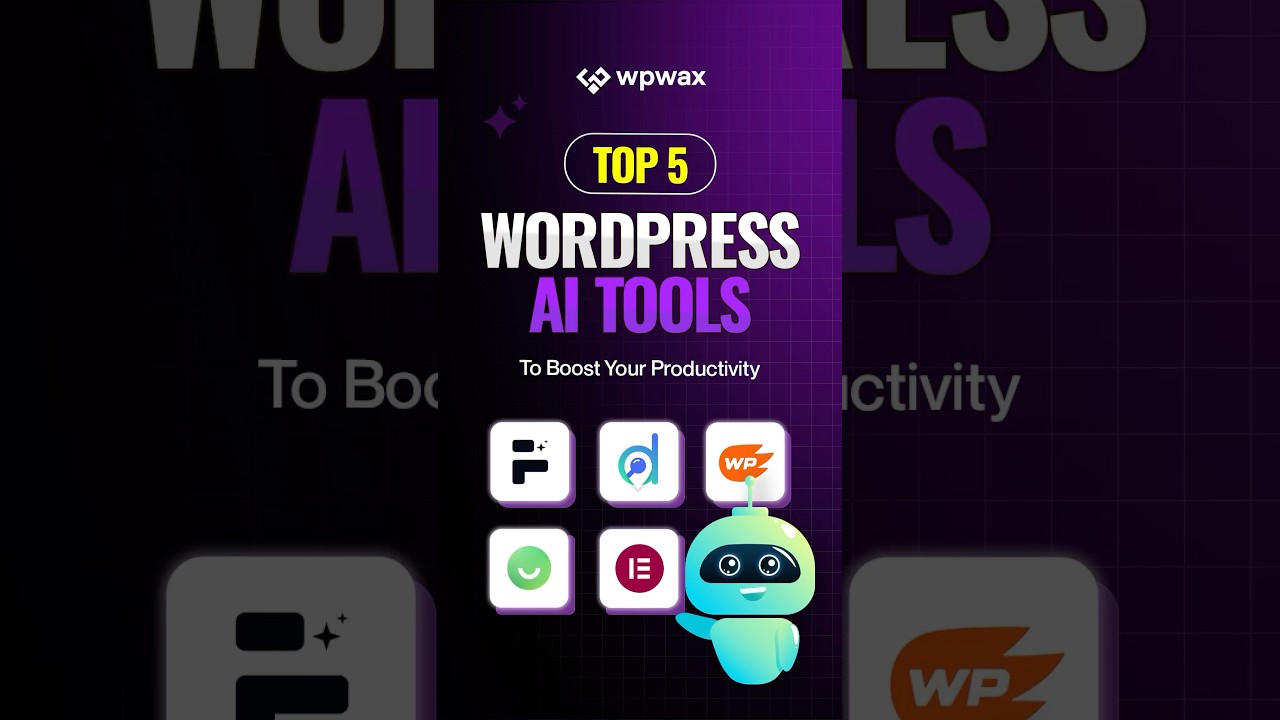
Introduction to AI Tools for WordPress
Artificial Intelligence (AI) is transforming how we create, manage, and optimize websites. For WordPress users, embracing AI can enhance site functionality, improve content creation, and streamline administrative tasks. In 2025, several AI tools stand out for their ability to elevate WordPress websites. This post will explore the most effective tools currently available and how they can be seamlessly integrated into your WordPress site.
Benefits of Utilizing AI Tools in WordPress
Before diving into specific tools, it’s crucial to understand the advantages that AI brings to WordPress.
Enhanced Content Creation
AI tools can generate high-quality content quickly, helping creators overcome writer’s block and maintain a consistent posting schedule. They analyze existing content trends to suggest topics that resonate with target audiences.
Improved SEO Optimization
Effective SEO is vital for increasing visibility. AI tools help in keyword analysis, optimizing on-page elements, and monitoring SEO performance, ensuring your site ranks higher in search engine results.
Streamlined Customer Engagement
By automating customer interactions, AI can enhance user experience. Chatbots and personalized content recommendations engage visitors dynamically, increasing the likelihood of conversions.
Increased Efficiency in Site Management
AI tools can automate repetitive tasks, freeing up your time to focus on creative aspects of your WordPress site. From plugin management to performance monitoring, AI simplifies complex processes.
Top AI Tools for WordPress in 2025
1. ContentBot
Overview:
ContentBot is an AI-powered content generation tool designed specifically for WordPress users. It creates articles, blog posts, and social media content, adapting to various writing styles.
Key Features:
- Content Generation: Generates articles based on keywords or topics, allowing for quick content production.
- SEO Optimization: Offers real-time suggestions for improving SEO, ensuring your content is optimized for search engines.
How to Integrate:
ContentBot can be easily added to your WordPress dashboard via its plugin, streamlining the content creation process directly from your site.
2. ChatGPT for WordPress
Overview:
ChatGPT is a conversational AI tool that can be integrated into WordPress to provide customer support through chatbots or FAQs.
Key Features:
- 24/7 Support: Offers instant responses to user inquiries, improving customer satisfaction.
- Customizable Responses: Adjusts its tone and style based on brand voice, providing a personalized experience for visitors.
How to Integrate:
You can integrate ChatGPT through various plugins available in the WordPress repository, enabling you to set up interactive chat functionalities seamlessly.
3. Clearscope
Overview:
Clearscope is an AI-driven content optimization tool that focuses on enhancing content quality and SEO performance.
Key Features:
- Keyword Suggestions: Provides comprehensive keyword analyses to improve article relevance.
- Readability Grading: Offers suggestions to enhance readability, ensuring your content appeals to a broader audience.
How to Integrate:
Clearscope can be used alongside WordPress by linking your documents, making real-time edits based on AI recommendations.
4. RankMath
Overview:
RankMath is an SEO plugin incorporating AI to help optimize your WordPress site for search engines.
Key Features:
- SEO Analysis: Automatically analyzes and suggests optimizations for your content.
- Schema Markup: Uses AI to implement schema markup, enhancing visibility in search results.
How to Integrate:
Installing the RankMath plugin through your WordPress admin panel is straightforward, allowing you to enhance your site’s SEO capabilities instantly.
5. Grammarly
Overview:
Grammarly is a widely-used writing assistant that leverages AI to enhance spelling, grammar, and style in your content.
Key Features:
- Real-time Feedback: Provides immediate corrections and suggestions to improve your writing.
- Tone Detection: Analyzes the tone of your content, ensuring it aligns with your intended message.
How to Integrate:
Grammarly offers a WordPress plugin that can be easily installed, providing consistent writing assistance while creating or editing posts.
6. Elementor with AI Capabilities
Overview:
Elementor is a popular page builder now incorporating AI features to aid in website design and content creation.
Key Features:
- AI-Powered Templates: Generates design templates based on user preferences and past website analyses.
- Dynamic Content Creation: Allows for the easy integration of AI-generated content blocks straight into your design.
How to Integrate:
Installing Elementor through the WordPress plugin repository enables you to utilize its AI features in your website design.
7. Jarvis
Overview:
Jarvis is an AI copywriting tool that assists in generating marketing copy, blog posts, and social media content.
Key Features:
- Template Options: Offers various templates for specific types of content, facilitating quicker writing processes.
- Content Variations: Generates multiple versions of content to choose from, enhancing creativity.
How to Integrate:
Jarvis can be accessed through its web application, but you can copy content directly to WordPress, making it simple to use in your projects.
Best Practices for Implementing AI Tools
To maximize the effectiveness of AI tools in your WordPress site, consider the following best practices:
Understand Your Audience
Before implementing AI-driven tools, know your audience’s preferences and behaviors. Tailoring content and responses to their needs will enhance user engagement.
Test and Analyze
Continuously test the tools you implement. Use analytics to measure their effectiveness and make adjustments based on performance data.
Avoid Over-Reliance
While AI tools offer remarkable capabilities, it’s essential to maintain a human touch in your content and customer interactions for genuine engagement.
Stay Updated
The landscape of AI technology is constantly evolving. Make a habit of researching and staying informed about new AI tools and trends relevant to your WordPress site.
Conclusion
Incorporating AI tools into your WordPress site can significantly enhance content creation, SEO optimization, and user engagement while streamlining site management. The tools reviewed above represent some of the best options available in 2025. By leveraging these technologies effectively, you can transform your WordPress experience, ultimately leading to a more successful online presence. Remember to continually assess your strategies and adapt as new tools and trends emerge, ensuring that your website remains competitive in the digital landscape.
