
Blog
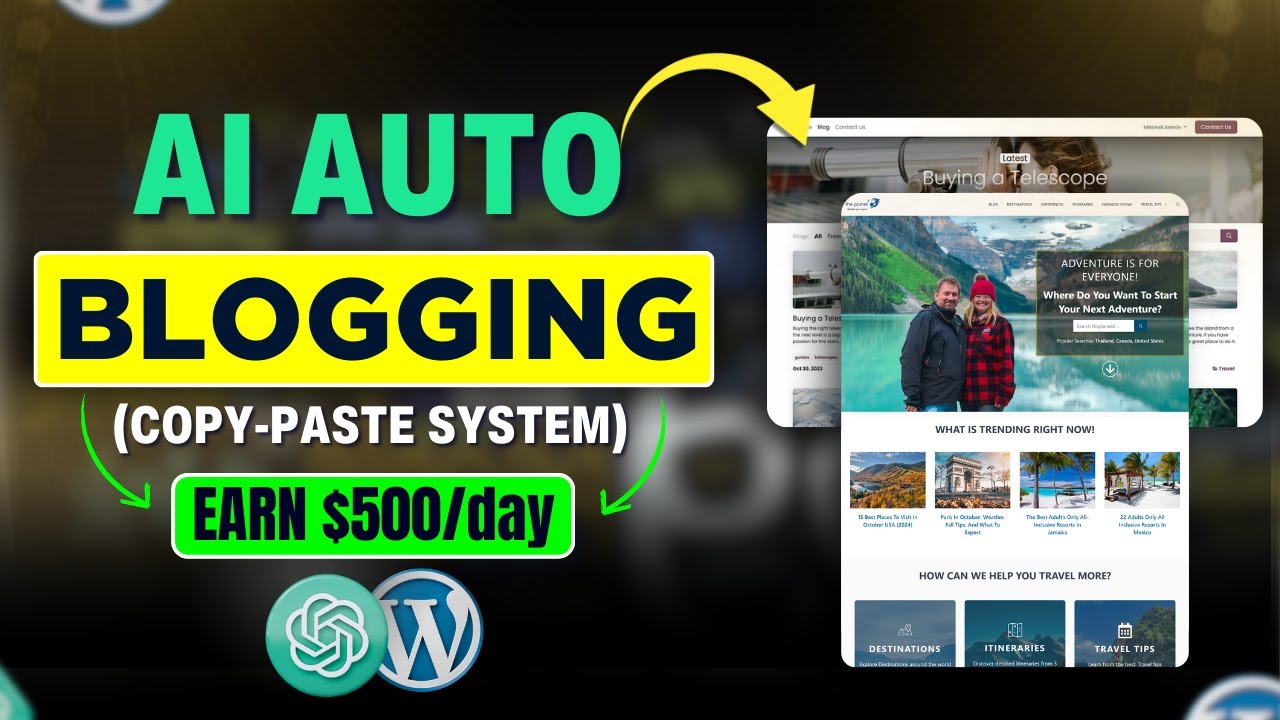
Free AI Auto blogging WordPress Website on Complete Automation- (Step by Step Guide – Make $500/Day)
Introduction
In today’s fast-paced digital landscape, automating content creation has become a game-changer for bloggers and entrepreneurs. Imagine launching a fully automated WordPress blog that not only generates traffic but also has the potential to earn you a significant income. In this guide, we will explore how to create a free AI-powered auto blogging website using WordPress, delving into the steps necessary to set it up and optimize it for success.
Understanding AI Auto Blogging
AI auto blogging involves leveraging artificial intelligence to automatically create, publish, and manage content on a blog. By employing AI tools, you can generate engaging articles, curate relevant content, and maintain a steady flow of posts, all while minimizing the manual effort required. This approach not only saves time but also ensures that your website remains updated with fresh information, which can attract more visitors.
Benefits of AI Auto Blogging
- Time Efficiency: Automating content generation allows you to focus on other aspects of your business, such as marketing and engagement.
- Consistent Updates: Regularly updated content keeps your audience engaged and improves your site’s search engine ranking.
- Scalability: With automated systems in place, scaling your blog or expanding into new niches becomes more manageable.
- Cost-Effective: Many AI tools offer free or low-cost options, making it accessible for entrepreneurs on a budget.
Step 1: Setting Up Your WordPress Website
Choosing a Hosting Provider
To get started, you’ll first need to choose a WordPress hosting provider. Opt for one that offers easy installation and good customer support. Some popular choices include Bluehost, SiteGround, and HostGator.
Installing WordPress
Once you have your hosting set up, you can install WordPress. Most hosting providers offer a one-click installation process. Here’s how:
- Log in to your hosting account.
- Find the WordPress installation option.
- Follow the prompts to install WordPress on your desired domain.
Selecting a Theme
After WordPress is installed, select a theme that aligns with your blog’s niche. Opt for a responsive and SEO-friendly theme for better user experience and search engine optimization. Popular free themes include Astra, Neve, and GeneratePress.
Step 2: Integrating AI Tools
Selecting the Right AI Content Generator
There are various AI tools available for content generation. Some of the well-known options include:
- OpenAI’s ChatGPT: Ideal for generating human-like text and answering questions.
- Writesonic: A versatile option for creating articles, advertisements, and social media posts.
- Jasper.ai: Tailored for marketing copy and content creation.
Choose an AI tool that fits your particular needs and sign up for an account. Many of these tools offer free trials, allowing you to experiment before committing.
Installing WordPress Plugins
To maximize your blogging automation, consider the following plugins:
- Auto Post Scheduler: This plugin allows you to schedule posts automatically, ensuring your blog remains active.
- WP RSS Aggregator: Useful for curating content from various sources, it allows you to pull in relevant articles and news to your site.
- Yoast SEO: This tool helps optimize your content for search engines, making it easier for potential readers to find you.
Step 3: Automating Content Creation
Setting Up Your AI Tool
Depending on the tool you’ve chosen, follow the specific setup instructions. This typically involves:
- Entering your API key (if applicable).
- Configuring the content settings, such as length and tone.
- Choosing topics or keywords related to your niche.
Generating Content
Once your AI tool is configured, you can begin generating content. Here’s a simple workflow:
- Keyword Research: Utilize tools like Ubersuggest or Google Keyword Planner to discover trending keywords in your niche.
- Content Generation: Use your AI tool to write articles based on the selected keywords. Focus on creating varied content types, including listicles, how-tos, and opinion pieces.
Step 4: SEO Optimization
On-Page SEO
Optimizing your content for search engines is crucial for driving organic traffic. Here are some on-page SEO tips:
- Use Keywords Wisely: Incorporate your primary keyword in the title, headings, and throughout the content, but avoid keyword stuffing.
- Craft Engaging Meta Descriptions: Write concise and compelling meta descriptions that encourage clicks from search results.
- Internal Linking: Connect related articles within your blog to guide readers and improve user experience.
Off-Page SEO
Building backlinks to your site can significantly enhance its authority. Consider the following strategies:
- Guest Blogging: Write articles for established blogs in your niche to reach a broader audience.
- Social Media Sharing: Although you’re not directly linking, sharing your content on social media can help drive traffic and potential backlinks.
Step 5: Monetization Strategies
Affiliate Marketing
One popular method to monetize a blog is through affiliate marketing. Sign up for affiliate programs relevant to your niche, such as Amazon Associates or ShareASale, and incorporate affiliate links into your articles. Always disclose affiliate relationships to maintain transparency with your audience.
Selling Digital Products
Consider creating and selling digital products, such as eBooks, online courses, or printables. This can provide an additional stream of income and reinforce your authority in the niche.
Sponsored Posts
Once your blog gains traction, you may attract companies interested in sponsored posts. Reach out to brands in your niche to explore collaboration opportunities that could enhance your income.
Step 6: Monitoring and Adjusting
Analyzing Performance
Regularly monitor your blog’s performance through tools like Google Analytics. Look for insights on visitor behavior, popular content, and traffic sources. This data can guide your content strategy and help you make informed adjustments.
Updating and Revamping
Don’t let your content grow stale. Regularly update older posts to ensure they remain relevant and provide the best possible user experience. This will not only improve SEO but can lead to increased traffic and engagement.
Conclusion
Creating a free AI auto-blogging WordPress website can be a lucrative endeavor if approached strategically. By leveraging AI tools to automate your content creation, optimizing for SEO, and employing effective monetization strategies, you can potentially generate significant income. Follow the steps outlined in this guide to kickstart your journey, and watch your blogging ambitions soar. Your automated blog could be the gateway to financial success and creative freedom.
