
Blog
AI Website design and Cloning Made Easy – Export to Elementor & Gutenberg in 1 Click!
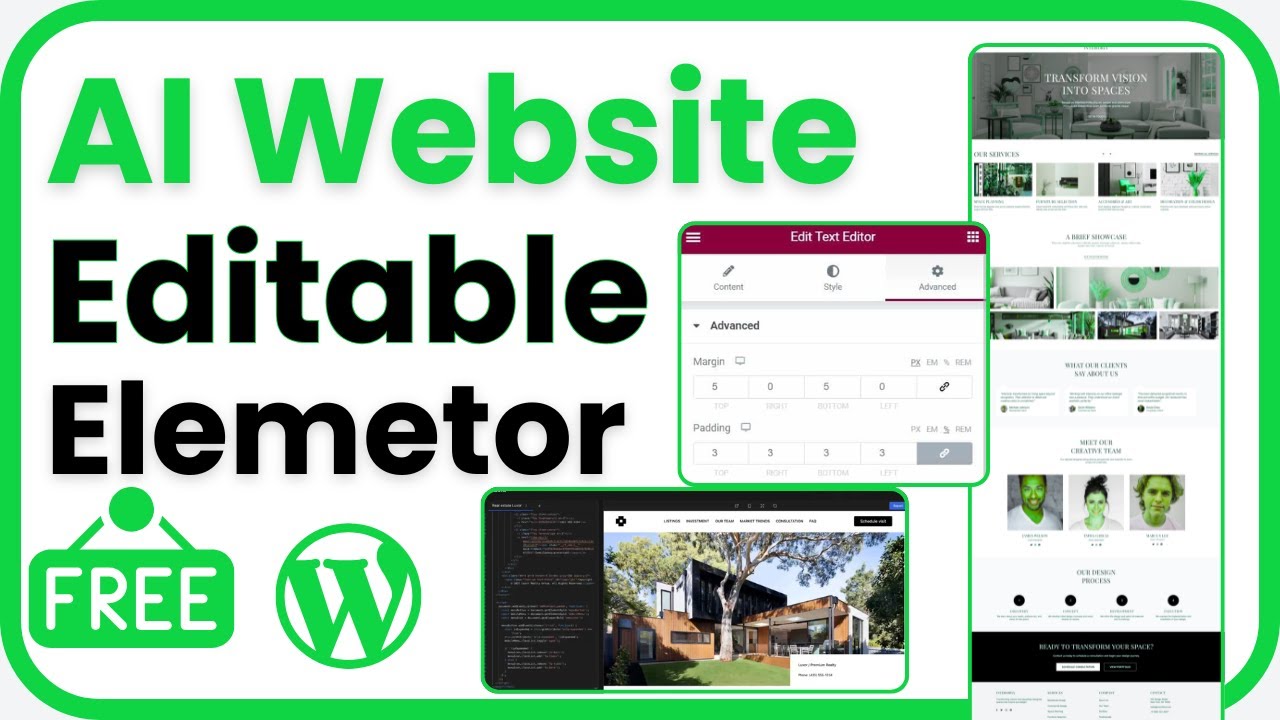
Simplifying AI Website Design and Cloning: Your Guide to Easy Exporting with Elementor and Gutenberg
The digital landscape is evolving rapidly, and with it, the way we design websites. Gone are the days of convoluted processes and steep learning curves. Now, thanks to advancements in artificial intelligence (AI), creating and cloning websites has never been easier. If you’ve ever wished for a straightforward solution to export your designs to popular platforms like Elementor and Gutenberg, you’re in the right place. This guide will walk you through how to leverage AI technology for effortless website design and cloning.
Understanding AI in Web Design
The Role of AI in Modern Website Creation
AI is transforming various industries, and web design is no exception. The incorporation of AI in design tools allows for automated processes that enhance creativity while reducing the technical burden on users. With AI-driven platforms, anyone, from seasoned designers to novices, can create stunning websites efficiently.
AI can analyze user behavior, suggest design patterns, and even create layouts based on current trends. As a result, users can focus on content and branding rather than getting bogged down in the technical details.
Why Choose Elementor and Gutenberg?
Overview of Elementor
Elementor is a leading WordPress page builder known for its intuitive drag-and-drop interface. It empowers users to create custom websites without needing to write any code. With a library of customizable templates and widgets, Elementor allows for high levels of personal branding and creativity.
Insights into Gutenberg
Gutenberg, the block editor for WordPress, presents a different approach to creating content. It focuses on a block-based design system, enabling users to build web pages modularly. With Gutenberg, users can visually organize and manipulate their layouts, making it a versatile choice for content-heavy sites.
The Power of Cloning Websites
What is Website Cloning?
Website cloning involves duplicating an existing website’s design and functionality. This process can save significant time and resources, especially for designers working on multiple projects or needing to test different concepts. By utilizing AI tools to clone websites, users can easily replicate successful designs and adapt them for new purposes.
Exporting Designs: The One-Click Solution
How AI Streamlines the Export Process
Imagine being able to take an entire website design and export it to Elementor or Gutenberg with a single click. AI technology makes this a reality. By analyzing the layout and structure of your design, these tools can package everything needed for seamless transfer to another platform.
This capability eliminates the tedious work of manually recreating designs, allowing for quicker turnaround times and greater flexibility in project management. Whether you’re working on a client’s project or your own digital portfolio, this feature can be a game-changer.
Step-by-Step Guide to Cloning and Exporting with AI
Step 1: Choose the Right AI Tool
Start by selecting an AI-driven web design tool. Look for features that enable seamless integration with both Elementor and Gutenberg. Keep an eye out for user reviews, as these can give you insight into the tool’s reliability and efficiency.
Step 2: Create Your Design
Utilize the tool’s features to create your website design. Most AI platforms offer templates and design suggestions based on your input, so you can customize your site to meet your vision. Spend some time refining your layout and ensuring it aligns with your branding.
Step 3: Employ the Cloning Feature
Once satisfied with your design, use the cloning feature to create a duplicate. This process typically involves selecting your design and choosing the option to clone. The AI will analyze your layout and prepare it for exporting.
Step 4: Export to Elementor or Gutenberg
With the design cloned, you can now export it to your desired platform. Simply select the export option, choose your platform (Elementor or Gutenberg), and hit export. The AI ensures that all elements, including images, text, and styles, are transferred seamlessly.
Step 5: Fine-Tune After Export
Upon exporting, take time to review the design in your chosen platform. While the AI does an excellent job of replicating your design, you might want to make small tweaks or adjustments to ensure everything functions as intended.
Benefits of Using AI for Website Design and Cloning
Time Efficiency
One of the most significant advantages of using AI in website design is the time saved. From generating layouts to exporting designs, AI reduces the workload substantially. This efficiency allows designers to focus on more strategic aspects of their projects.
Cost-Effectiveness
By simplifying the design process, AI tools can help reduce costs associated with hiring additional staff or outsourcing work. Freelancers and small agencies can leverage AI to deliver high-quality designs without breaking the bank.
Enhanced Creativity
AI tools often provide design suggestions and creative insights that users might overlook. This feature can enhance creativity and lead to more unique website designs that stand out in the crowded digital marketplace.
Conclusion
As we immerse ourselves deeper into a digital-first world, the ability to design and clone websites quickly and efficiently has become crucial. AI-driven tools are at the forefront of this evolution, making it possible for anyone to create stunning websites with minimal effort. By leveraging platforms like Elementor and Gutenberg, users can harness the power of AI to streamline their design processes, save time, and enhance creativity.
Whether you’re a seasoned web designer or just starting, embracing AI in your workflow can provide significant advantages. The next time you set out to create a website, consider the ease and efficiency that AI can bring to your design experience. Your digital creative journey awaits!
