
Blog
AI image editing inside WordPress for free
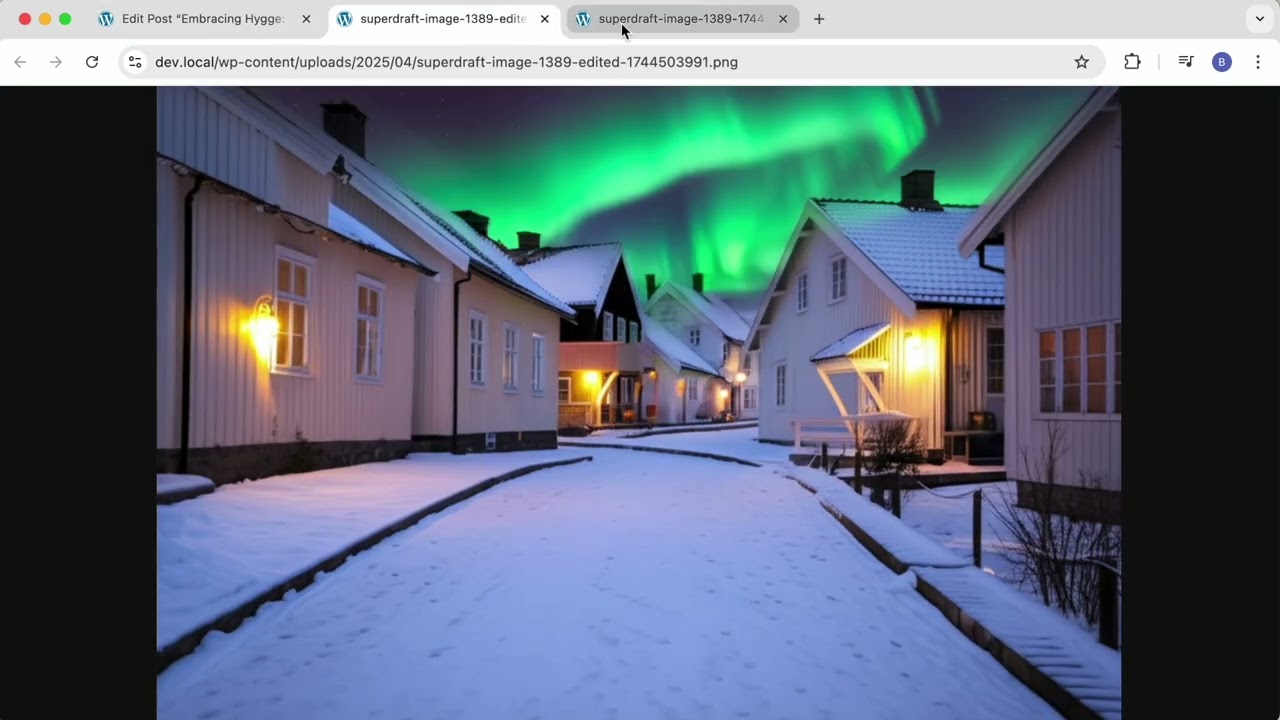
AI Image Editing within WordPress: A Comprehensive Guide to Free Options
In the ever-evolving digital landscape, visual content has become essential for engaging audiences and enhancing online presence. WordPress users seeking to elevate their image editing capabilities can significantly benefit from integrating AI-powered tools designed to optimize and improve visuals. This guide delves deep into the realm of AI image editing within WordPress, showcasing free options and practical tips for seamless integration.
Understanding AI Image Editing
AI image editing harnesses the power of artificial intelligence to enhance, modify, and optimize images with minimal manual effort. These tools can streamline workflows, improve image quality, and enable users to achieve professional outcomes without needing extensive graphic design skills. Users can leverage AI to perform tasks such as background removal, color correction, resizing, and more.
Benefits of AI Image Editing for WordPress Users
1. Time Efficiency
One of the primary advantages of AI image editing is its ability to save time. Traditional photo editing can be labor-intensive, requiring specialized skills and software. AI tools expedite this process, allowing users to quickly generate high-quality images ready for web use.
2. Accessibility
With many free AI image editing tools available, users of all skill levels can access powerful features without investing in expensive software. This democratizes image editing, empowering small business owners, bloggers, and content creators to enhance their visuals.
3. Consistency in Quality
Maintaining a consistent aesthetic is crucial for brand identity, especially in a WordPress environment where visuals play a pivotal role. AI tools help ensure a uniform quality across images, making it easier to establish a professional and cohesive online presence.
Free AI Image Editing Tools for WordPress
1. Canva
While primarily known as a graphic design platform, Canva offers advanced AI features that facilitate image editing. Users can change backgrounds, apply filters, and utilize pre-designed templates to create stunning visuals for their WordPress sites.
Key Features:
- User-friendly interface with drag-and-drop functionality
- Extensive library of templates, images, and icons
- Collaboration features for team projects
2. Pixlr
Pixlr is a versatile online image editor that incorporates AI elements to simplify editing tasks. Its interface is designed for users of all skill levels, from beginners to professionals.
Key Features:
- AI-powered enhancement tools for automatic adjustments
- A wide variety of filters and effects
- Option to work in both Pixlr X (simpler) and Pixlr E (advanced)
3. Fotor
Fotor combines photo editing, graphic design, and collage-making features into one platform. Its AI capabilities allow for quick adjustments to enhance image quality effortlessly.
Key Features:
- AI-driven image enhancer for superior results
- Pre-set templates for quick design solutions
- Integration options for social media sharing and direct uploading to WordPress
4. Remove.bg
Perfect for those needing to remove backgrounds from images, Remove.bg uses AI to isolate subjects quickly and efficiently. This tool is invaluable for creating product images or portraits without distracting backgrounds.
Key Features:
- Instant background removal with high accuracy
- Easy downloading options for quick integration into WordPress
- Batch processing for multiple images
Integrating AI Image Editing Tools into WordPress
Step 1: Choose Your Tool
Firstly, identify the specific editing needs you have. Are you looking to enhance images, create graphics, or remove backgrounds? Choose from the tools listed above based on your requirements.
Step 2: Edit Your Images
Using your chosen tool, upload your images and take advantage of AI features to make necessary adjustments. Most tools provide intuitive interfaces that guide users through the editing process.
Step 3: Download and Upload to WordPress
Once you’ve finished editing, download your images in the desired format. Then, head to your WordPress Media Library, where you can upload your edited images. Ensure they are properly optimized for web use to improve loading times.
Best Practices for Using Images in WordPress
1. Optimize for SEO
Every image uploaded to your WordPress site presents an opportunity for SEO. Use relevant keywords in the file name and alt text, helping search engines understand the content and increase visibility.
2. Choose the Right File Format
Selecting the appropriate file format can significantly affect load times and quality. JPEGs are typically best for photographs, while PNGs work well for images with transparency. WebP is another option that provides superior compression without sacrificing quality.
3. Compress Your Images
Even after editing, images can be large files that slow down your website. Use compression tools (some of which are integrated into AI image editors) to minimize file sizes without compromising quality.
4. Maintain Consistency
Establishing a consistent style across all images—the same filters, colors, and graphic elements—contributes to a unified brand identity. Stick to a theme that reflects your brand’s message and appeals to your audience.
The Future of AI in Image Editing
As technology continues to develop, the capabilities of AI in image editing are expected to expand significantly. More intuitive interfaces, enhanced automation features, and improved algorithms will likely emerge, making it even easier for users to create stunning visuals without professional knowledge.
Conclusion
AI image editing tools represent a paradigm shift in how WordPress users can enhance their visual content. The availability of free tools like Canva, Pixlr, Fotor, and Remove.bg democratizes access to professional-quality editing, allowing anyone to elevate their brand’s online presence. By incorporating AI image editing into your workflow, you can save time, ensure consistent quality, and ultimately create visually stunning content that engages and captivates your audience. Embrace the possibilities of AI and transform your WordPress site into a visually appealing platform that stands out in the crowded digital space.
