
Blog
Build a Website in 5 Minutes Using AI | TRAE AI Full Tutorial
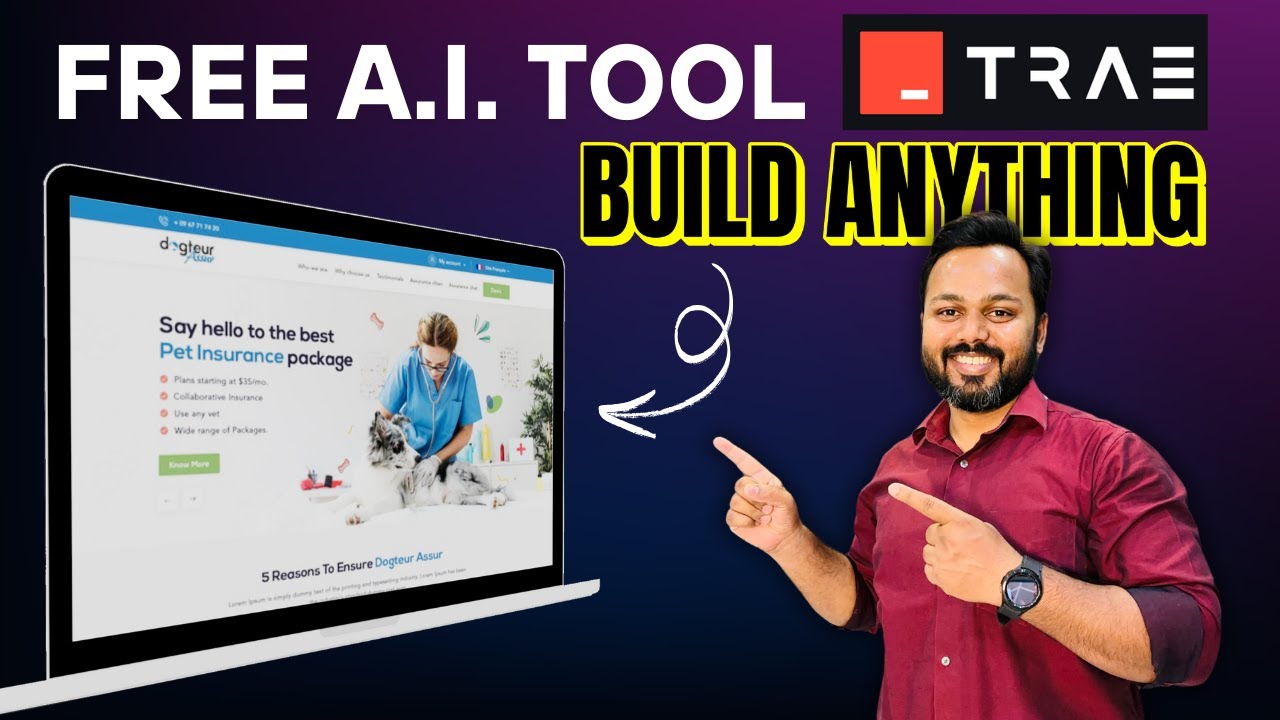
How to Build a Website in Just 5 Minutes Using AI
Creating a website can often seem like a daunting task, especially for those who lack technical expertise. However, recent advancements in artificial intelligence have simplified the process remarkably, enabling anyone to create a professional-looking website in just five minutes. In this guide, we’ll explore how you can leverage AI for swift website creation, the steps involved, and tips for optimizing your newly built site.
Why Use AI to Build a Website?
The integration of AI in website development has made it easier for individuals and businesses to establish an online presence without needing to code. Here are a few reasons why AI is revolutionizing the web development landscape:
- Speed: AI tools can quickly generate web pages, allowing you to launch your site in mere minutes.
- Accessibility: Many AI platforms are user-friendly, making them accessible to people without technical skills.
- Customization: AI can analyze user preferences to deliver tailored website designs that resonate with target audiences.
- Cost-Effective: Building a website through traditional means can be expensive, but AI tools often come with affordable pricing or even free options.
Getting Started: Choosing the Right AI Tool
The first step in creating your website is selecting the right AI platform. There are several options available, each with unique features. Look for platforms that:
- Offer drag-and-drop functionality for ease of use.
- Include pre-designed templates suitable for different niches.
- Allow for easy integration of essential plugins like chatbots, SEO tools, and analytics.
Some popular AI website builders include:
- Wix ADI (Artificial Design Intelligence): Customizes your website based on your answers to a few questions.
- Zyro: Offers comprehensive tools, including logo makers and email marketing.
- Squarespace: Known for its stunning templates and ability to create visually appealing websites effortlessly.
Step-by-Step Guide to Building Your Website
Once you’ve chosen a suitable AI website builder, follow these steps to create your website in five minutes:
1. Sign Up for an Account
Start by creating an account on the AI website builder of your choice. Typically, this is as simple as providing your email address and creating a password. Some platforms also offer sign-up through social media accounts for added convenience.
2. Answer Basic Questions
Many AI tools will prompt you with a series of questions aimed at understanding your needs. This may include:
- What type of website do you want to create? (e.g., personal blog, business site, portfolio)
- What features are important to you? (e.g., contact forms, photo galleries, e-commerce capabilities)
Your responses will help the AI tailor templates and features to suit your specific requirements.
3. Choose a Template
After inputting your preferences, the AI will present you with a selection of website templates. Browse through the options and select one that aligns with your brand or personal style. Most templates are customizable, allowing you to tweak colors, layouts, and fonts.
4. Customize Your Website
Once you choose a template, you can start customizing it. Most AI website builders offer intuitive drag-and-drop interfaces that make it easy to:
- Add images
- Update text
- Rearrange sections
- Integrate social media links
Take your time to ensure the website reflects your brand identity and meets your visitors’ needs.
5. Add Essential Features
No website is complete without essential features. Consider including:
- Contact forms: Allow visitors to reach you easily.
- SEO tools: Optimize your site for search engines to increase visibility.
- Analytics: Use tools like Google Analytics to track visitors and understand your audience’s behavior.
Most AI website builders come with built-in features to incorporate these elements, ensuring a robust online presence.
6. Preview and Publish Your Website
Before going live, take a moment to preview your website. This ensures that everything functions correctly and that the design looks appealing on both desktop and mobile devices. Once satisfied, hit the publish button, and your site will be live!
Post-Publication Tips for Optimization
Congratulations! Your website is live. However, building the site is just the first step; ongoing optimization is crucial for maintaining and improving your online presence. Here are some tips:
1. Enhance SEO
Search Engine Optimization (SEO) is essential for increasing your website’s visibility. Focus on the following:
- Use relevant keywords in your content.
- Optimize meta titles and descriptions.
- Ensure your website loads quickly and is mobile-friendly.
2. Regularly Update Content
Fresh content keeps your audience engaged and encourages return visits. Consider adding a blog section to share valuable insights, updates, or relevant industry news.
3. Promote Your Website
Share your new site through various channels, such as email newsletters and social media. Building an audience will help drive traffic and engagement.
4. Monitor Performance
Utilize analytics tools to track visitor behavior, page views, and conversion rates. Analyzing this data will inform your strategies and enable you to make necessary adjustments.
The Future of Website Building
As AI continues to evolve, the future of website building looks even brighter. We can expect increasingly sophisticated tools that offer even more customization, automation, and insights. Embracing these innovations can offer businesses and individuals unparalleled opportunities to connect with their audiences online.
Conclusion
Building a website in just five minutes using AI is no longer a dream but a reality. With user-friendly platforms, anyone can create a professional digital presence without the need for coding skills. By following the steps outlined above, you can establish your website quickly and efficiently, paving the way for future growth and success. As you continue to optimize and promote your site, remember that the digital landscape is ever-changing, and staying updated will ensure your website remains relevant and engaging.
