
Blog
WordPress Website बनाओ AI से! (2025) 🚀 5 मिनट में! – How To Build WordPress Website With AI 🔥
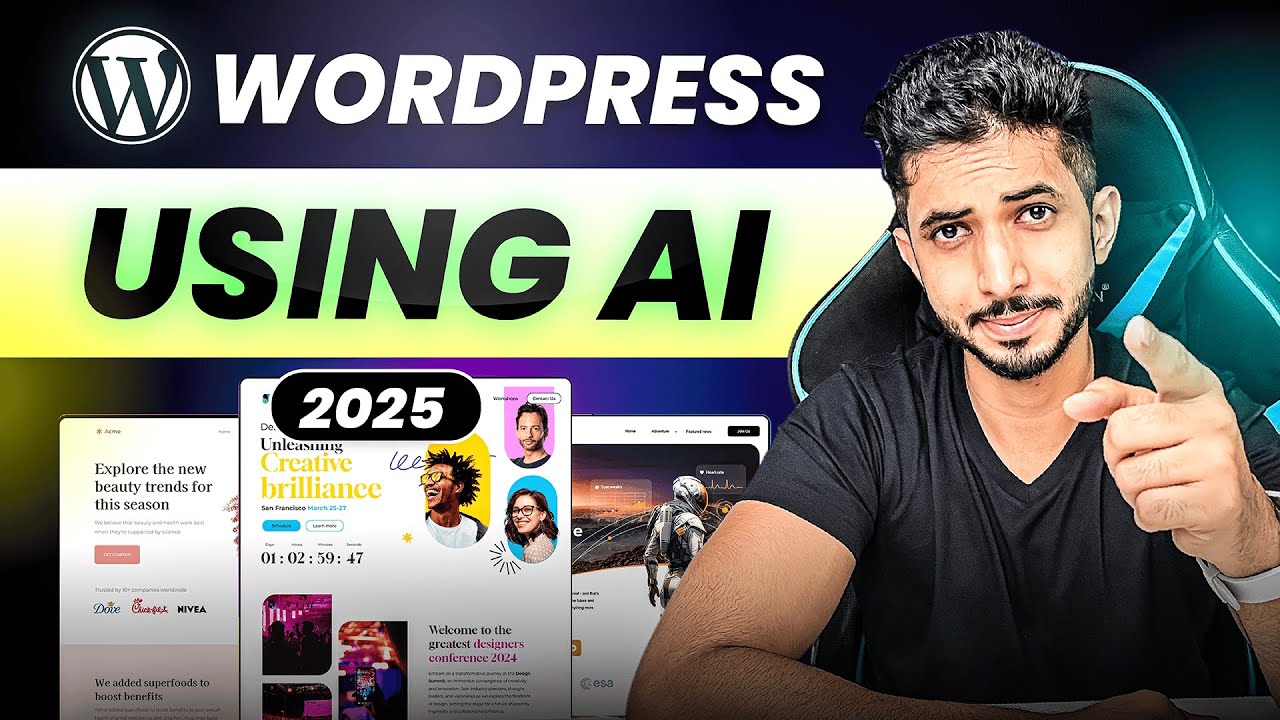
Build Your WordPress Website with AI: A Step-by-Step Guide for 2025
In the rapidly evolving world of technology, building a website has never been easier than with the advent of Artificial Intelligence (AI). If you’re looking to create a WordPress website in just a few minutes, this guide will walk you through the process step by step, using the latest AI tools and resources available in 2025.
Understanding AI in Web Development
AI has revolutionized many industries, including web development. By leveraging AI, you can automate various processes, from design to content creation, making website building faster and more accessible. Here’s how you can utilize AI effectively for your WordPress website.
Benefits of Using AI for Your WordPress Site
-
Time Efficiency: With AI tools, you can reduce the time it takes to build a website significantly, allowing you to focus on content and engagement.
-
Cost-Effectiveness: Many AI tools offer free or low-cost options, minimizing expenses associated with hiring a web developer.
-
User-Friendly: AI interfaces are designed to be intuitive, enabling anyone, regardless of experience, to create a professional-looking site.
-
SEO Optimization: AI tools can assist in optimizing your website for search engines, ensuring better visibility.
- Continuous Learning: AI constantly improves its algorithms based on user interactions, which means your website can evolve with time.
Getting Started: Setting Up Your WordPress Website
To build a WordPress website using AI, follow these essential steps:
Step 1: Choose a Hosting Provider
Choosing the right hosting provider is crucial for your website’s performance and security. Look for providers that offer easy WordPress installations, excellent customer support, and robust security features.
- Recommended Providers: Bluehost, SiteGround, and DreamHost are among the top choices for WordPress hosting.
Step 2: Install WordPress
Most hosting providers offer a one-click installation for WordPress. Once you have signed up for a hosting plan, locate the WordPress installer in your hosting dashboard.
- Log in to your hosting account.
- Navigate to the control panel.
- Click on the WordPress installer.
- Follow the prompts to set up your site.
Step 3: Select a Suitable Theme
Choosing the right theme can significantly impact your website’s look and feel:
-
AI Theme Recommendations: Use AI-based theme recommendation tools that analyze your niche and suggest suitable themes based on your preferences and goals.
- Customization Options: Ensure the theme allows for customization, enabling you to personalize your site without extensive coding knowledge.
Utilizing AI Tools for Content Creation
With your WordPress site set up, the next step is content creation. Using AI tools can streamline this process:
AI-Powered Content Generators
-
Jasper (formerly Jarvis): This tool assists in creating high-quality written content based on your specifications. Simply input the topic, and it generates engaging articles tailored to your audience.
-
Copy.ai: Great for marketing copy, product descriptions, and social media content, offering a variety of templates to choose from.
- INK Editor: An AI-driven writing assistant that not only generates content but also helps optimize it for SEO during the writing process.
Enhancing User Experience with AI
To keep visitors engaged, focus on enhancing user experience. AI tools can help in various ways:
AI Chatbots
Integrating an AI chatbot can improve customer service and interaction on your site.
-
Benefits: Immediate responses to customer queries, 24/7 availability, and personalized interactions based on user behavior.
- Implementation: Use platforms like ChatGPT or Tidio to set up a chatbot easily on your WordPress site.
AI Analytics
Understanding your audience is key to improving your website. AI analytics tools like Google Analytics can provide insights into user behavior, helping you make informed decisions.
-
User Engagement Data: Track metrics such as bounce rates, session durations, and popular content areas.
- Improvement Suggestions: AI analytics tools often suggest areas for improvement based on user interactions and behaviors.
SEO Optimization for Your AI-Driven Site
Creating a website isn’t just about aesthetics; it’s also about visibility. Here’s how AI can help optimize your site for search engines:
Keyword Research Tools
AI-driven tools like Ahrefs or SEMrush can assist you in identifying relevant keywords for your niche.
-
Finding Opportunities: Discover low-competition keywords that can drive traffic to your site.
- Content Ideas: These tools can also provide content suggestions based on trending topics in your industry.
On-Page SEO Optimization
There are several AI tools that can help with on-page SEO:
-
Yoast SEO: A popular plugin that provides real-time feedback on how to improve your content for search engines, ensuring your articles are optimized.
- Surfer SEO: Offers data-driven recommendations based on top-ranking pages, helping you structure content effectively.
Regular Maintenance and Updates
Maintaining your WordPress website is crucial for optimal performance and security. Here are some best practices:
-
Regular Updates: Keep your WordPress core, themes, and plugins updated to avoid security vulnerabilities.
-
Backup Solutions: Use AI-powered backup solutions that can automate backups daily, ensuring your site data is secure.
- Performance Monitoring: Use tools like Google PageSpeed Insights to monitor your site’s performance and stay ahead of any speed issues.
Conclusion: The Future of Website Building
Building a WordPress website in 2025 with AI tools opens up a world of possibilities for both new and experienced users. Not only does it streamline the development process, but it also enhances user experience and optimizes content for search engines. By leveraging the power of AI, you can create a professional, well-performing website in a fraction of the time it would traditionally take.
Whether you’re launching a personal blog, a portfolio, or a full-fledged e-commerce site, the steps outlined in this guide will help you navigate the AI-powered landscape of web development. Embrace the future, and take your website to new heights today!
