
Blog
Formation WordPress 2025 : Créer un Portfolio créatif de A à Z (100% GRATUIT – Elementor)
Introduction
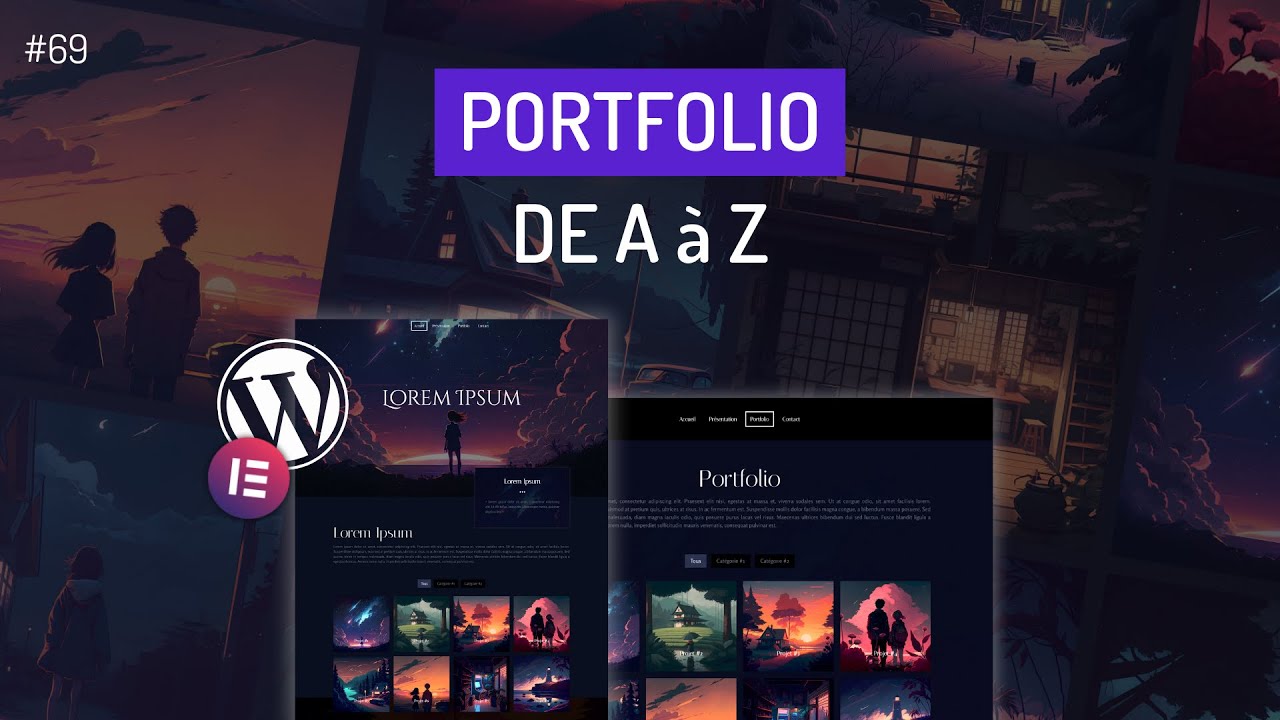
In the rapidly evolving digital landscape, having a captivating online portfolio is crucial for creative professionals. With tools like WordPress and Elementor, creating a stunning portfolio from scratch has never been easier. This guide aims to walk you through the process step-by-step, providing you the knowledge and tools you need to showcase your work effectively in 2025.
Why Choose WordPress for Your Portfolio?
User-Friendly Interface
One of the main advantages of WordPress is its user-friendly interface. Even if you have no coding experience, WordPress allows you to build a professional-looking website with relative ease. The drag-and-drop functionality of Elementor enhances this, making it simple to customize your portfolio according to your creative vision.
Versatile Customization Options
WordPress offers a wide range of themes and plugins, enabling you to tailor your portfolio to your specific requirements. With Elementor, you can design unique layouts, add animations, and incorporate various media easily. This versatility ensures that your portfolio stands out from the competition.
SEO Benefits
An essential aspect of having an online portfolio is ensuring it’s easily discoverable. WordPress is designed with SEO in mind, allowing you to optimize your content for search engines. This can significantly enhance your visibility and attract potential clients or employers.
Getting Started: Setting Up WordPress
Choosing a Domain and Hosting
The first step in your portfolio journey is selecting a domain name and a hosting provider. A memorable domain name tied to your brand is crucial. Look for hosting providers known for reliability and speed, such as Bluehost or SiteGround, which also offer easy WordPress installations.
Installing WordPress
Most hosting providers offer a one-click installation for WordPress. Once installed, you’ll have access to the WordPress dashboard, where you can manage your website effectively.
Selecting a Theme
Choose a theme that aligns with your creative style. Look for themes that are responsive, meaning they work well on mobile devices, and are compatible with Elementor. Themes like Astra or OceanWP are popular choices among creatives for their flexibility and ease of use.
Installing Elementor
What is Elementor?
Elementor is a powerful page builder plugin for WordPress that provides a drag-and-drop interface, making it simple to design custom pages without any coding knowledge. It is essential for creating a visually appealing portfolio.
Installing the Plugin
To install Elementor, navigate to the “Plugins” section in your WordPress dashboard, search for “Elementor,” and click “Install Now.” Once activated, you’ll find a new "Elementor" option in the dashboard menu, which allows you to start designing pages.
Designing Your Portfolio
Planning Your Content
Before diving into design, take some time to plan the content you want to showcase. Decide on the types of work to include and categorize them to help visitors navigate through your portfolio easily. Common categories include photography, graphic design, web design, and writing samples.
Creating Pages with Elementor
-
Home Page: Your homepage should make a lasting impression. Use bold images, a captivating introduction, and a clear call-to-action.
-
Portfolio Page: This page is where you’ll display your works. Use Elementor’s gallery widget to create stunning showcases of your projects. Ensure each piece has a brief description and relevant tags.
-
About Page: Share your story. Discuss your background, skills, and what inspires you. Use images to humanize your portfolio and connect with your audience.
- Contact Page: Make it easy for potential clients to reach you. Include a simple contact form using Elementor’s form widget.
Utilizing Elementor Features
-
Templates: Elementor offers pre-designed templates that you can customize. This is especially useful if you’re pressed for time.
-
Responsive Design: Ensure your portfolio looks fantastic on all devices. Use Elementor’s responsive editing tools to adjust your layout for mobile, tablet, and desktop.
- Animations and Effects: Add visual flair by incorporating animations. Simple hover effects can enhance user experience without being overwhelming.
Optimizing Your Portfolio for SEO
Keyword Research
Identify relevant keywords for your portfolio using tools like Google Keyword Planner or SEMrush. Focus on terms related to your niche. Incorporate these keywords naturally within your content, titles, and alt text for images.
Improving Page Load Speed
A fast-loading site is critical for user experience and SEO. Optimize images for the web and consider using caching plugins like WP Super Cache to enhance performance.
Utilizing SEO Plugins
Plugins like Yoast SEO or Rank Math provide valuable insights into your content. They help you optimize titles, meta descriptions, and images, ensuring your portfolio ranks better in search engines.
Marketing Your Portfolio
Social Media Promotion
Utilize social media platforms to showcase your work and drive traffic to your portfolio. Share posts, behind-the-scenes content, and engage with your audience. Tailor your content for each platform to maximize reach.
Networking
Connect with other professionals in your industry. Attend events, join online forums, and consider guest blogging to enhance your visibility. Networking can lead to potential collaborations and clients.
Email Marketing
Building an email list allows you to maintain relationships with your audience. Send regular newsletters featuring your latest projects and updates. Platforms like Mailchimp make it easy to create and manage your emails.
Maintaining Your Portfolio
Regular Updates
To keep your portfolio relevant, regularly update it with new projects, achievements, and any changes in your skills. This not only showcases your growth but also improves your SEO.
Analytics Tracking
Use tools like Google Analytics to monitor your site’s performance. Analyze visitor behavior to understand which works resonate most and what content drives the most traffic.
Conclusion
Creating a creative portfolio with WordPress and Elementor in 2025 is an enriching experience that allows you to express your artistic vision and attract potential clients. By following these steps, you can build a professional online presence that showcases your skills and creativity. Invest the time to create and maintain your portfolio; it could be the key to unlocking new opportunities in your career.
