
Blog
How to Build a $5,100 WordPress Site With AI ⚡
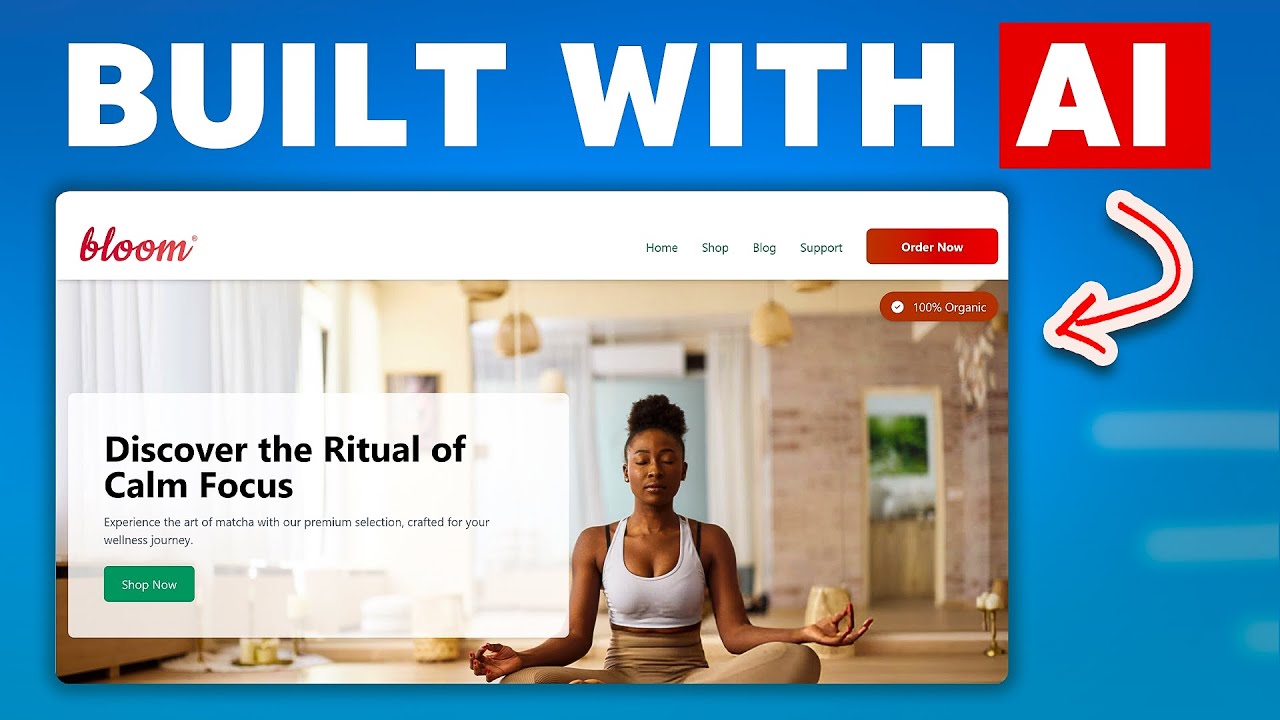
Transforming Web Design: A Step-by-Step Guide to Building a High-Value WordPress Site Using AI
The digital landscape evolves rapidly, and businesses today need websites that are not just functional but also dynamic, visually appealing, and optimized for conversions. Traditional web development can be costly and time-consuming, but with advancements in artificial intelligence (AI), creating a professional WordPress site priced at $5,100 (or more) is now achievable on a budget. This guide unpacks how to leverage AI tools to streamline design, content creation, and optimization without compromising quality.
Why Combine WordPress and AI for Web Development?
WordPress powers over 43% of all websites globally, thanks to its flexibility and user-friendly interface. Integrating AI into the process turbocharges efficiency by automating repetitive tasks, generating content, and offering data-driven design insights. The result? A polished site built in a fraction of the time—perfect for entrepreneurs, agencies, or small businesses aiming to maximize ROI.
Step 1: Strategic Planning with AI Assistance
Every successful website begins with a clear plan. AI tools can analyze market trends, competitor sites, and user behavior to inform your strategy.
Define Goals and Audience
Use AI-powered platforms like MarketMuse or Frase to:
- Identify high-demand keywords in your niche.
- Generate audience personas based on demographics and online behavior.
- Analyze competitors’ content gaps to position your site uniquely.
Site Structure and Wireframing
Tools like Uizard or Mockplus use AI to convert rough sketches into wireframes. Input your requirements, and the software generates a sitemap, layout suggestions, and even UX best practices tailored to your audience.
Step 2: Choosing the Right AI Tools for Development
Not all AI tools are created equal. Prioritize platforms that integrate seamlessly with WordPress and align with your goals.
Content Generation
- ChatGPT (OpenAI): Generate blog posts, service descriptions, and FAQs in minutes. Refine outputs to match your brand voice.
- Jasper.ai: Optimize content for SEO while maintaining readability.
Design Automation
- Divi AI: A WordPress plugin that automates theme customization, image sizing, and color palette selection.
- Midjourney: Create custom graphics, logos, and banners using text prompts.
SEO and Performance
- Surfer SEO: Analyze top-ranking pages and get real-time recommendations for on-page optimization.
- WordLift: Automatically structure content with schema markup to boost visibility.
Step 3: Setting Up Your WordPress Site
With planning complete, it’s time to build the foundation.
Hosting and Domain
Choose a reliable hosting provider like SiteGround or Bluehost. Use Namecheap’s AI domain generator to find a memorable, SEO-friendly domain name.
Install WordPress and Essential Plugins
After installation, activate these AI-enhanced plugins:
- Akismet: Block spam comments automatically.
- Elementor AI: Design pages using drag-and-drop functionality paired with AI-generated templates.
- Rank Math SEO: Optimize meta tags, alt text, and internal linking.
Step 4: AI-Driven Content Creation
Content is the backbone of your site. AI tools ensure it’s engaging and search-engine-ready.
Blog Posts and Landing Pages
- Use ChatGPT to draft outlines or full articles. For example, input: “Write a 1,500-word blog post about sustainable fashion trends in 2024.”
- Optimize readability with Grammarly’s tone adjustments and clarity suggestions.
Visual Content
- Generate images with Stable Diffusion or DALL-E based on your keywords (e.g., “modern eco-friendly office space”).
- Convert text to video with Designs.ai for engaging product demos.
Step 5: Designing a Professional Layout
A cluttered design drives visitors away. AI helps strike the balance between aesthetics and functionality.
Theme Customization
Divi AI and Astra Themes offer smart suggestions for fonts, spacing, and mobile responsiveness. For instance, input “minimalist portfolio for a photographer,” and the AI will adjust layouts accordingly.
Personalization
Tools like Optimize or Pathwright analyze user behavior to display dynamic content. Show returning visitors personalized CTAs or product recommendations.
Step 6: SEO Optimization and Performance Testing
A beautiful site is worthless if it doesn’t rank.
On-Page SEO
- Run your content through Surfer SEO to ensure keyword density, header structure, and image alt-text meet SEO standards.
- Use Clearscope to identify semantically related keywords for higher topical relevance.
Speed and Security
- Optimize images with ShortPixel or TinyPNG’s AI compression.
- Install MalCare for real-time malware scanning and threat detection.
Step 7: Launch and Continuous Improvement
Deploy your site, but don’t stop there. Use AI to refine it over time.
A/B Testing
Tools like Omniconvert compare page variations to determine which layouts or CTAs convert best.
Analytics and Iteration
Google Analytics’ AI insights highlight trends, like high-exit pages or underperforming content. Pair this with Chatfuel’s chatbot to gather direct user feedback.
Conclusion: The Future of Web Development is AI-Powered
Building a $5,100 WordPress site with AI isn’t just a cost-saving hack—it’s a strategic move to stay ahead in a competitive digital world. By automating labor-intensive tasks, you can allocate resources to creativity, user experience, and growth. As AI tools evolve, their ability to predict trends and personalize content will only deepen, making now the ideal time to embrace this technology.
Invest in learning these platforms, experiment with workflows, and watch your site transform from a basic template to a high-value asset that drives traffic, engagement, and revenue. The age of AI web development is here, and the possibilities are limitless.
Note: Actual costs may vary based on premium tool subscriptions, custom integrations, or hiring developers for complex tasks. Start with free trials, and scale as needed.
